ChatGPTImage
AI Image Creation
Turn text prompts into 4K images and videos, edit uploaded photos, and refine results in an all-in-one AI workspace.
Promoted
 AI Checker PlusAI detector that highlights which passages AI wrote. Free check, no sign-up. Plagiarism too.
 RewindType any X/Twitter handle. Get their year back as a narrated video story. Then ask it anything.
 KurodyneSell the tools from your AI side projects. Listing is free.
 Sidrune AI85% off. Stable Claude API for agent developers. Pay as you go. Invoices & refunds available.
 Pixmax.aiPixmax.ai is an all-in-one AI workspace for videos, visual stories, and marketing content.
 SEOify - Improve your SEO & rankingsBuild links to rank in Google. Improve your DR with links you can start building now.Advertise here270,000+ people visit Dang.ai every month.
What does ChatGPTImage do?
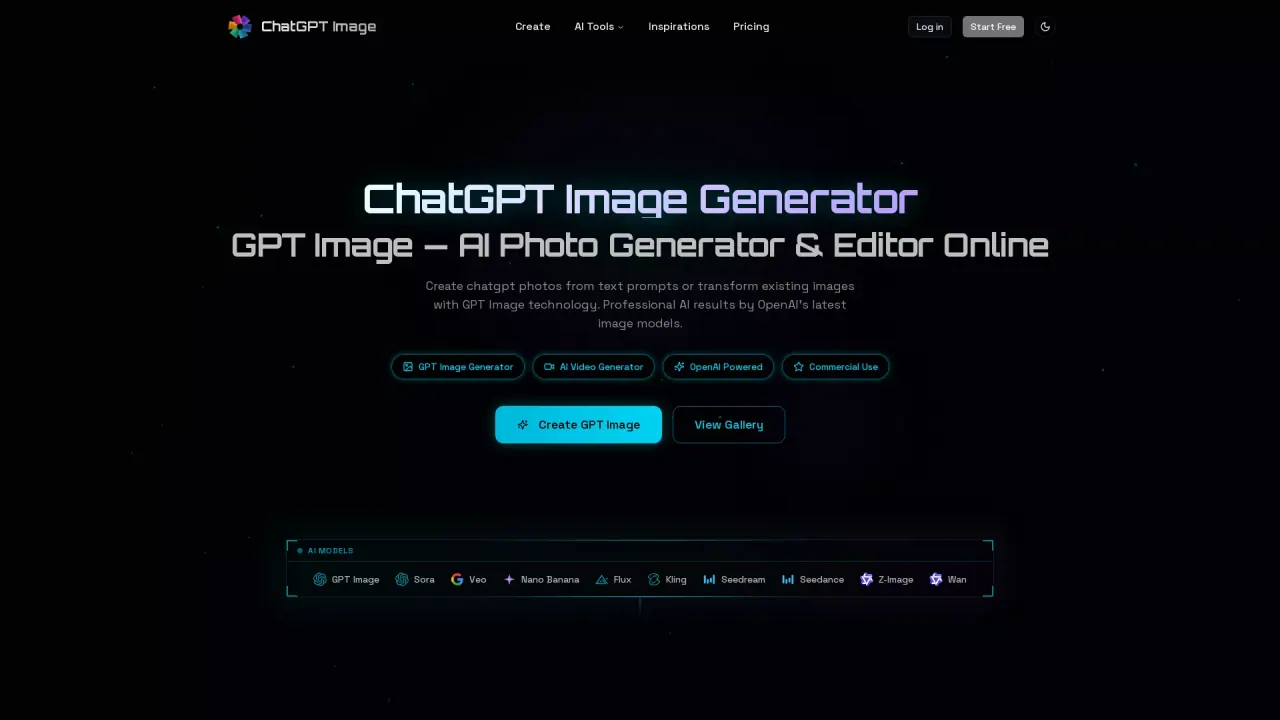
ChatGPT Image is an online AI image generator and photo editor that creates visuals from text prompts and transforms your own photos. Using GPT Image models (along with other available models), you can generate text-to-image results and edit existing images with an image-to-image workflow.
For image creation, you describe your subject, style, mood, colors, composition, and fine details, then choose an available model and select an aspect ratio and resolution for your project. The generator is designed to support professional outputs on demand, including in-image text and layout for items like posters, logos, and social graphics, with outputs up to 4K for most models.
If you already have a reference, upload JPG/PNG/WebP images (up to 10 MB each) and use the editor to apply styles, swap backgrounds, enhance detail, or reimagine parts of the photo while keeping unchanged areas. You can also turn finished images into short AI videos with text-to-video and image-to-video tools, selecting an available video model and adjusting duration/format for your goal.
ChatGPT Image is built for creators, marketers, and designers who need fast visual production without installing software. It offers a free start and paid upgrades for additional capacity and commercial usage of what you create.
What can I create with ChatGPT Image?
You can generate images from text prompts, edit uploaded photos using image-to-image, and create short AI videos using text-to-video or image-to-video workflows.
What resolutions and output quality does it support?
Most models support up to 4K image output, with some model-specific differences (for example, Seedream 5 Lite supports up to 3K). You can also choose aspect ratios for images and video formats for video outputs.
How do I edit an existing photo?
Upload a JPG/PNG/WebP reference image, then describe the changes you want. Review the result and iterate if you need more accurate text, composition, or fine details.
Can I use the generated images and videos commercially?
Yes—commercial use is available for images and AI videos generated with a paid subscription, covering projects like marketing materials and products.
Is ChatGPT Image free to start?
Yes. You can begin generating and editing images with a free option, and paid plans add more capacity and commercial rights.
What are common limitations to expect?
Precise text placement, repeating character consistency, and complex layout control may require additional generations or manual correction. High-resolution results should also be reviewed for artifacts before publishing.
This listing is claimed
Own ChatGPTImage? Sign in with the email used to claim it to manage this listing, or upgrade to Pro for featured-first placement and a newsletter feature.