
GPTImage2
AI Image Generation Tool
Create and edit high-quality AI images and videos in one workflow using multiple leading model options.
Promoted
 Sidrune AI85% off. Stable Claude API for agent developers. Pay as you go. Invoices & refunds available.
 Pixmax.aiPixmax.ai is an all-in-one AI workspace for videos, visual stories, and marketing content.
 SEOify - Improve your SEO & rankingsBuild links to rank in Google. Improve your DR with links you can start building now.Advertise here270,000+ people visit Dang.ai every month.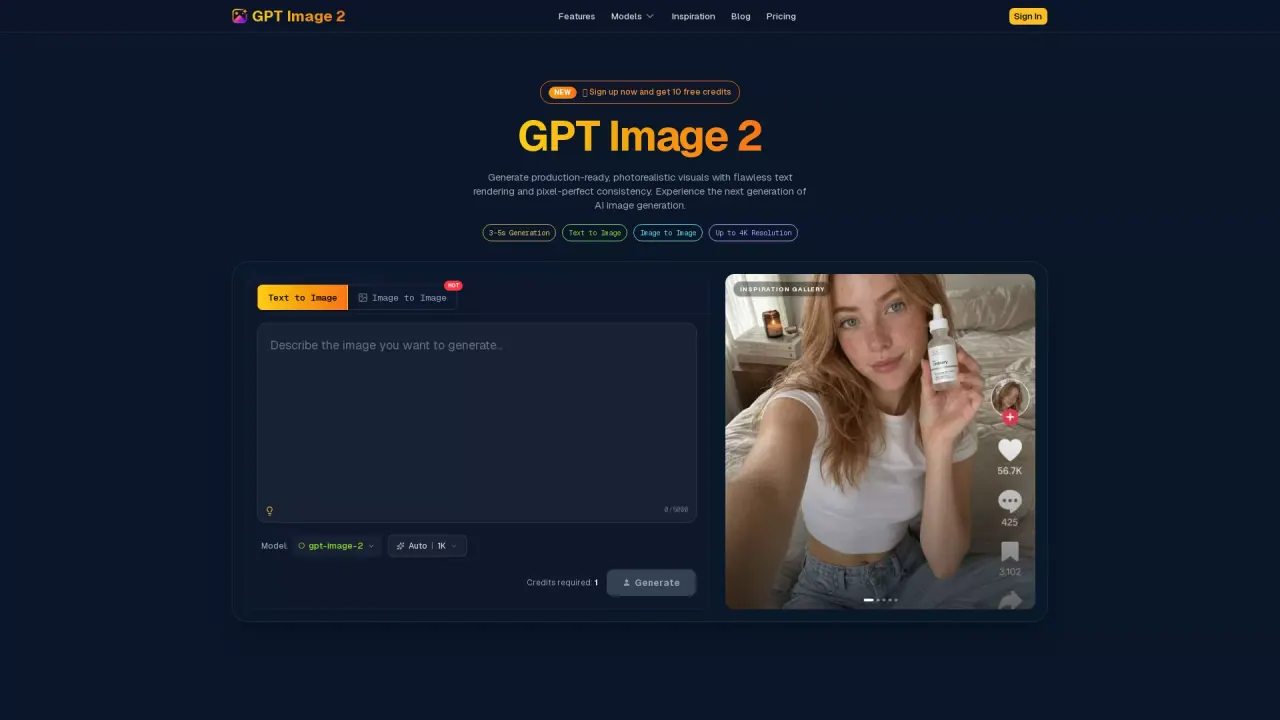
What does GPTImage2 do?
GPTImage2 (FlowCanvas) is an independent AI creation platform designed to generate and edit polished images from text prompts, and to extend those results into video motion. Work from a single canvas that routes your prompts to supported model options, so you can keep ideation, generation, and refinement in one place.
With FlowCanvas, you can run text-to-image, image-to-image, and multi-reference workflows for a wide range of creative outputs—ecommerce product marketing visuals, dense information graphics, portraits and lifestyle imagery, and UI/UX mockups. The platform also includes an inspiration gallery where you can browse community examples, preview prompts, and reuse them as a starting point.
For motion, FlowCanvas supports a text-to-video path that connects with GPT Image 2 outputs to help you turn foundational frames into video using Seedance 2 video generation. If you’re producing campaign assets, concept art, or cinematic-style visuals, this combined workflow helps reduce the need to jump between tools.
Use FlowCanvas if you want production-ready results with native-level text rendering, consistent art/style control across iterations, and a workflow that’s structured for creators, designers, marketers, founders, agencies, and teams. New users can sign up for 10 free credits, and pricing/paid plans are available for higher usage needs.
What can I create with GPTImage2 on FlowCanvas?
You can create AI images from text prompts and use image-based editing workflows. You can also generate AI video motion as part of a connected workflow.
Do I need separate tools for images and videos?
No—FlowCanvas is a unified workspace that routes image generation and then connects to Seedance 2 video generation from the same canvas workflow.
What kinds of creative projects is FlowCanvas best for?
It’s built for ecommerce product marketing visuals, information visualization and infographics, portraits and lifestyle imagery, UI/UX and digital product mockups, and cinematic image-to-video pipelines.
Can I browse examples and reuse prompt ideas?
Yes. The inspiration gallery lets you explore community-generated images and hover to preview prompts, copy them, and send them to the generator.
Is there a free option to try GPTImage2?
Yes. Signing up now includes 10 free credits, with paid plans available for more regular or higher-usage generation.
Does FlowCanvas support better text and typography in generated images?
Yes. It’s designed for native-level text rendering to help avoid distorted or artifact text, including across multiple languages.
This listing is claimed
Own GPTImage2? Sign in with the email used to claim it to manage this listing, or upgrade to Pro for featured-first placement and a newsletter feature.