Flux2
AI Image Generation Tool
Flux 2 is a free online AI image generator and editor that turns text prompts (and your uploads) into high-quality visuals.
Promoted
 KurodyneSell the tools from your AI side projects. Listing is free.
 Sidrune AI85% off. Stable Claude API for agent developers. Pay as you go. Invoices & refunds available.
 Pixmax.aiPixmax.ai is an all-in-one AI workspace for videos, visual stories, and marketing content.
 RewindType any X/Twitter handle. Get their year back as a narrated video story. Then ask it anything.
 SEOify - Improve your SEO & rankingsBuild links to rank in Google. Improve your DR with links you can start building now.Advertise here270,000+ people visit Dang.ai every month.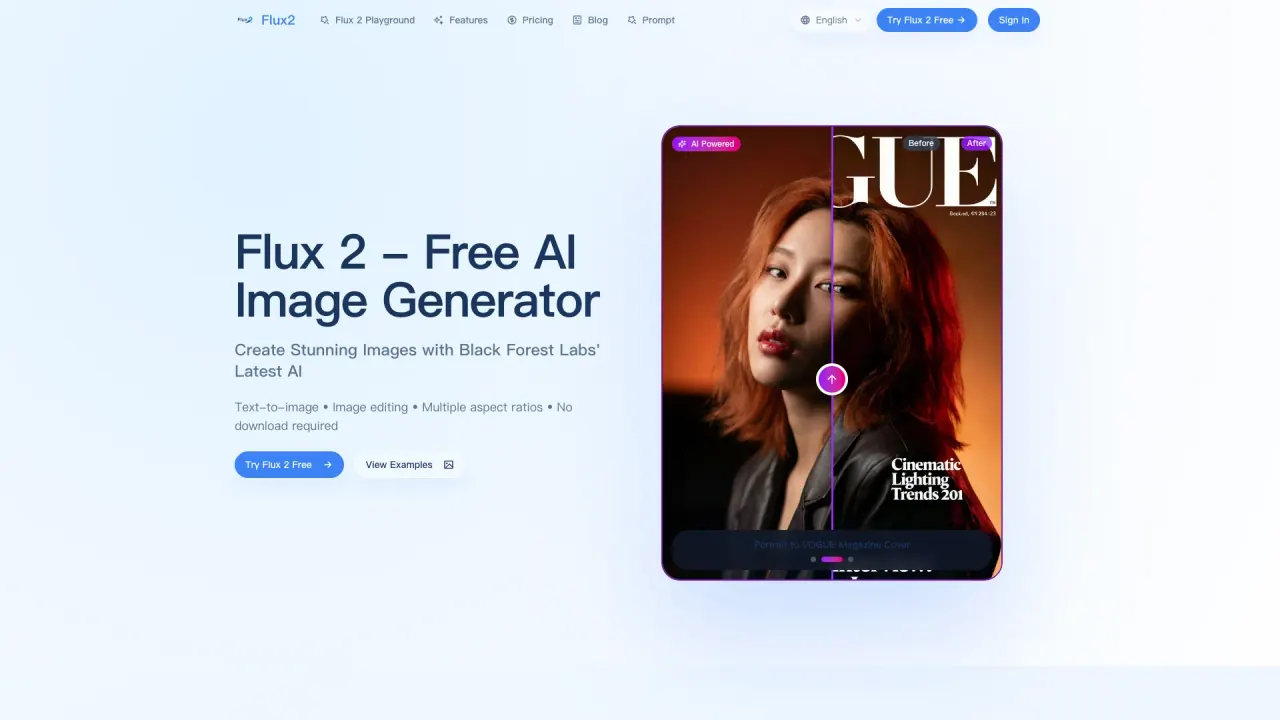
What does Flux2 do?
Flux 2 is Black Forest Labs’ AI image generation and editing suite built for creating photorealistic images fast. Use it in your browser to generate images from text prompts, or upload an existing image and transform it with natural-language instructions.
Key features include text-to-image and image-to-image editing, support for multiple aspect ratios (21:9, 16:9, 4:3, 1:1, 3:4, 9:16), and the ability to use multiple references (1–8 images) for more guided results. You can also compare examples using a before/after style workflow.
Flux 2 is a great fit for creators, marketers, indie founders, and small teams who need strong visuals quickly—without learning complex design software. It’s also useful for designers who want rapid ideation and concept exploration before moving into production.
You can use Flux 2 for free, including generating and downloading images without watermarks and without signup for basic usage. Generation typically takes about 30–60 seconds, depending on the selected model and settings.
Is Flux 2 free to use?
Yes. The Flux 2 playground is free for generating and editing images, with download available for basic usage.
How do I generate an image with Flux 2?
Enter a detailed text prompt, choose an aspect ratio, select a model variant (Pro or Max), then click Generate. Your result should be ready in about 30–60 seconds.
Can Flux 2 edit existing images?
Yes. Upload an image, then describe the changes you want in natural language. Flux 2 updates the image while preserving context and quality.
What aspect ratios are supported in Flux 2?
Flux 2 supports 21:9, 16:9, 4:3, 1:1, 3:4, and 9:16, so you can match common formats for desktop, social posts, and stories.
What’s the difference between Flux Kontext Pro and Max?
Flux Kontext Pro is the balanced option for most use cases with faster generation (typically around 30 seconds). Flux Kontext Max targets more complex scenes for maximum quality, taking slightly longer.
Do I need to sign up or add a payment method to download images?
For basic usage, you can generate and download images for free with no signup required, and downloads don’t include watermarks.
This listing is claimed
Own Flux2? Sign in with the email used to claim it to manage this listing, or upgrade to Pro for featured-first placement and a newsletter feature.