
GTA AI Filter
AI GTA Image Generator
Turn your photo into a GTA-style poster instantly! No skills needed, fully online.
What does GTA AI Filter do?
Is the GTA AI Filter free to use?
Yes, the GTA AI Filter is free to use.
How does the GTA AI filter work?
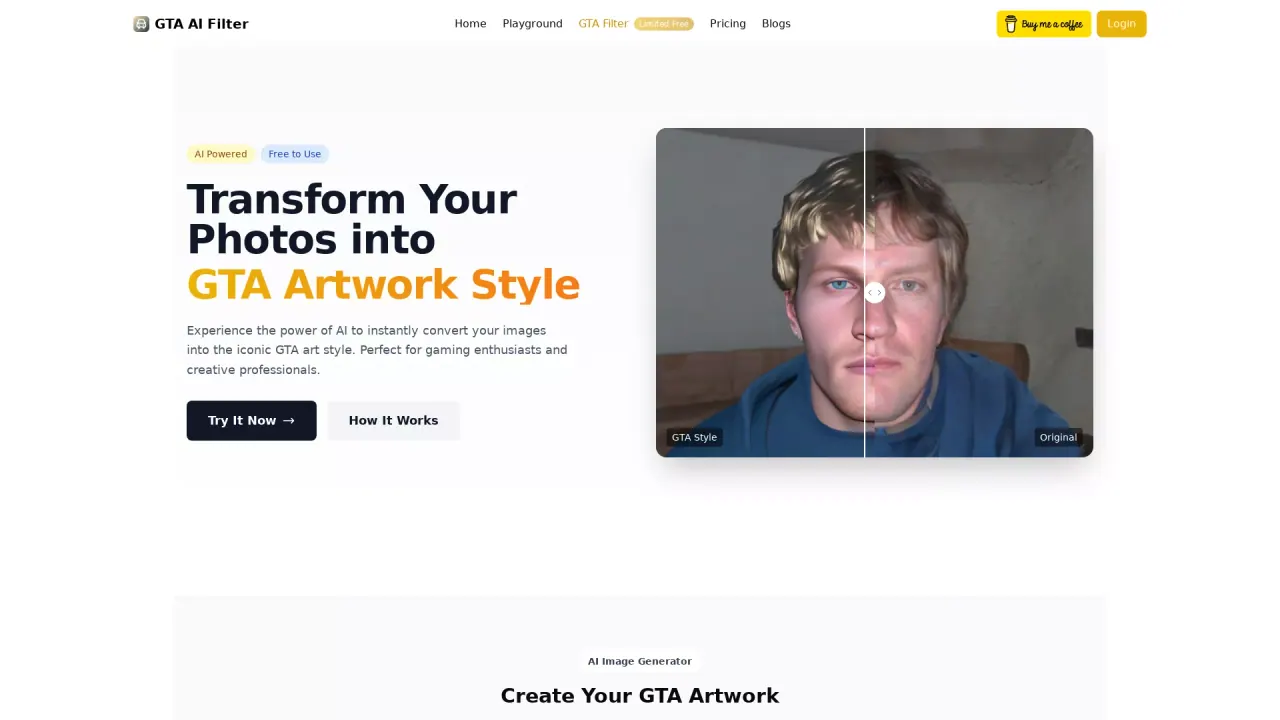
Our GTA AI filter transforms your uploaded images into GTA5 style graphics. Simply upload a picture, enter your prompt, and let our AI do the rest, ensuring the character traits in your original photo are preserved in the stylized version.
Are the generated images truly unique?
Yes, each image created by our GTA AI filter is one-of-a-kind. The AI interpretations of your prompts ensure that no two images are ever the same.
Is the GTA AI Filter easy to use for beginners?
Yes, the GTA AI Filter is designed to be user-friendly, making it simple for beginners to create GTA-style images. The process involves just three straightforward steps: describe your creative vision or upload an image, let the AI process the input and apply the GTA art style, and finally, download and share your unique creation. The interface is intuitive, allowing users of all skill levels to easily transform their images with minimal effort.
What types of prompts work best with the GTA AI Filter?
For optimal results, it's advisable to use prompts that combine clear character descriptions, specific scene elements, and stylistic cues such as "GTA 5 artwork" or "GTA V art." Using detailed and vivid descriptions can help the AI generate images that truly capture the essence of the moment or scene you wish to depict. Examples of effective prompts might include scenarios like a "late-night taco stand visit with vibrant city life" or a "sunset surf session at Vespucci Beach," each rendered in the distinctive GTA visual style.
What type of images can I upload?
You can upload any image that you have the rights to use, and our AI will transform it into a GTA5 style image. Please ensure you follow our image upload guidelines regarding content and quality for the best results.
Can I use the images commercially?
Images generated are for personal use. For commercial use, please ensure you have the appropriate rights and permissions for all image components used in the generation process.
What are the upload guidelines and limits?
Images only • Max 10MB. You can upload or drag & drop.
This listing is claimed
Own GTA AI Filter? Sign in with the email used to claim it to manage this listing, or upgrade to Pro for featured-first placement and a newsletter feature.