
Catalist
AI Financial Intelligence Tool
Unlock Financial Insights with FinalleAI – AI-powered Financial Intelligence Tool. Reimagine your investment strategies.
What does Catalist do?
What is Catalist and what does it do?
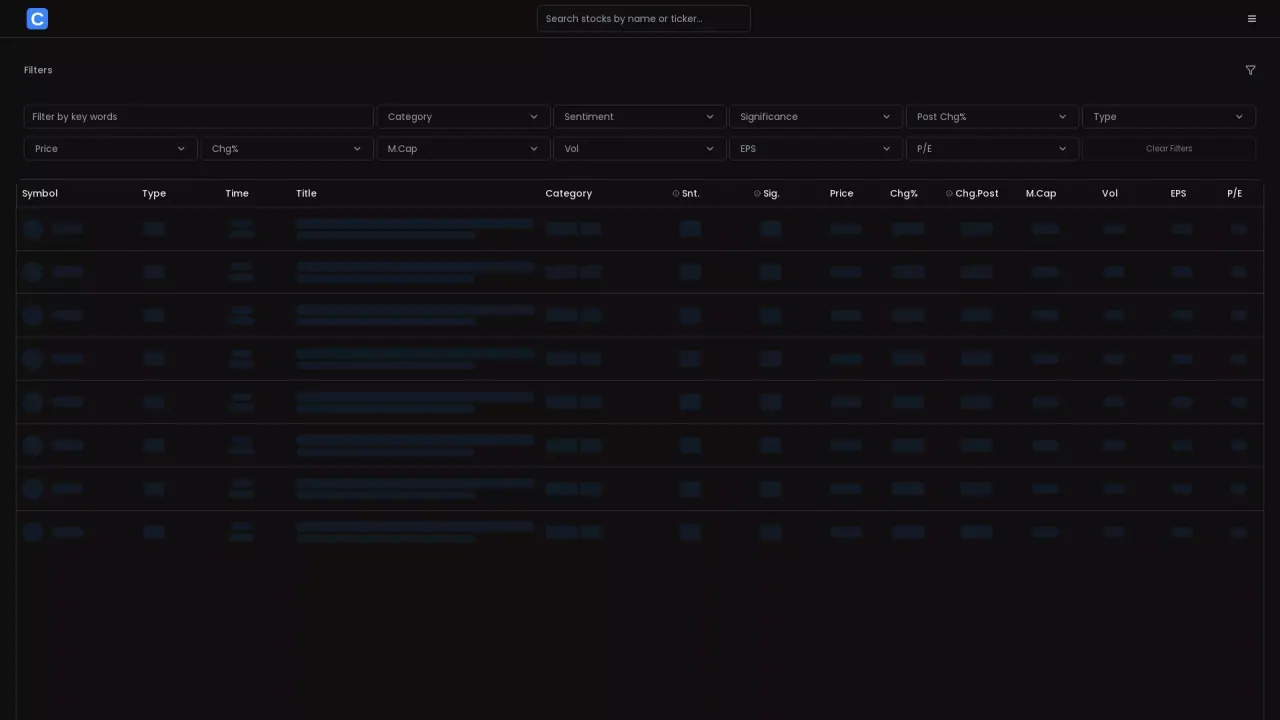
Catalist is a stock news and data feed that surfaces headlines alongside key market metrics for listed securities. The feed is filterable by category, sentiment, significance, time, and other metrics, and items display the ticker symbol, time, title, category, sentiment, significance, price, price change, market cap, volume, EPS, and P/E.
What information is displayed for each feed item?
Each item includes:
- Symbol (ticker)
- Type (e.g., News, Product, Earnings, Insider)
- Time (date and time)
- Title
- Category
- Sentiment (Snt.)
- Significance (Sig.)
- Price
- Change % (Chg%)
- Post Change (Chg.Post)
- Market Cap (M.Cap)
- Volume (Vol)
- EPS
- P/E
How can I customize what I see in Catalist?
You can customize the feed using filters such as:
- Category
- Sentiment
- Significance
- Post Chg%
- Type
- Price
- Chg%
- M.Cap
- Vol
- EPS
- P/E
There is also a Clear Filters option to reset all filters.
What do the Snt. and Sig. fields mean?
- Snt. stands for sentiment rating (for example, 4/5).
- Sig. stands for significance rating (for example, 3/5).
These ratings accompany each item to indicate perceived mood and importance.
How are dates and times shown for updates?
Updates include a date and time stamp, such as 16/01 09:35, indicating when the item was posted.
What content categories can appear in Catalist?
The feed covers a range of content types, including:
- News
- Product
- Earnings
- Insider
- Financials
- Trading
- Other related categories as shown in the feed
How can I filter by ticker or symbol?
Each item lists a Symbol (ticker) such as CPNG, PLTR, INTC, etc. Use the Symbol column to identify and focus on specific tickers, or filter by symbol where available.
How do I reset filters to view the full feed?
Click or select Clear Filters to reset all active filters and return to the full feed.
Is this your tool?
Claim Catalist to manage this listing, or upgrade to Pro for featured-first placement and a newsletter feature.