
Excel Whisper
No longer active
AI Excel Analysis Tool
AI-driven Excel analysis tool with zero privacy risks.
Excel Whisper is no longer available
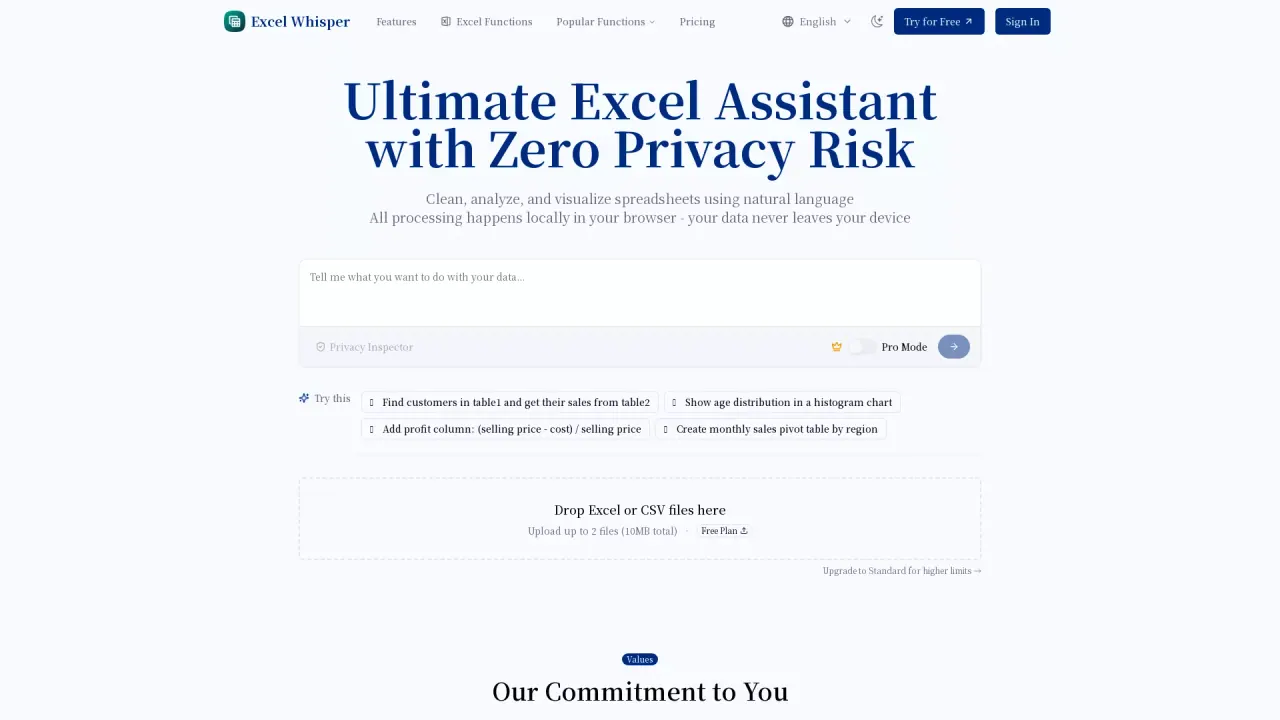
What does Excel Whisper do?
How does Excel Whisper protect my privacy and where does processing occur?
All processing happens locally in your browser. Your data never leaves your device, and only column headers are analyzed to understand your data structure.
What file types can I analyze with Excel Whisper?
You can analyze Excel and CSV files, and you can analyze multiple files together with multi-file support.
What are the core features of Excel Whisper?
- Natural Language Processing to query your data without formulas
- Smart Data Cleaning to handle missing values and duplicates
- Quick Visualization to generate appropriate charts
- Local Processing for privacy and fast responses
- Multi-File Support to analyze data from different sources
- Export & Share to download processed data and generated charts
What plans are available and how much do they cost?
- Free: $0 per month
- Standard: $9.9 per month
- Pro: $19.9 per month
How many analyses per month does each plan include?
- Free: 10 analyses per month
- Standard: 300 analyses per month
- Pro: 1000 analyses per month
What are the file size and field limits per plan?
- Free: up to 2 files per analysis, up to 10 MB total, up to 10 fields per file
- Standard: up to 5 files per analysis, up to 100 MB total, up to 20 fields per file
- Pro: up to 10 files per analysis, unlimited file size (limited by your device performance), up to 50 fields per file
What is the difference between Basic mode and Pro mode?
- Basic mode supports common Excel operations and basic charts
- Pro mode unlocks advanced features, including complex Excel operations and sophisticated visualizations
Is there a free trial or do I need to log in to start?
You can start with the Free plan at $0 with no login required. This lets you try Excel Whisper before subscribing.
How do I upgrade or downgrade my subscription?
To upgrade from Standard to Pro or to downgrade from Pro to Standard, contact our support team at contact@mail.excelwhisper.com. We will process your request within 12 hours—please include your account email and the requested change.
How do I export results from Excel Whisper?
You can download processed data and the generated charts from your analysis.
How can I contact support for help?
Email support at contact@mail.excelwhisper.com for assistance with subscriptions, technical issues, or other questions.
Does Excel Whisper claim to understand my business?
We don’t claim that AI can understand your business context. Excel Whisper focuses on automating repetitive tasks and basic analysis, while you provide the business insights and context.