
EasyVideo
AI Enhance Video Quality
Make Every Video Look Incredible with AI.
What does EasyVideo do?
What is EasyVideo app?
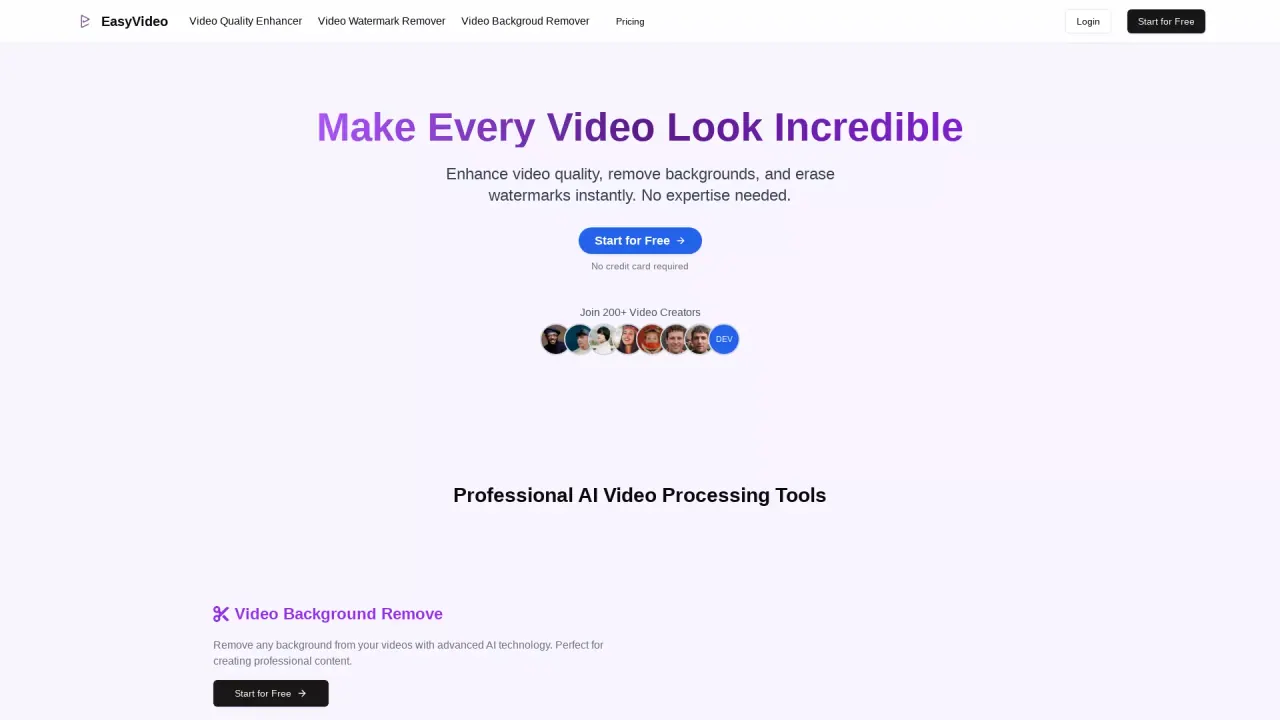
EasyVideo is an online AI-powered tool that lets you enhance video quality, remove backgrounds, and remove watermarks—all with a single click. It requires zero technical skills.
Is EasyVideo free to use?
Yes—start for Free, and no credit card is required.
Can I use EasyVideo for commercial purposes?
Yes. EasyVideo is suitable for commercial use, including content creators, businesses, and professionals.
How can I get started with EasyVideo?
Go to EasyVideo and click Start for Free to begin. No credit card is required to get started.
Is EasyVideo an online web app (no downloads required)?
Yes. Everything is processed online by our powerful AI; there are no downloads needed.
Do I have to be technical to use EasyVideo?
No. EasyVideo is designed for users with zero technical skills.
Is EasyVideo easy to use?
Yes. It has a simple, user-friendly interface with no downloads required, and everything is processed online by AI.
How quickly does EasyVideo process a video?
Processing happens online and is designed to be quick; you start the task and the AI handles the rest.
How does EasyVideo improve the quality of my videos?
The Video Quality Enhancer can transform low-quality footage into HD/4K, auto-enhancing resolution, sharpness, brightness, and contrast.
Can EasyVideo remove video backgrounds?
Yes. EasyVideo removes backgrounds from videos with professional-grade AI in one click, creating clean, transparent overlays.
Can EasyVideo remove watermarks without affecting video quality?
Yes. EasyVideo can remove watermarks, logos, and branding assets without damaging the original video quality.
Is my content private and secure?
Yes. Your content is treated as private and confidential; EasyVideo will never share it with third parties, and data remains secure.
How can I contact support?
Use the Contact Us page on the EasyVideo site to reach the support team.
Is this your tool?
Claim EasyVideo to manage this listing, or upgrade to Pro for featured-first placement and a newsletter feature.