
DoodleAi
AI Doodle Generator
From prompt to paper-ready doodles in under 10 seconds
What does DoodleAi do?
What does Doodle Ai do?
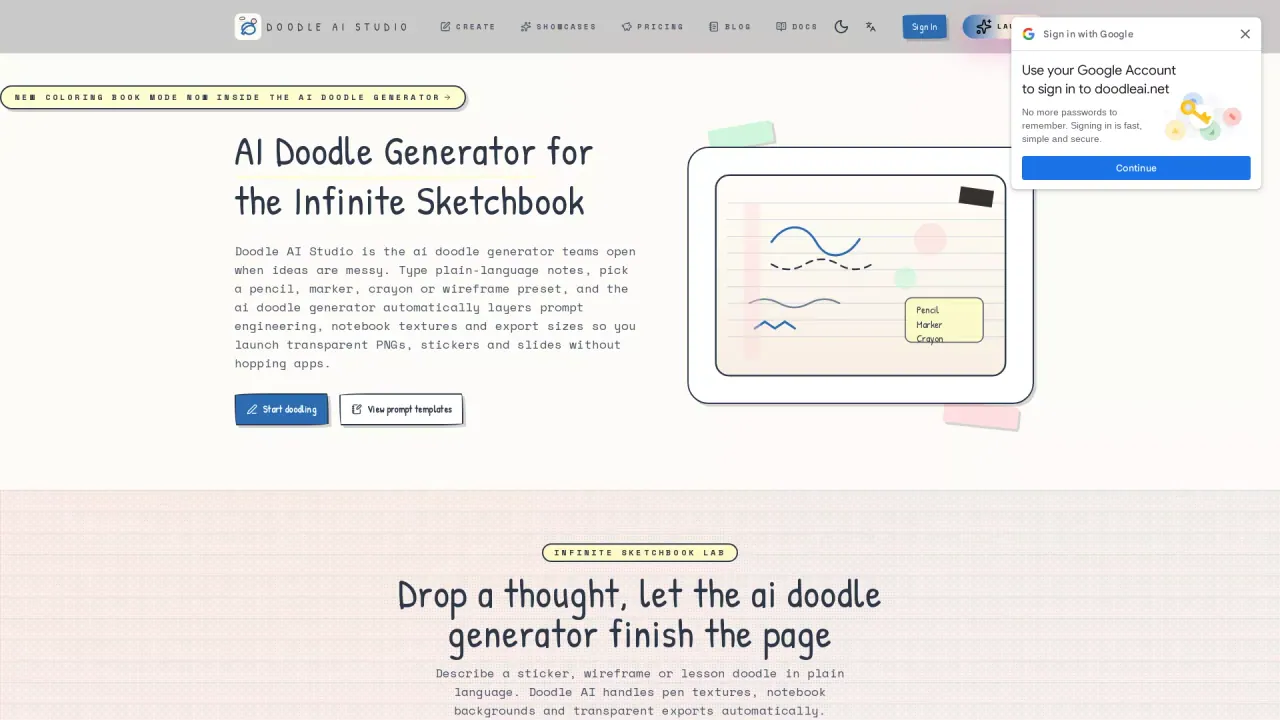
doodleai.net is the ai doodle generator for teachers, UX leads and notebook lovers who need notebook-ready sketches, stickers and wireframes in seconds.
Who is the target audience of doodleai.net?
- **Educators**: "Generate lesson doodles, coloring sheets and meeting sketchnotes in 9:16, 4:3 or 1:1 formats that drop straight into slides or printouts."
- **UX/Product Teams**: "Spin up Blueprint presets for low-fidelity wireframes you can paste into FigJam or Miro workshop boards."
- **Journalers & Creators**: "Bundle Marker or Crayon stickers into ZIP packs for Etsy or Ko-fi shops; export transparent PNGs with one click."
- **Marketing Ops**: "Combine Sticker Parade and Idea Branching panels into 5–9 image stories for Pinterest verticals or Instagram carousels."
Can a user use Doodle Ai for free?
DoodleAi delivers an Infinite Sketchbook experience online. Powered by Doubao models and Pen Lab presets, it converts text prompts into consistent doodles across graphite, ballpoint, marker, crayon, blueprint and line-art styles. Gallery Wall and Notebook Wall modules showcase real spreads for slides, workshops and creator shops, while Creem-powered credits keep billing aligned with usage.
How does the AI Doodle Generator enhance the creative process?
The AI Doodle Generator enhances the creative process by automating the layering of prompt engineering, notebook textures, and export sizes. By allowing users to type plain-language notes and select from various pen presets such as pencil, marker, crayon, or wireframe, it efficiently generates doodles that are ready for use as transparent PNGs, stickers, or slides.
What are the pen style presets available in DoodleAi Studio?
DoodleAi Studio offers a variety of pen style presets, including Graphite Notebook, Blue Ballpoint, Marker Zine, Crayon Pop, and Wireframe Blueprint. These curated pen engines automatically inject hatching, ink pooling, and notebook backgrounds into doodles, allowing users to achieve desired aesthetics without manually adjusting parameters.
What export options does the AI Doodle Generator provide?
The AI Doodle Generator provides multiple export options, including high-resolution PNG, SVG, PDF, and coloring book line art. Users can choose from presets suitable for slides, notions, GoodNotes, and print, enabling seamless integration into different workflows without the need for additional editing.
Is this your tool?
Claim DoodleAi to manage this listing, or upgrade to Pro for featured-first placement and a newsletter feature.