
ChartGen
Verified
AI Data Visualization
ChartGen AI is the #1 free AI chart generator. Create bar charts,line charts,pie charts and more in seconds.
Promoted
 Pixmax.aiPixmax.ai is an all-in-one AI workspace for videos, visual stories, and marketing content.
 RewindType any X/Twitter handle. Get their year back as a narrated video story. Then ask it anything.
 KurodyneSell the tools from your AI side projects. Listing is free.
 Sidrune AI85% off. Stable Claude API for agent developers. Pay as you go. Invoices & refunds available.
 SEOify - Improve your SEO & rankingsBuild links to rank in Google. Improve your DR with links you can start building now.Advertise here270,000+ people visit Dang.ai every month.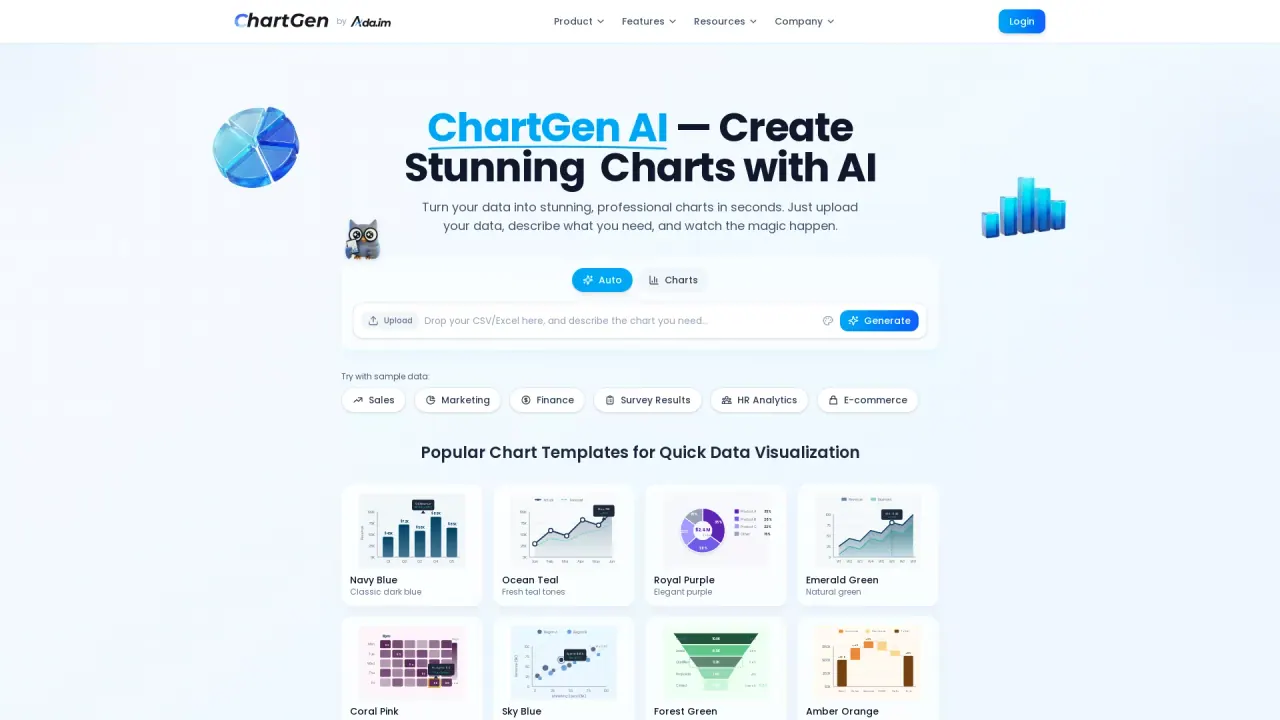
What does ChartGen do?
What does ChartGen do?
Stop wrestling with complex spreadsheet formulas. ChartGen.ai is your intelligent visual assistant that transforms raw numbers and text descriptions into publication-ready graphs, diagrams, and dashboards. Just upload your file or ask a question, and let our advanced AI handle the design.
What are some unique features of chartgen.ai?
Text-to-Chart Magic Simply type what you need—'Show me a bar chart of monthly sales growth'—and watch our AI chart generator build it instantly. No coding required.
Instant File Visualization Upload your CSV or Excel (XLSX). Our engine automatically analyzes the data structure, identifies trends, and suggests the most effective visualization formats.
Powered by Top-Tier AI Models Leveraging the latest intelligence from GPT-5.2, Claude Sonnet 4.5, and Gemini 3 Pro, ChartGen.ai ensures accurate data interpretation and aesthetically pleasing color palettes every time.
Can a user use ChartGen for free?
ChartGen.ai offers free chart generation with basic features including 50 free charts per month and access to all chart types. For unlimited charts, advanced export options, team collaboration features, and access to the full data analysis suite, you can upgrade to a premium plan.
What Types of Charts and Graphs Can I Create Using ChartGen?
ChartGen supports the creation of 9 professional chart types, including Bar Charts, Line Charts, Pie Charts, Area Charts, Scatter Plots, Heatmaps, Combo Charts (bar + line), Waterfall Charts, and Funnel Charts. Each chart type can be personalized with different color themes, labels, and data aggregation methods to suit your data visualization needs.
How Does ChartGen Ensure My Data Security?
ChartGen prioritizes your data security by ensuring that uploaded files are processed in real-time without being permanently stored on servers. All data transmission is encrypted using HTTPS, and data is not shared with third parties. Additionally, ChartGen is SOC 2 compliant, providing enterprise-ready security for its users.
Can ChartGen Integrate with My Existing Data Sources?
Yes, ChartGen offers the capability to connect and sync with various data sources for real-time updates. You can upload CSV/Excel files, paste data directly into the interface, or connect to Google Sheets, databases, and over 40 data integrations. This live data synchronization ensures your charts automatically update when your underlying data changes.
This listing is claimed
Own ChartGen? Sign in with the email used to claim it to manage this listing, or upgrade to Pro for featured-first placement and a newsletter feature.