
BulkGPT
AI Conversational Workflow Optimization Tool
Streamline conversation workflow with BulkGPT - the ultimate AI Conversational Workflow Optimization Tool.
- Pricing
- Freemium
- Category
- Development
- Listed
- Aug 4, 2023
- Updated
- May 25, 2026
What does BulkGPT do?
What can BulkGPT help me accomplish?
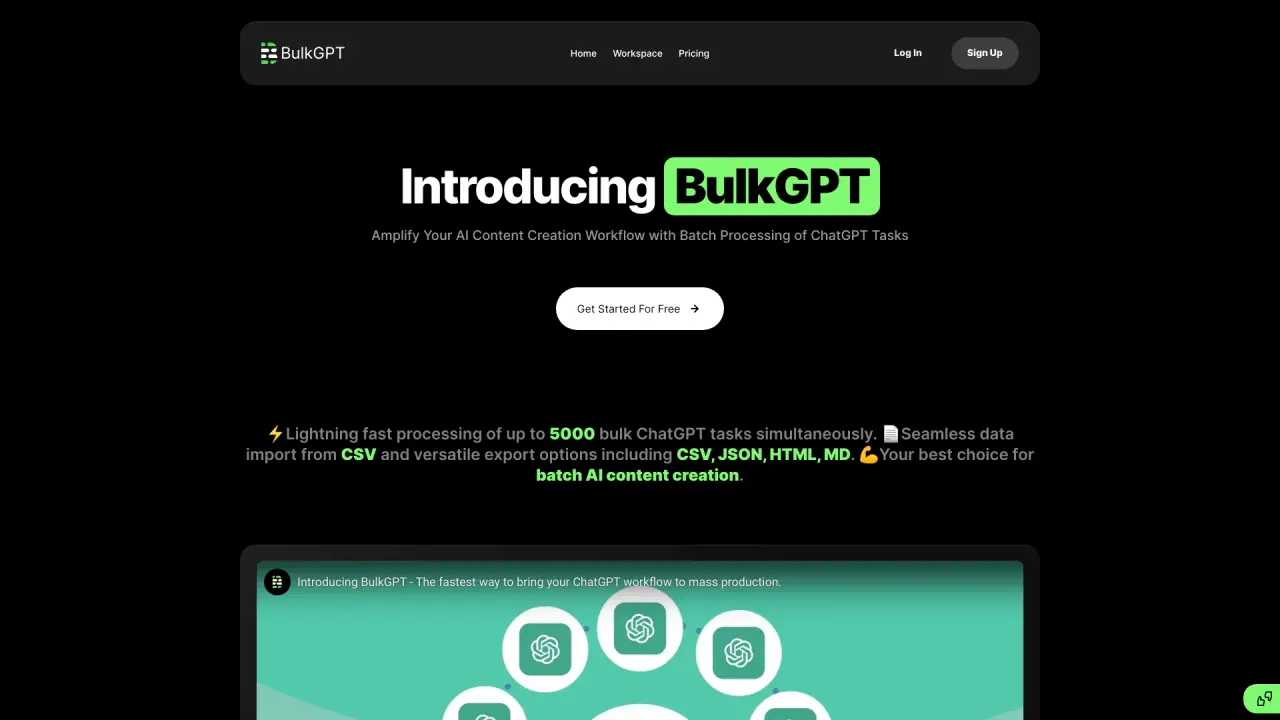
BulkGPT is a no-code platform for mass automating content creation and web scraping. You can upload data in CSV, run workflows directly in Google Sheets with the addon or via API, and use it for tasks like SEO content creation, e-commerce product descriptions, chat automation, and data extraction from websites. You can upload sheets containing up to 5,000 product names and have BulkGPT perform batch actions across them.
Can BulkGPT work with Google Sheets?
Yes. You can run web scraping and content creation workflows from within Google Sheets by using the Google Sheets addon and cloning the provided Google Sheet Template. Results can be downloaded or integrated into your own tools via API.
How do I get started with BulkGPT?
Start by uploading your ChatGPT inputs as a CSV/JSON file or by manually entering them into the input task splitter. Then add a ChatGPT job using the input from the input task splitter. BulkGPT will execute the batch requests concurrently, and once complete you can download your data in your preferred format.
Is this your tool?
Claim BulkGPT to manage this listing, or upgrade to Pro for featured-first placement and a newsletter feature.