BatchRemover
Background Removal Tool
Remove image backgrounds in full HD without sign-up, then download as PNG, JPG, or WebP at original resolution.
Promoted
 Sidrune AI85% off. Stable Claude API for agent developers. Pay as you go. Invoices & refunds available.
 Pixmax.aiPixmax.ai is an all-in-one AI workspace for videos, visual stories, and marketing content.
 SEOify - Improve your SEO & rankingsBuild links to rank in Google. Improve your DR with links you can start building now.Advertise here270,000+ people visit Dang.ai every month.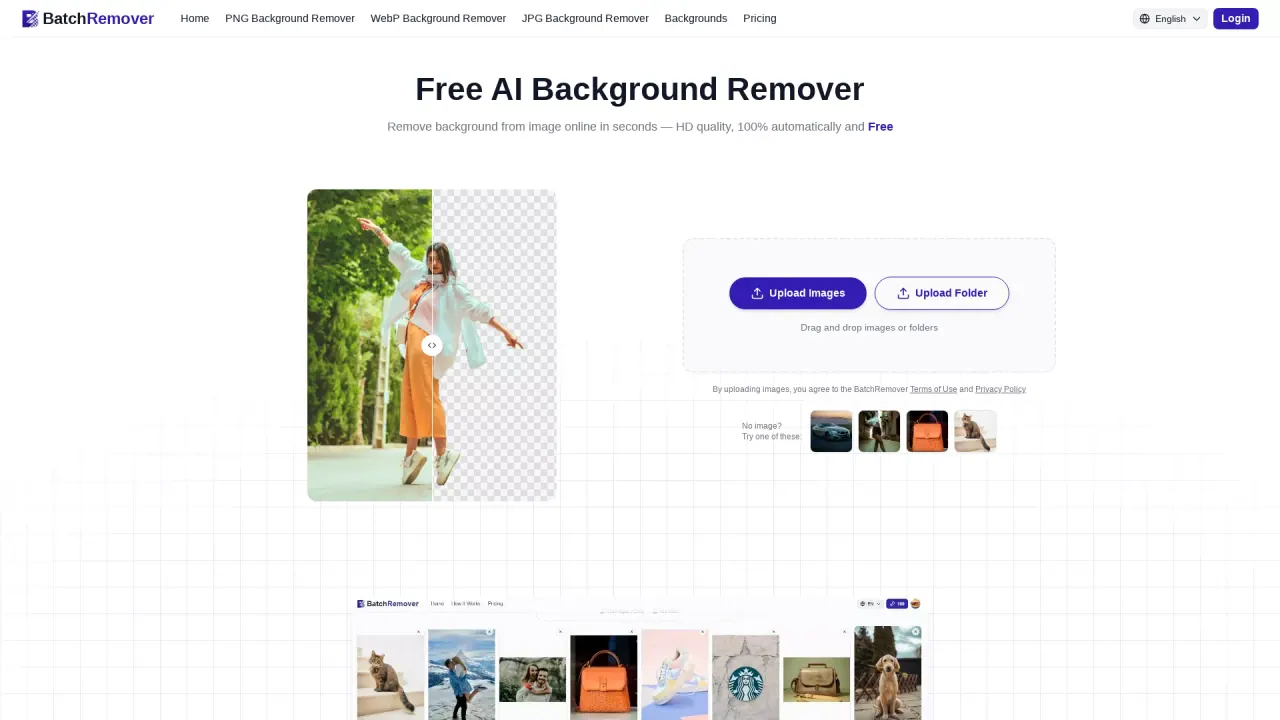
What does BatchRemover do?
BatchRemover is an online AI background remover for product photos, portraits, logos, graphics, and more. Upload an image and get a clean cutout in seconds, with downloads provided at your original resolution.
After removal, you can change the background to a solid color or add a custom image, and resize the canvas to fit common platform formats. Choose the output format that matches your workflow—PNG, JPG, or WebP—with no watermark and no account required for single-image use.
BatchRemover also supports batch workflows for teams and high-volume creators. You can upload an entire folder and process multiple images at once, then download the results as a ZIP, with batch processing available on paid plans.
Do I need an account to remove backgrounds with BatchRemover?
No—single-image background removal is available with no sign-up and no account required. You can upload and download right away.
Will my downloads be full resolution, or are they downscaled?
Downloads are available at the original image resolution (full HD) with no resolution limits for free single-image use.
What image types does BatchRemover support?
You can use common formats including JPG, PNG, and WebP. Batch workflows can also accept folders for uploading multiple images at once.
Can I change or replace the background after removal?
Yes. After removing the background, you can switch to a solid color, add a custom image background, and resize for different platforms.
What output formats can I download?
You can download results as PNG, JPG, or WebP. PNG, JPG, and WebP exports are supported for your workflow.
Is batch background removal free?
Single-image processing is free. Batch processing (multiple images at once) is available on paid plans, with credits used for higher-volume needs.
This listing is claimed
Own BatchRemover? Sign in with the email used to claim it to manage this listing, or upgrade to Pro for featured-first placement and a newsletter feature.