
BankConv
Verified
AI Bank Statement to Spreadsheet Converter
Convert bank statement PDFs to Excel, CSV, Google Sheets, OFX/QFX/QBO with auto-detection for 1,000+ banks—first 5 pages are free.
Promoted
 Pixmax.aiPixmax.ai is an all-in-one AI workspace for videos, visual stories, and marketing content.
 RewindType any X/Twitter handle. Get their year back as a narrated video story. Then ask it anything.
 KurodyneSell the tools from your AI side projects. Listing is free.
 Sidrune AI85% off. Stable Claude API for agent developers. Pay as you go. Invoices & refunds available.
 SEOify - Improve your SEO & rankingsBuild links to rank in Google. Improve your DR with links you can start building now.Advertise here270,000+ people visit Dang.ai every month.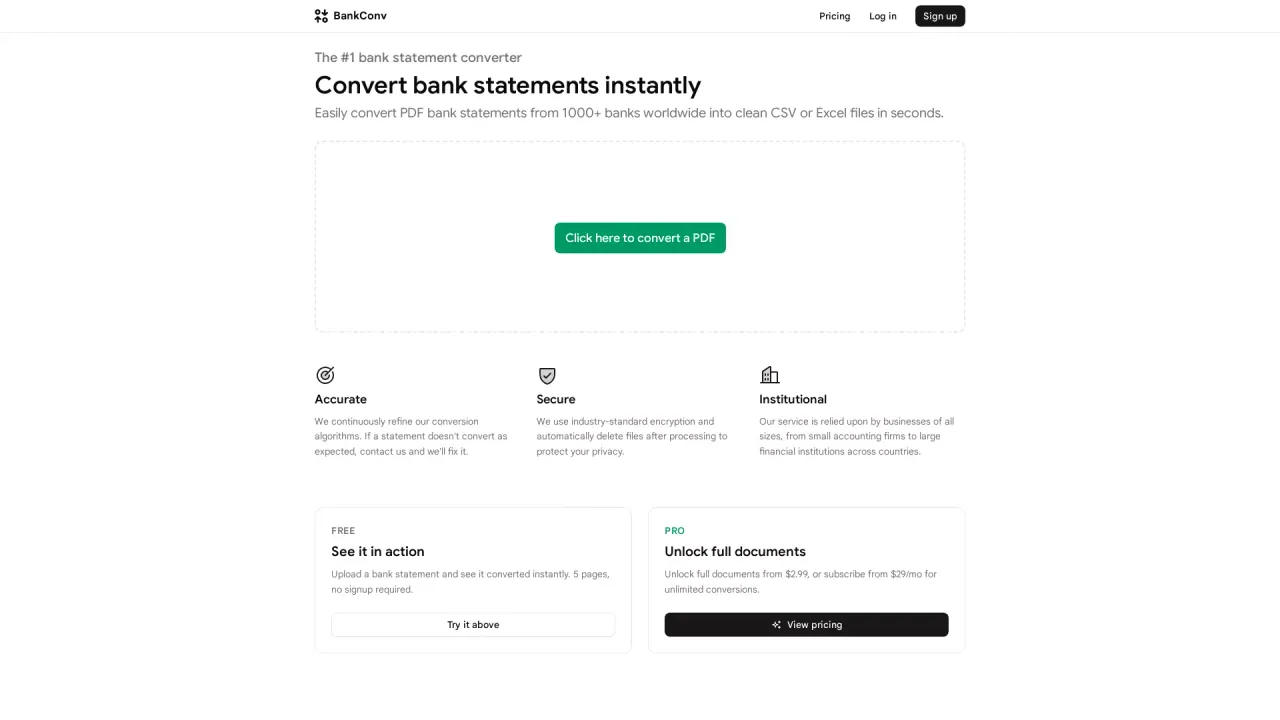
What does BankConv do?
BankConv turns bank statement PDFs into structured spreadsheets so you can stop retyping transactions and move faster with reconciliation, budgeting, and tax prep. Upload a statement PDF and immediately download the transactions (date, description, amount, and running balance) in formats that fit the workflow you already use.
The core workflow is simple: drag and drop your PDF, preview the extracted transaction rows, then export to Excel, CSV, Google Sheets, OFX, QFX, or QBO. BankConv supports statements from 1,000+ banks with no templates or bank login needed. It can handle password-protected and scanned statements using OCR to extract transaction tables.
To help you validate accuracy before committing, the first 5 pages of any PDF convert for free. For longer documents, you can pay per statement starting from $2.99, and longer usage can also be handled with subscriptions (with plans listed from $19/month billed yearly for 500 pages). Batch conversion is available: upload up to 10 PDFs at once.
Privacy and data handling are designed to be straightforward—uploads and converted files are deleted automatically after 24 hours (account owners can choose 48 or 72 hours). If you need clean, ready-to-import data from real statement layouts, BankConv provides the extracted transactions plus the running balances so you can confirm the closing balance matches your PDF.
What does BankConv convert?
BankConv converts bank statement PDFs into downloadable spreadsheet and accounting formats, including Excel, CSV, Google Sheets, OFX, QFX, and QBO—using the transaction table found in your statement.
Is there a free option?
Yes. The first 5 pages of any bank statement PDF convert for free, with no card or signup required, so you can check the extracted rows before paying.
Which export formats can I download?
You can export to Excel, CSV, Google Sheets, OFX, QFX, and QBO. Pick the format that best matches your next step (spreadsheets or accounting imports).
Does BankConv work with many banks without setup?
Yes. BankConv is designed to read statements from 1,000+ banks by extracting the transaction table from each page, so there’s no need to configure bank-specific templates or log into your bank.
Can it handle scanned or password-protected PDFs?
Yes. BankConv supports password-protected PDFs and scanned statements by using OCR to extract transaction rows from the document.
What happens to my files after I upload them?
Your PDF and converted files are deleted automatically after 24 hours. Account owners can choose 48 or 72 hours instead, and uploads/downloads use HTTPS (TLS).
This listing is claimed
Own BankConv? Sign in with the email used to claim it to manage this listing, or upgrade to Pro for featured-first placement and a newsletter feature.