
RemoveLayer
AI Background Removal
RemoveLayer uses AI to remove image backgrounds and clean up objects or text, with preview and export to transparent or solid backgrounds.
Promoted
 Sidrune AI85% off. Stable Claude API for agent developers. Pay as you go. Invoices & refunds available.
 Pixmax.aiPixmax.ai is an all-in-one AI workspace for videos, visual stories, and marketing content.
 SEOify - Improve your SEO & rankingsBuild links to rank in Google. Improve your DR with links you can start building now.Advertise here270,000+ people visit Dang.ai every month.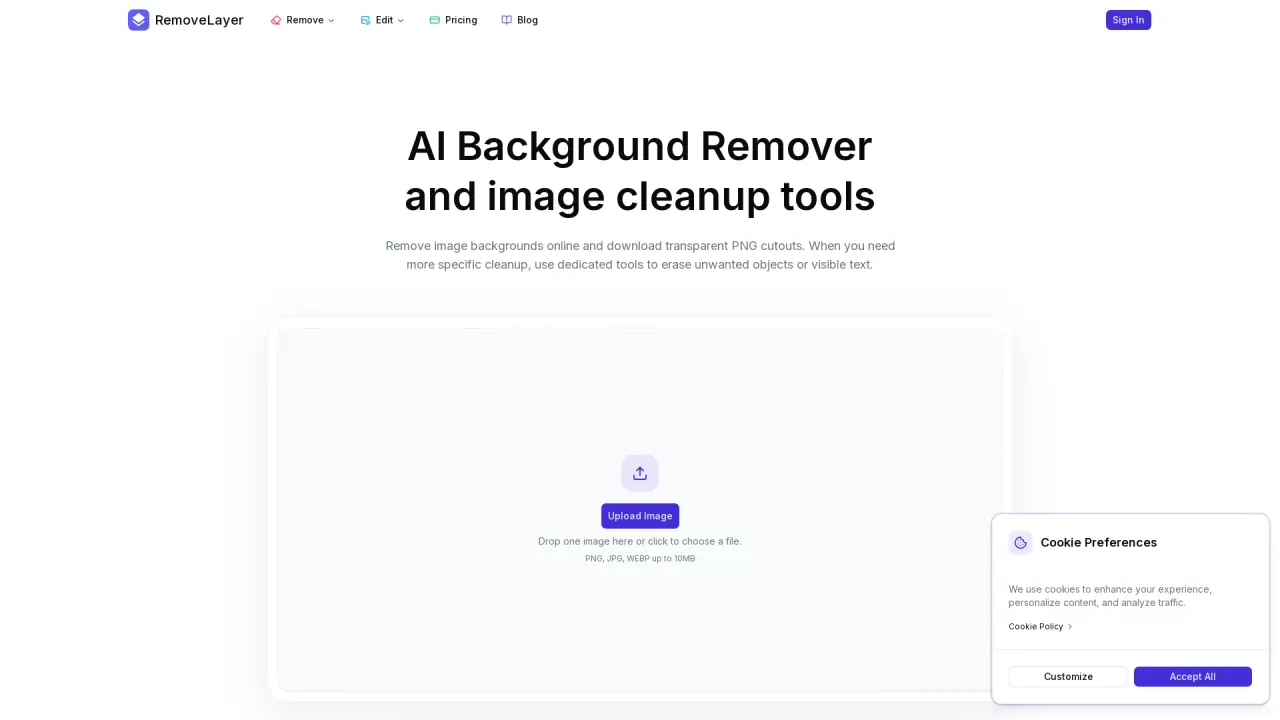
What does RemoveLayer do?
RemoveLayer is a free online AI image tool for cleanup tasks like removing backgrounds and creating transparent cutouts. It’s designed to help you isolate the subject in product photos, portraits, pets, food images, logos, and other design assets—without needing a full editor or manual selection tools.
You can run a focused workflow for the outcome you need: background removal for clean cutouts, object erasing to remove distractions, text removal to clean labels or overlays, and additional tools for polishing the image that remains. After processing, you can preview the result, inspect edges, and choose what to export.
The workflow is built around keeping the next step clear: upload your image (up to 100 MB), run the right AI tool for your task, then review and download. This makes it practical for repeat image work where you want usable outputs quickly.
RemoveLayer is for ecommerce sellers, creators and marketers, teams, and everyday users who need better images for listings, catalogs, ads, social posts, decks, and client deliverables. Sign in to use the free online background remover, and consider paid subscriptions (Plus, Pro, or Max) if you need more capacity or higher volume processing. Credits are charged only when jobs complete successfully.
What can RemoveLayer do for my images?
It removes image backgrounds to create transparent cutouts, and it also includes focused tools to erase objects, clean text, and help polish the remaining image.
Do I need design experience to use it?
No. Each task runs as a simple, one-tool workflow, and you review the result before downloading.
Is the background remover free?
Yes—background removal is available free online for signed-in users.
What’s the maximum upload size?
Uploads are limited to 100 MB for each background removal request.
Can I export with a transparent background?
Yes. After previewing the result, you can export the cutout with transparency or choose a solid backdrop.
How do credits and billing work?
Credits are tied to your account and charged only when a job completes successfully; failed runs aren’t billed. You can choose Plus, Pro, or Max for more credits and processing capacity.
This listing is claimed
Own RemoveLayer? Sign in with the email used to claim it to manage this listing, or upgrade to Pro for featured-first placement and a newsletter feature.