
PngBG
AI Background Removal
PngBG is a free AI background remover that runs 100% locally in your browser—no uploads, unlimited uses, and fast results.
Promoted
 Sidrune AI85% off. Stable Claude API for agent developers. Pay as you go. Invoices & refunds available.
 Pixmax.aiPixmax.ai is an all-in-one AI workspace for videos, visual stories, and marketing content.
 AI Checker PlusAI detector that highlights which passages AI wrote. Free check, no sign-up. Plagiarism too.
 RewindType any X/Twitter handle. Get their year back as a narrated video story. Then ask it anything.
 KurodyneSell the tools from your AI side projects. Listing is free.
 SEOify - Improve your SEO & rankingsBuild links to rank in Google. Improve your DR with links you can start building now.Advertise here270,000+ people visit Dang.ai every month.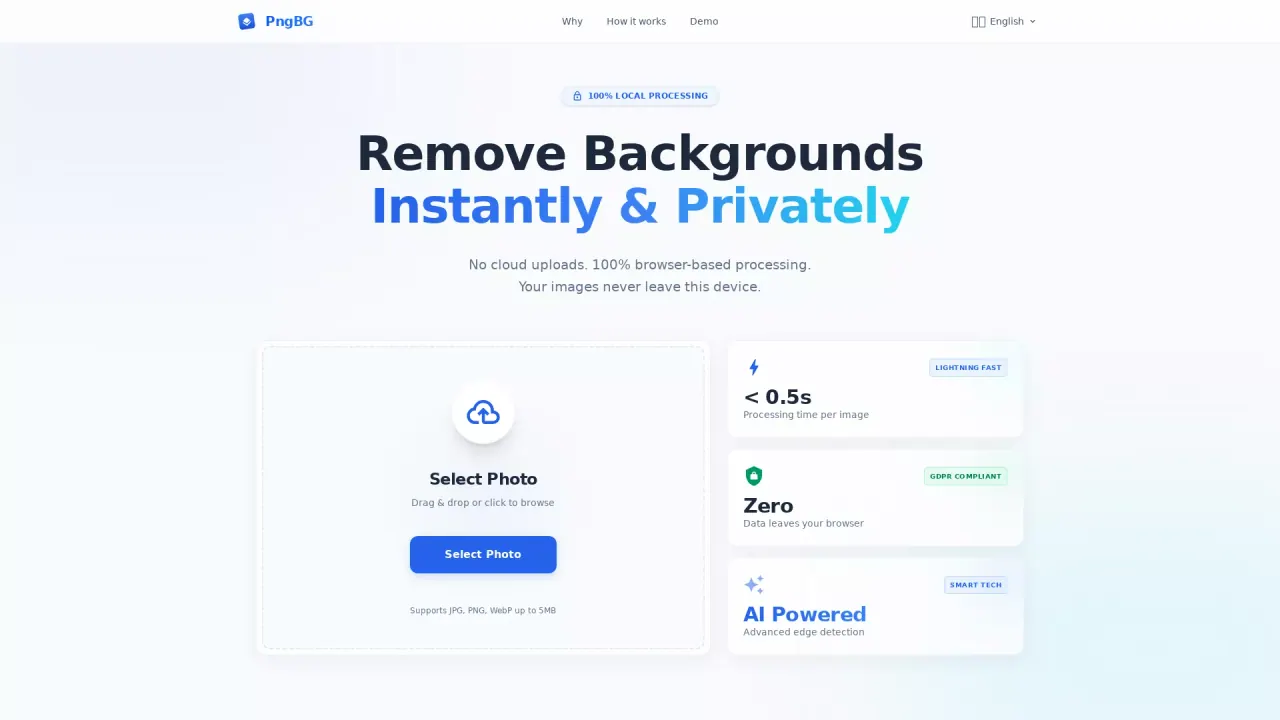
What does PngBG do?
PngBG removes image backgrounds using AI that runs directly in your browser. Your photos stay on your device—there are no cloud servers involved and no uploads, so you can process images privately.
The workflow is simple: drag and drop (or browse) to select a JPG, PNG, or WebP image (up to 5MB), then let the in-browser AI process it. You’ll get instant results, typically in under 0.5 seconds per image, with pixel-level background removal.
PngBG focuses on quality details. Advanced edge detection helps preserve fine features such as hair and fur, and it can handle complex backgrounds, semi-transparent objects, and transparent elements without downgrading resolution.
PngBG is ideal for designers, photographers, marketers, and anyone who needs quick background removal while keeping images fully local. It’s free and unlimited—no credits, no sign-ups required—so you can process as many images as you need.
Does PngBG upload my images to a server?
No. PngBG uses 100% browser-based, local processing, so your images never leave your device.
What image formats and file size does PngBG support?
PngBG supports JPG, PNG, and WebP images up to 5MB.
How fast is background removal in PngBG?
Processing is typically under 0.5 seconds per image.
Can PngBG keep fine details like hair or semi-transparent edges?
Yes. It uses advanced edge detection to preserve fine details like hair strands and fine features, including semi-transparent objects.
Is there a limit on how many images I can process?
No. PngBG is free and unlimited, with no credits or sign-ups required.
What can I download after removing the background?
You can download the result as a transparent PNG.
This listing is claimed
Own PngBG? Sign in with the email used to claim it to manage this listing, or upgrade to Pro for featured-first placement and a newsletter feature.