
AI Agent Task Manager
AI Development Tools
AI Agent Task Manager is a free browser task board that runs multiple AI coding agent sessions in parallel and pings you when help is needed.
- Pricing
- Free
- Category
- Development
- Listed
- Oct 7, 2026
- Updated
- Oct 23, 2026
Promoted
 Pixmax.aiPixmax.ai is an all-in-one AI workspace for videos, visual stories, and marketing content.
 RewindType any X/Twitter handle. Get their year back as a narrated video story. Then ask it anything.
 KurodyneSell the tools from your AI side projects. Listing is free.
 Sidrune AI85% off. Stable Claude API for agent developers. Pay as you go. Invoices & refunds available.
 SEOify - Improve your SEO & rankingsBuild links to rank in Google. Improve your DR with links you can start building now.Advertise here270,000+ people visit Dang.ai every month.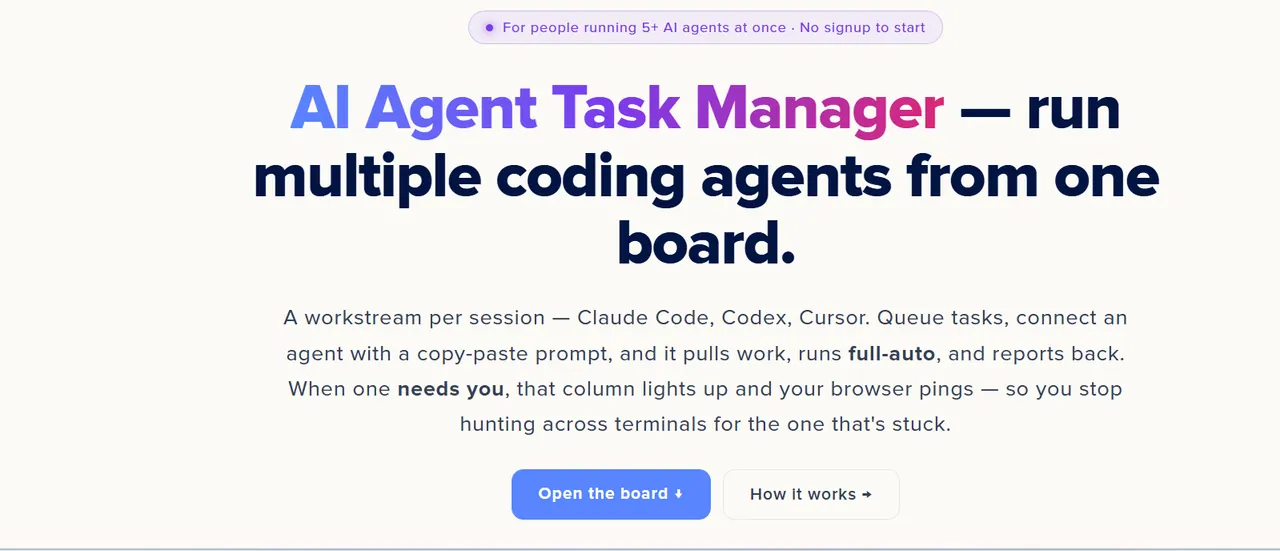
What does AI Agent Task Manager do?
AI Agent Task Manager is a browser-based task board for running multiple AI coding agents in parallel. It’s built around a simple workstream model: each column maps to one autonomous coding agent session (Claude Code, Codex, or Cursor). You queue work as tasks, connect an agent to a workstream, and the agent pulls the next queued task, completes it, and reports progress back to the board.
You start by creating a workstream (one per agent session) and adding tasks with a title plus detailed instructions. The instructions you write are what the agent receives verbatim as its task. When you click “Connect agent,” you generate a personal API key and copy a bootstrap prompt into your agent terminal. From there the agent runs full-auto—looping through tasks—until it genuinely needs a human decision.
When an agent is blocked, its column flags “needs you” (amber) and your browser sends a notification so you can jump directly to the right terminal. This helps you avoid hunting across multiple sessions, because you can scan the board to see which workstreams are running, completed, or waiting on you.
You can also use the board without connecting agents as a manual tracker for queued work. Boards can be anonymous in your browser storage, while signing in enables persistence across devices and unlocks the personal API key workflow for autonomous agent communication. The board is free to start (no signup required).
What is AI Agent Task Manager?
It’s a free browser-based task board for managing multiple AI coding agents running in parallel. Each workstream (column) represents one agent session, and each task card includes the instructions the agent runs.
How do I give an agent tasks to work on?
Create a workstream, then add task cards with a title and a detailed instructions body. When you connect an agent, it pulls the top queued task for that workstream and continues until it completes the queue.
How do I connect Claude Code, Codex, or Cursor to the board?
Use “Connect an agent” to generate your personal API key and copy the bootstrap prompt. Paste the bootstrap prompt into a fresh Claude Code / Codex / Cursor session; then the agent can pull tasks and report results back.
What happens when an agent needs my input?
The task raises an attention flag, the owning column turns amber with “needs you,” and your browser sends a notification. You respond in the terminal for that agent, then it resumes and continues with the next steps.
Can I use the board without automation?
Yes. You can use it as a manual task tracker to organize and monitor your queued work. Automation is an optional power-up when you’re ready to connect agents.
Do I need an account to use the board?
You can start anonymously without signup. Signing in enables the board to persist across devices and supports the personal API key flow needed for autonomous agents.
This listing is claimed
Own AI Agent Task Manager? Sign in with the email used to claim it to manage this listing, or upgrade to Pro for featured-first placement and a newsletter feature.