ADI Engineering Tools Suite
AI Development Tools
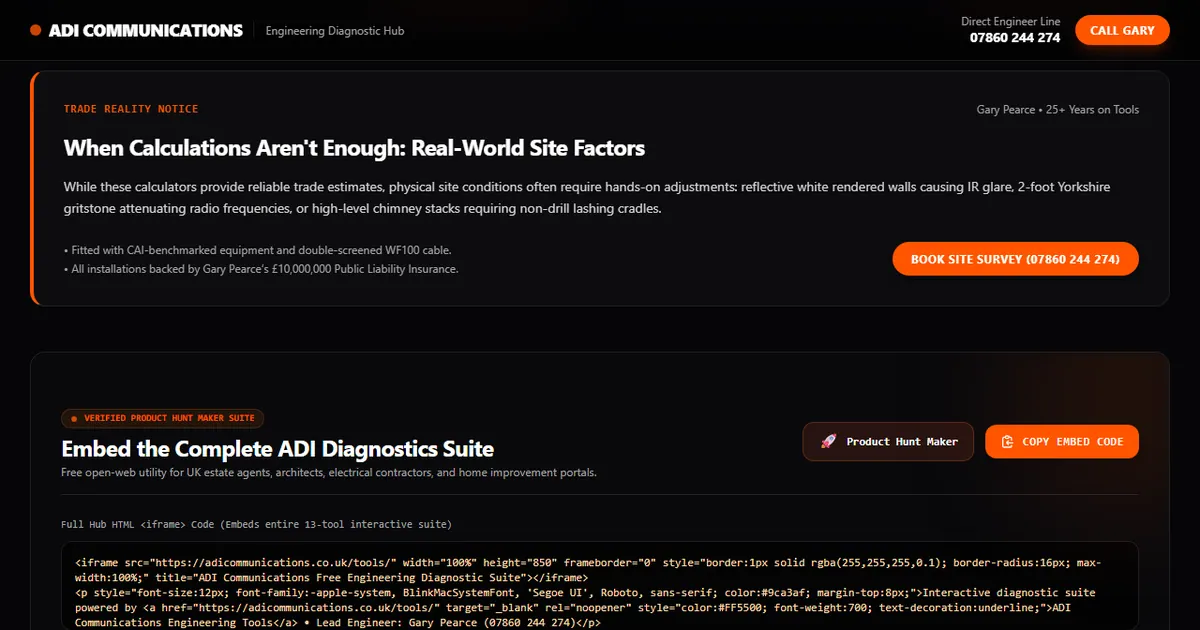
ADI Engineering Tools Suite offers 13 free, client-side engineering diagnostic calculators for CCTV, Wi‑Fi, Starlink, PoE, TV aerials, and more.
- Pricing
- Free
- Category
- Development
- Listed
- Nov 24, 2026
- Updated
- Nov 24, 2026
Promoted
 Pixmax.aiPixmax.ai is an all-in-one AI workspace for videos, visual stories, and marketing content.
 MuzieCreate professional AI music videos starring you. Bring a song or make one, done in minutes.
 AI Checker PlusAI detector that highlights which passages AI wrote. Free check, no sign-up. Plagiarism too.
 SEOify - Improve your SEO & rankingsBuild links to rank in Google. Improve your DR with links you can start building now.Advertise here330,000+ people visit Dang.ai every month.
What does ADI Engineering Tools Suite do?
ADI Engineering Tools Suite is a curated set of 13 free, browser-based diagnostic calculators and utilities designed to help you calculate technical specifications before and during real installations. It supports common trade workflows—from CCTV lens and storage planning to Wi‑Fi signal loss, PoE voltage budgeting, Starlink mounting checks, and TV aerial/coax fault diagnosis.
The suite is built for practical decision-making in the field and on-site planning. Use tools like the CCTV DORI Lens & Face Identification Calculator (BS EN 62676-4) to match focal length to identification/recognition needs, and the CCTV NVR 30‑Day Storage & Bandwidth Calculator to estimate storage and codec impact for H.264, H.265, and H.265+. For networking, calculators cover Wi‑Fi propagation loss, PoE power budget and overload prevention, and copper cable voltage drop checks.
Starlink and satellite planning are also covered with obstruction/clearance and wind/bracket stress estimators, while TV installation tools model coax attenuation and help estimate safe mounting and heat clearance above fireplaces for OLED and other TVs. There are also interactive diagnostic flows that guide you through troubleshooting scenarios such as Freeview/coax signal issues.
For anyone who needs reliable calculations without setting up software—technicians, installers, network engineers, and property owners—the tools run instantly in the browser with no required accounts. They’re presented as free trade diagnostic utilities, with interactive launchers for key use-cases.
Do I need an account to use ADI Engineering Tools Suite?
No. The tools run entirely in your browser with no required accounts, so you can calculate instantly.
Which CCTV planning tasks can I do with the calculators?
You can calculate DORI-focused lens/focal length needs (BS EN 62676-4) and plan 30-day NVR storage and bandwidth using codecs such as H.265+ and H.264.
Can the suite help me prevent PoE camera rebooting due to power issues?
Yes. Use the PoE switch wattage budget/overload calculator and the DC voltage drop tool to size your power budget across typical cable runs.
Does it include tools for Wi‑Fi and outbuilding links?
Yes. You can model wireless path loss and compare outbuilding/garden office link options, including a bridge vs trenching calculator for longer runs.
Is there support for Starlink installation checks?
Yes. You can estimate obstruction/clearance and run wind load & bracket stress checks for Gen 3 and Mini panels to help you choose appropriate mounting.
What TV installation calculations are available?
You can estimate coax signal/splitter losses for TV reception, and also check thermal safety—calculating safe mounting heights above fireplaces to help protect TVs.
This listing is claimed
Own ADI Engineering Tools Suite? Sign in with the email used to claim it to manage this listing, or upgrade to Pro for featured-first placement and a newsletter feature.