
Slidebomb Summarizer AI
Verified
Youtube Video Summarizer Tool
Summarize video in seconds with AI
- Pricing
- Freemium
- Category
- Productivity
- Listed
- May 23, 2025
- Updated
- May 25, 2026
Promoted


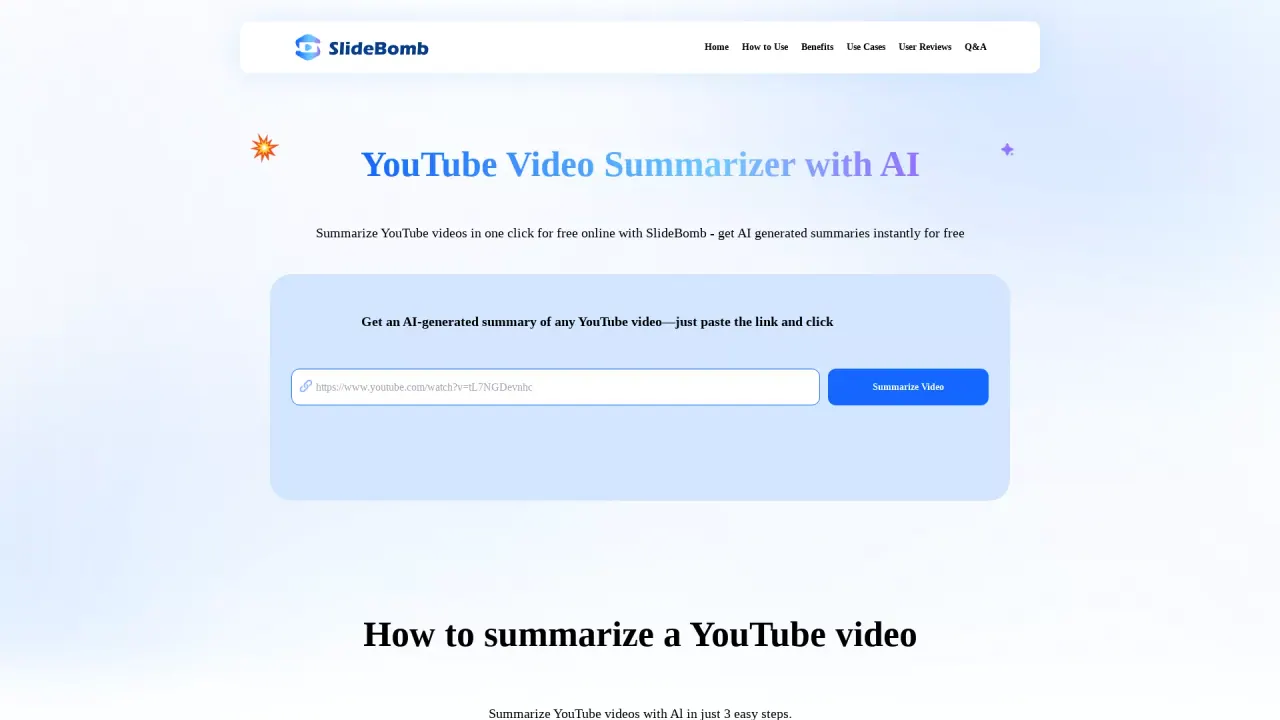
What does Slidebomb Summarizer AI do?
How do you use SlideBomb Summarizer AI to summarize a YouTube video?
Copy and paste the YouTube video URL into SlideBomb's YouTube Summarizer, click the "Summarize Video" button, and view the instant AI-generated summary.
What are the benefits of using SlideBomb Summarizer AI for YouTube videos?
Saves time by delivering the essence of videos in seconds; boosts productivity by highlighting essential points; easy to use—summary is generated with a single click.
In what scenarios is SlideBomb Summarizer AI most useful for summarizing YouTube videos?
Study & Education; Professionals & Conference; News & Trends; Casual Watchers.
What is a YouTube Video Summary?
An AI-generated summary of a YouTube video created by SlideBomb's YouTube Video Summarizer.
How can I view the AI-generated YouTube video summary and share insights?
After you generate a summary, you can view the AI-generated summary instantly and share valuable insights.
Is the YouTube video summarization feature free to use?
Yes—the service offers free AI-generated summaries for YouTube videos.
This listing is claimed
Own Slidebomb Summarizer AI? Sign in with the email used to claim it to manage this listing, or upgrade to Pro for featured-first placement and a newsletter feature.