
Word Remover
AI Video Maker Generators & Tools
Remove unwanted text, subtitles, captions, timestamps, and certain overlays from MP4 videos online using AI background repair with previews and preserved audio.

Promoted
 RewindType any X/Twitter handle. Get their year back as a narrated video story. Then ask it anything.
 KurodyneSell the tools from your AI side projects. Listing is free.
 Sidrune AI85% off. Stable Claude API for agent developers. Pay as you go. Invoices & refunds available.
 Pixmax.aiPixmax.ai is an all-in-one AI workspace for videos, visual stories, and marketing content.
 SEOify - Improve your SEO & rankingsBuild links to rank in Google. Improve your DR with links you can start building now.Advertise here270,000+ people visit Dang.ai every month.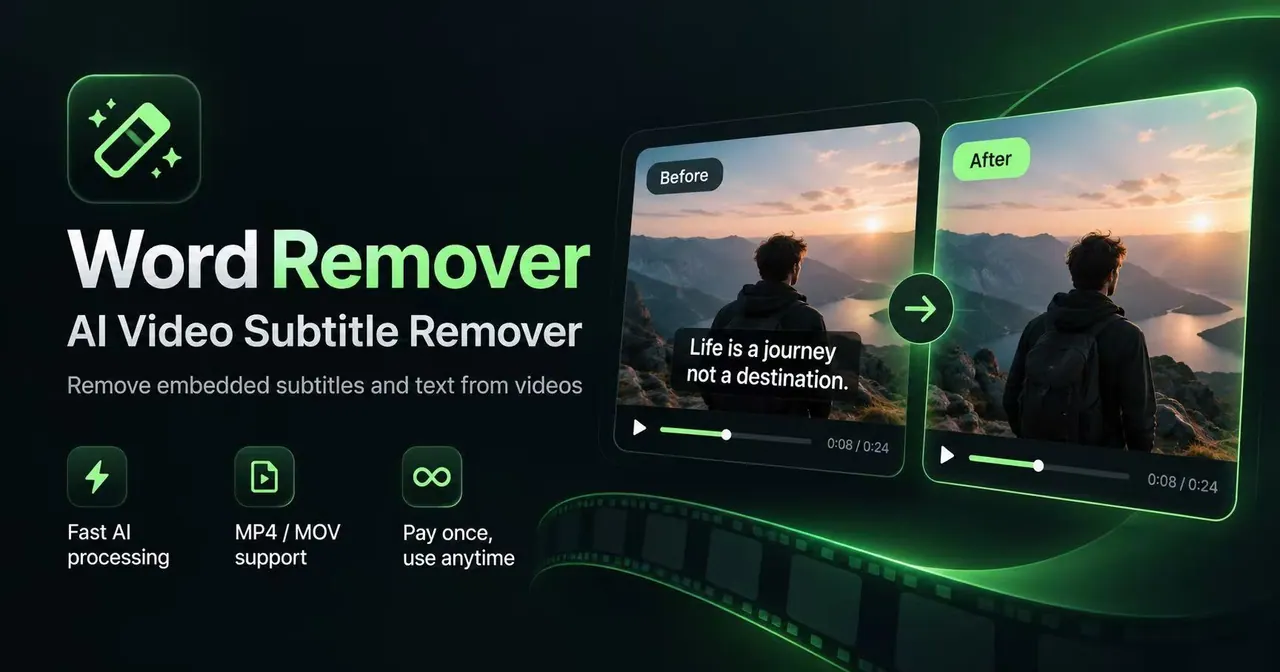
What does Word Remover do?
Word Remover is an online AI video text remover designed to clean up unwanted on-screen lettering. It targets subtitles/captions, hardcoded timestamps or date stamps, recording overlays, and other text you select in the frame—then repairs the background behind the text rather than applying a blur filter.
To use it, upload an H.264 MP4 video, draw a box around the text you want gone, and set the timing when that selection applies. You can adjust the box so it matches the text area, and you can preview the result in your browser before downloading. The repaired area is merged back into the full-size frame (no manual crop step), and the tool keeps the original video’s audio.
The main goal is “repair, not blur.” Results can vary based on the footage’s motion and detail, so always check the preview before exporting. The export keeps the source frame rate and picture dimensions, and the video is re-encoded during export, which can affect bitrate and visual quality.
Word Remover offers a free trial for one video without signing in, with limits of up to 30 seconds and 100 MB per upload. Unused seconds can’t be carried over, and signing up doesn’t add another trial.
How do I remove text from a video online with Word Remover?
Upload your MP4 video, draw a box over the unwanted text, and set when the selection applies. Start the repair, preview the result, then download your cleaned clip.
Can I remove text for free?
Yes—there’s a free trial that works for one video without signing in. The trial is limited to up to 30 seconds and 100 MB per upload, and unused seconds can’t be carried over.
Will Word Remover blur my video or reduce its resolution?
It’s designed to avoid a blur filter by repairing the selected background instead. The repaired clip can still change during export because it’s re-encoded, but the tool keeps the source frame rate and picture dimensions.
What kinds of on-screen text can I remove?
You can remove unwanted lettering and text overlays you select, including subtitles/captions, burned-in words, timestamps/date stamps, and certain recording labels or watermark-like text. If your lettering isn’t present at some moments, set the timing accordingly.
Does Word Remover preserve my original audio?
Yes. The downloaded result keeps the original audio and keeps the repaired region merged into the full video frame.
What MP4 limits and supported formats should I know?
Word Remover supports MP4 (H.264) and allows uploads up to 100 MB and 30 seconds per video for the free trial. During editing, you can target only the selected text area and time range.
This listing is claimed
Own Word Remover? Sign in with the email used to claim it to manage this listing, or upgrade to Pro for featured-first placement and a newsletter feature.