
Text Remover
AI Video Maker Generators & Tools
Text Remover is an online AI video editor that removes burned-in subtitles, captions, date stamps, and other text overlays with clean, no-blur results.
- Category
- Video
- Listed
- Oct 17, 2026
- Updated
- Nov 2, 2026
Promoted
 AI Checker PlusAI detector that highlights which passages AI wrote. Free check, no sign-up. Plagiarism too.
 RewindType any X/Twitter handle. Get their year back as a narrated video story. Then ask it anything.
 KurodyneSell the tools from your AI side projects. Listing is free.
 Sidrune AI85% off. Stable Claude API for agent developers. Pay as you go. Invoices & refunds available.
 Pixmax.aiPixmax.ai is an all-in-one AI workspace for videos, visual stories, and marketing content.
 SEOify - Improve your SEO & rankingsBuild links to rank in Google. Improve your DR with links you can start building now.Advertise here330,000+ people visit Dang.ai every month.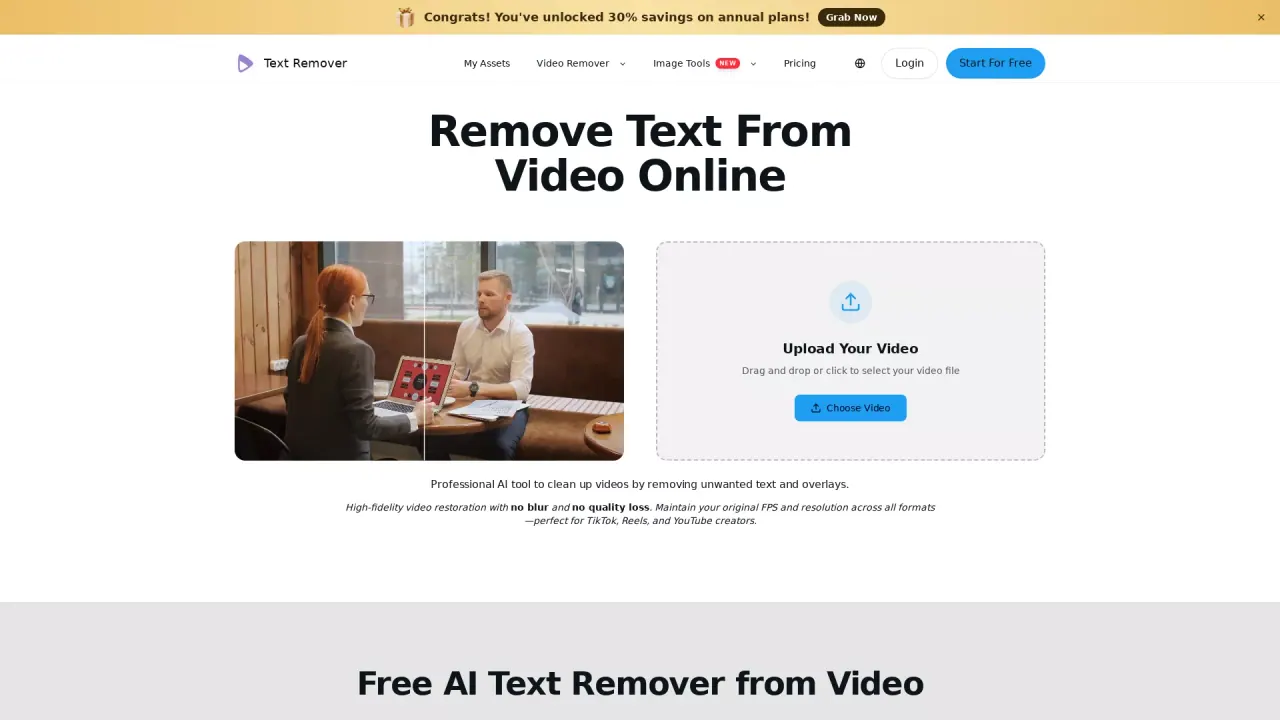
What does Text Remover do?
Text Remover helps you clean up videos by removing unwanted text and overlay graphics such as captions/subtitles, hardcoded (burned-in) subtitles, date stamps, and other distracting text elements. Instead of simply covering the pixels, it detects the text areas and reconstructs what’s behind them for a more natural finish.
The tool removes text automatically—no manual selection of text regions is required. It processes videos frame by frame to keep results consistent across motion, reducing artifacts or “ghosting” that can show up when content moves. You can upload common formats like MP4, MOV, and WebM, and your output is designed to maintain your original FPS and resolution while preserving your video’s color fidelity.
Text Remover is ideal if you’re repurposing social content, fixing clips with baked-in captions, or cleaning up assets before publishing. It also supports use cases like clearing overlay text from social videos and preparing footage for platforms such as TikTok, Reels, and YouTube.
Pricing is credit-based with a free option available. Paid plans are billed annually and include credits granted upfront: Starter ($14.90/month billed annually; 24,000 credits), Plus ($24.90/month billed annually; 54,000 credits), and Premium ($49.90/month billed annually; 96,000 credits). Credits are used for video text removal, and no watermarks are added to outputs. Each plan includes limits like the number of basic videos and up to 15 minutes video length.
What kinds of text can Text Remover remove from a video?
You can remove captions/subtitles (including hardcoded/burned-in text), date stamps, and other unwanted text overlays and graphics.
Will removing text blur the video or lower quality?
The removal is designed to reconstruct the background without blur and preserve your original video quality, including resolution and color fidelity.
Do I need to select the text area before processing?
No—Text Remover automatically detects captions/subtitles and other distracting text overlays for removal.
Does it process videos frame by frame?
Yes. Processing is done frame by frame to keep removal consistent during motion and help reduce artifacts.
Which video formats are supported?
Uploads support major formats including MP4, MOV, and WebM.
How do pricing and credits work?
Plans are credit-based and billed annually, with credits granted upfront (Starter: 24,000; Plus: 54,000; Premium: 96,000). Credits are used for video text removal, and there’s also a “Start for Free” option.
Is this your tool?
Claim Text Remover to manage this listing, or upgrade to Pro for featured-first placement and a newsletter feature.