
VideoToText
AI Transcription Software Tools
Turn video and audio recordings into editable, timestamped transcripts and subtitle files with AI transcription and auto language detection.
- Pricing
- Free
- Category
- Transcription
- Listed
- Jun 12, 2026
- Updated
- Jun 14, 2026
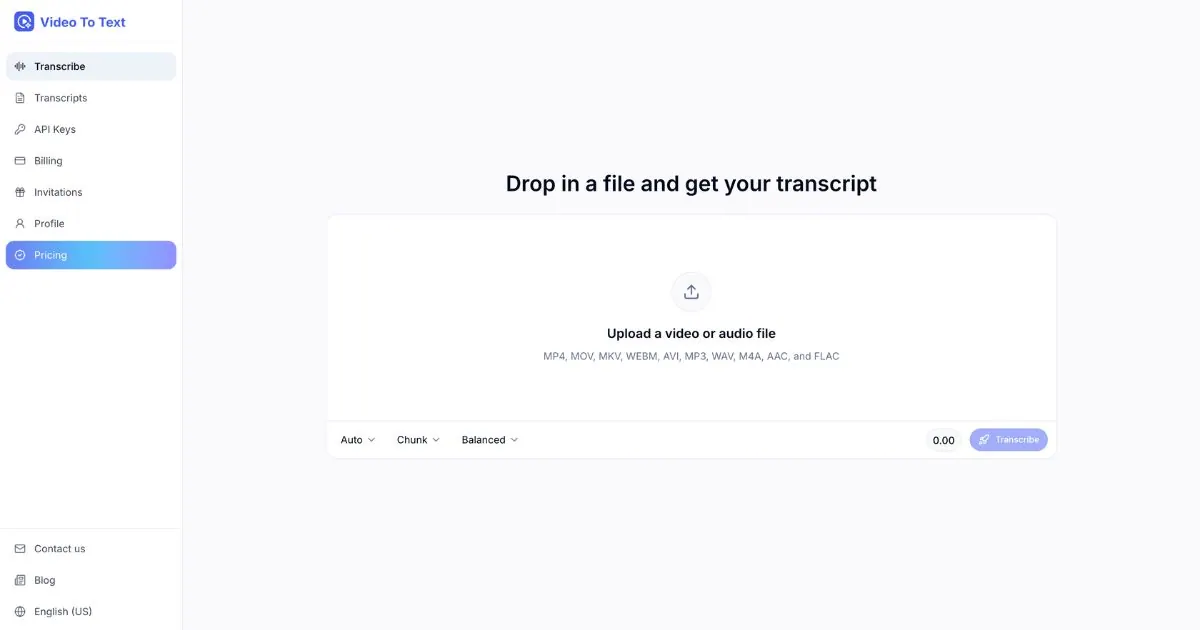
What does VideoToText do?
Video To Text converts meetings, interviews, lectures, and video clips into clean, searchable transcripts. It adds timestamped segments and speaker labels, uses auto language detection (or lets you choose a language), and supports subtitle exports for common caption formats.
Workflow is simple: upload a video or audio file (up to 5 GB per upload), review the transcript in the in-browser editor, and export what you need. You can correct mistakes, search by keyword, and refine speaker labeling before downloading.
Choose from export options like plain text (TXT), SRT, and VTT, or use structured transcript output for downstream use. For product builders, the API supports file submission and async processing so you can generate timestamped transcripts inside your own app or workflow.
What kinds of files can I transcribe with Video To Text?
You can transcribe both video and audio files, including MP4, MOV, WEBM, MKV, MP3, WAV, M4A, AAC, and FLAC, with a maximum file size of 5 GB per upload.
Does Video To Text create subtitles, or only text?
You can export transcripts as plain text as well as subtitle/caption formats including SRT and VTT for tutorials, course videos, social clips, and podcasts.
How do the timestamps work?
The transcript is split into timestamped segments linked to specific moments in the recording. You can click a line to jump to that point and also export SRT or VTT when you need captions.
Can I control the language, or is it detected automatically?
Video To Text supports 100+ languages and can detect the language automatically. You can also pick a language upfront for more consistent results.
Can I transcribe audio files using the API?
Yes. The API supports submitting common audio or video media and returns structured, timestamped transcript output for integration into your product or workflow.
How does async transcription work for long recordings?
Long recordings process in the background. You can poll for status or use a callback so you’re notified when the transcript is ready.
Is this your tool?
Upgrade VideoToText to Pro for featured-first placement, a newsletter feature and ongoing listing management.