
VideoToScript
AI Transcription Software Tools
Turn TikTok, Reels, Shorts, and Facebook videos into accurate, timestamped transcripts you can export as TXT, SRT, or VTT.
- Pricing
- Free
- Category
- Transcription
- Listed
- Aug 24, 2026
- Updated
- Oct 17, 2026
Promoted
 KurodyneSell the tools from your AI side projects. Listing is free.
 Sidrune AI85% off. Stable Claude API for agent developers. Pay as you go. Invoices & refunds available.
 Pixmax.aiPixmax.ai is an all-in-one AI workspace for videos, visual stories, and marketing content.
 RewindType any X/Twitter handle. Get their year back as a narrated video story. Then ask it anything.
 SEOify - Improve your SEO & rankingsBuild links to rank in Google. Improve your DR with links you can start building now.Advertise here270,000+ people visit Dang.ai every month.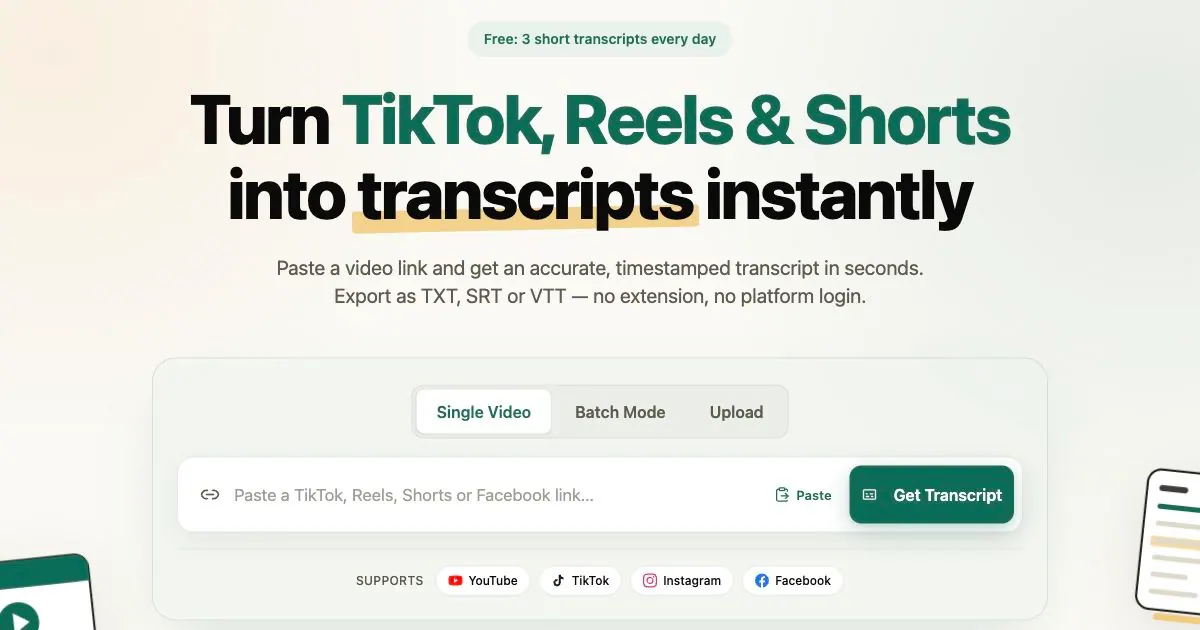
What does VideoToScript do?
VideoToScript converts short-form social videos—like TikTok, Instagram Reels, YouTube Shorts, and Facebook—into accurate, timestamped transcripts in seconds. You can paste a public video link or upload audio/video files to generate text you can reuse for captions, notes, research, and content workflows.
The workflow is simple: paste a URL, let the transcription run, then copy or download the results. Transcripts include timestamps and can be exported in multiple formats, including TXT, SRT, and VTT—useful when you want readable text or ready-to-use caption files. It also supports single-video generation as well as batch mode for processing multiple links.
VideoToScript is designed for creators who want to analyze hooks and turn videos into scripts, marketers who want to study ad messaging and repurpose what performs, and students or researchers who need searchable text to summarize trends and take notes. If you’re working with content across platforms, it helps you avoid manual transcription and speeds up downstream editing.
Pricing is simple to start: you get 3 free short transcripts every day. For heavier usage, you can use pay-as-you-go credit packs.
How fast are transcripts generated?
Most short-form transcripts are ready in about 3–10 seconds after you paste a supported video link.
Which platforms does VideoToScript support?
It supports YouTube Shorts, TikTok, Instagram Reels, and Facebook videos, plus uploaded audio and video files.
Do I need a TikTok, Instagram, or YouTube account to transcribe videos?
No—there’s no extension and you don’t need to sign into platform accounts. Paste a public link and generate the transcript.
What transcript formats can I download?
You can export transcripts as TXT, SRT, or VTT, depending on how you plan to use the text or captions.
Is VideoToScript free?
Yes. You can generate 3 free short transcripts every day without a credit card, then use pay-as-you-go credit packs for more.
Why might a transcript not be generated for my video?
If the video isn’t accessible as a public link or doesn’t match supported sources/file types, the transcript may not appear. Try a different public link or upload the audio/video file instead.
This listing is claimed
Own VideoToScript? Sign in with the email used to claim it to manage this listing, or upgrade to Pro for featured-first placement and a newsletter feature.