
VideoDubber.ai
Audio AI Tools
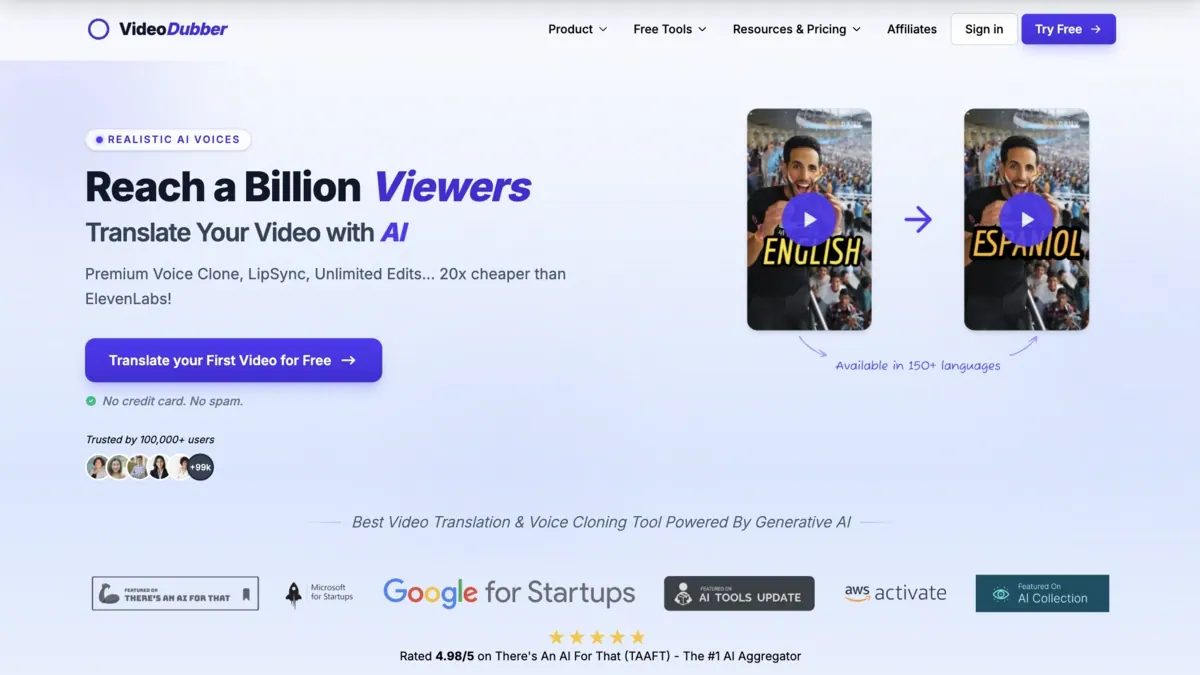
AI video translation with voice cloning and frame-accurate lip sync in 150+ languages.
- Category
- Audio
- Listed
- Nov 2, 2026
- Updated
- Nov 2, 2026
Promoted
 Sidrune AI85% off. Stable Claude API for agent developers. Pay as you go. Invoices & refunds available.
 Pixmax.aiPixmax.ai is an all-in-one AI workspace for videos, visual stories, and marketing content.
 AI Checker PlusAI detector that highlights which passages AI wrote. Free check, no sign-up. Plagiarism too.
 RewindType any X/Twitter handle. Get their year back as a narrated video story. Then ask it anything.
 KurodyneSell the tools from your AI side projects. Listing is free.
 SEOify - Improve your SEO & rankingsBuild links to rank in Google. Improve your DR with links you can start building now.Advertise here270,000+ people visit Dang.ai every month.
What does VideoDubber.ai do?
VideoDubber.ai is an AI video translation tool that creates realistic dubbed audio and natural on-screen performance. It combines voice cloning with frame-accurate lip sync so viewers can follow the video in a target language without feeling like they’re watching a simple translation overlay.
Key features include voice cloning (carrying tone, emotion, and accent) and SyncPRO™ frame-accurate lip sync that locks syllables to the dubbed audio. You can also generate export-ready subtitles, downloading them as SRT or VTT, or export a fully dubbed MP4 with options like bilingual captions and burned-in text. A live editor makes it easy to refine work before publishing.
The editor supports proofreading, editing, and re-translation, including swapping voices, adjusting timing, and re-exporting as often as you need. Additional localization controls include glossary support for consistent terminology, adjustable translation style prompts, SRT/VTT uploads, and OCR extraction of hard-coded subtitles—helpful for localization teams and creators working with existing subtitle files.
Pricing is pay per minute with unlimited edits included, with transparent rates starting at $0.09/min. Plans include Starter ($0.36/min; 25 translation minutes, 50 voice cloning minutes), Pro ($0.26/min; 150 translation minutes, 300 voice cloning minutes), Growth ($0.19/min; 250 translation minutes, 500 voice cloning minutes), and Scale ($0.10/min; 2000 translation minutes, 4000 voice cloning minutes).
What does VideoDubber.ai produce when I translate a video?
It creates dubbed audio using realistic AI voices, can clone voices, and supports frame-accurate lip sync. You can also export subtitles as SRT or VTT, or export a fully dubbed MP4.
Does VideoDubber.ai support voice cloning?
Yes—voice cloning is part of the workflow, and you can select voice style/cloning type for each speaker. Some plans include “Instant Voice Cloning,” and higher tiers include premium cloning options.
How does lip sync work in VideoDubber.ai?
Lip sync is frame-accurate, syncing the dubbed audio syllable-by-syllable to keep the performance aligned with the target language.
Can I revise translations after dubbing?
Yes. Unlimited human edits are included so you can refine scripts, swap voices, fix timing, and re-export as needed.
What subtitle formats can I export?
You can download subtitles as SRT or VTT, and you can also export publish-ready MP4 output with bilingual captions and/or burned-in text.
How is pricing structured?
VideoDubber.ai is pay per minute with transparent rates starting from $0.09/min and unlimited edits included. It also offers plan bundles (Starter, Pro, Growth, Scale) with included translation and voice cloning minutes.
Is this your tool?
Claim VideoDubber.ai to manage this listing, or upgrade to Pro for featured-first placement and a newsletter feature.