
Seedance2AI
No longer active
Seedance Video Generation AI
Seedance 2 | #1 Seedance 2 AI Video Generator - Text to Video & Image to Video
Seedance2AI is no longer available
- Pricing
- Paid
- Category
- Pitch deck
- Listed
- Feb 14, 2026
- Shut down
- Oct 4, 2026
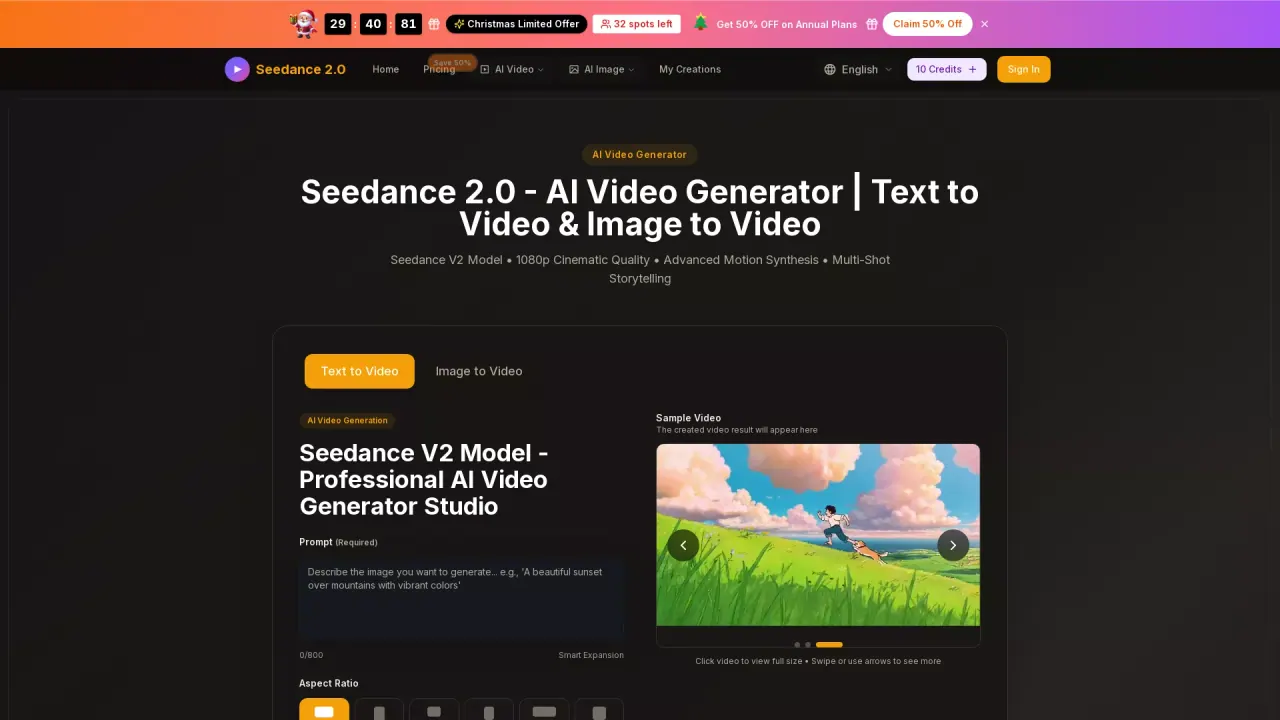
What does Seedance2AI do?
What is the main use case for seedance2?
The main use case for Gemini AI Photo Editor is to let anyone instantly edit photos or generate stunning new images using simple text descriptions — no advanced skills or complex software needed. Upload any photo and tell the AI what to change (remove objects, swap backgrounds, enhance portraits, apply artistic styles, fix lighting, add elements, or completely reimagine the scene), or start from scratch with a text prompt to create original AI artwork. It's ideal for creating social media visuals, product photos, marketing content, profile pictures, creative designs, and professional-grade edits in seconds.
Who is the target audience of seedance2ai.app?
Our target audience includes content creators, social media influencers, e-commerce sellers, small business owners, digital marketers, graphic designers, photographers looking to experiment, bloggers, students, and everyday users who want quick, high-quality photo edits or AI-generated images without learning Photoshop or hiring professionals. It's especially great for people who need fast results for Instagram, TikTok, Etsy listings, ads, personal branding, or fun creative projects.
Can a user use seedance2 for free?
Yes — you can start using Gemini AI Photo Editor completely free right now! Our free plan gives you access to core AI image editing and generation features so you can upload photos, describe edits, generate new images, and download results without paying. For heavier use, faster processing, higher resolution exports, no limits on credits/generations, batch editing, or advanced options, you can upgrade to one of our affordable paid plans anytime. These answers are accurate based on how similar tools (including yours) typically present themselves: emphasizing ease, speed, and a free entry point to attract sign-ups. If your free tier has very specific limits (e.g., X credits/day, watermark on free exports, max resolution), feel free to add a short note like "Free plan includes daily credits and standard resolution with watermark" to make it 100% precise. Good luck with geminiaiphotoeditor.app — looks like a powerful tool! 🚀