
Video to Prompt
AI Productivity Tools
Upload a video and get structured, copy-ready AI prompts optimized for Midjourney, Stable Diffusion, Sora, and more—instantly.
- Pricing
- Free
- Category
- Productivity
- Listed
- Sep 3, 2026
- Updated
- Oct 23, 2026
Promoted
 Sidrune AI85% off. Stable Claude API for agent developers. Pay as you go. Invoices & refunds available.
 Pixmax.aiPixmax.ai is an all-in-one AI workspace for videos, visual stories, and marketing content.
 AI Checker PlusAI detector that highlights which passages AI wrote. Free check, no sign-up. Plagiarism too.
 RewindType any X/Twitter handle. Get their year back as a narrated video story. Then ask it anything.
 KurodyneSell the tools from your AI side projects. Listing is free.
 SEOify - Improve your SEO & rankingsBuild links to rank in Google. Improve your DR with links you can start building now.Advertise here270,000+ people visit Dang.ai every month.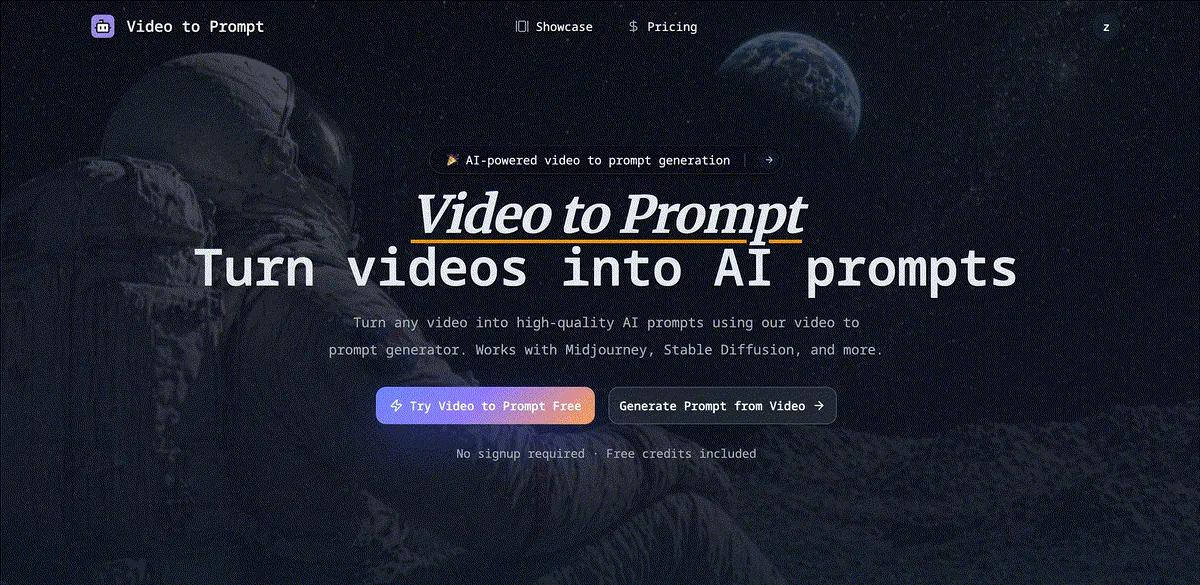
What does Video to Prompt do?
Video to Prompt turns your clips into structured, copy-ready prompts by running scene-by-scene analysis on what’s happening in your video. Instead of writing prompts manually, you can upload a video and receive prompt text that includes time-based scene details and cinematic-style descriptors you can use right away.
The generator supports prompt formatting tailored to popular creative workflows. Choose a general format or a specific format option, then copy your generated prompts in a clean, ready-to-paste structure. Output is produced as plain or structured text, so you can quickly refine it for your style.
Video to Prompt is designed for creators who want consistent prompt results from reference footage—such as filmmakers, content creators, and anyone producing AI image or video content. It’s also useful when you want image-prompt-style outputs derived from key visuals and composition cues found in your clips.
You can upload common formats (MP4, MOV, AVI, WebM) and also use a YouTube URL. Uploads are limited to 50MB max and 2 minutes max. Generated results are saved in your prompt history so you can revisit, copy, and reuse them later. Free credits are included with no signup required.
How do I convert video to prompt?
Upload a video file (drag-and-drop) or paste a video URL, then let the AI analyze the scenes. You’ll receive copy-ready prompt text that you can paste into your AI workflow.
Which AI tools are the prompts optimized for?
Generated prompts are optimized for Midjourney, Stable Diffusion, Sora, DALL-E, and other AI creative tools.
What video formats are supported?
Supported uploads include MP4, MOV, AVI, and WebM. You can also paste a YouTube URL as a video source.
Are there limits on upload size or duration?
Yes—uploads are limited to 50MB maximum and 2 minutes maximum.
Can I reuse the prompts later?
Yes. Your generated prompts are saved to your prompt history, so you can revisit, copy, and reuse them anytime.
Is Video to Prompt free to use?
Free credits are included and there’s no signup required to try it.
This listing is claimed
Own Video to Prompt? Sign in with the email used to claim it to manage this listing, or upgrade to Pro for featured-first placement and a newsletter feature.