
UnitPic
AI Image Enhancer Tools
UnitPic is a single workspace to generate and compare AI image results across multiple models using one shared credit balance.
Promoted
 RewindType any X/Twitter handle. Get their year back as a narrated video story. Then ask it anything.
 KurodyneSell the tools from your AI side projects. Listing is free.
 Pixmax.aiPixmax.ai is an all-in-one AI workspace for videos, visual stories, and marketing content.
 AI Checker PlusAI detector that highlights which passages AI wrote. Free check, no sign-up. Plagiarism too.
 SEOify - Improve your SEO & rankingsBuild links to rank in Google. Improve your DR with links you can start building now.Advertise here330,000+ people visit Dang.ai every month.
What does UnitPic do?
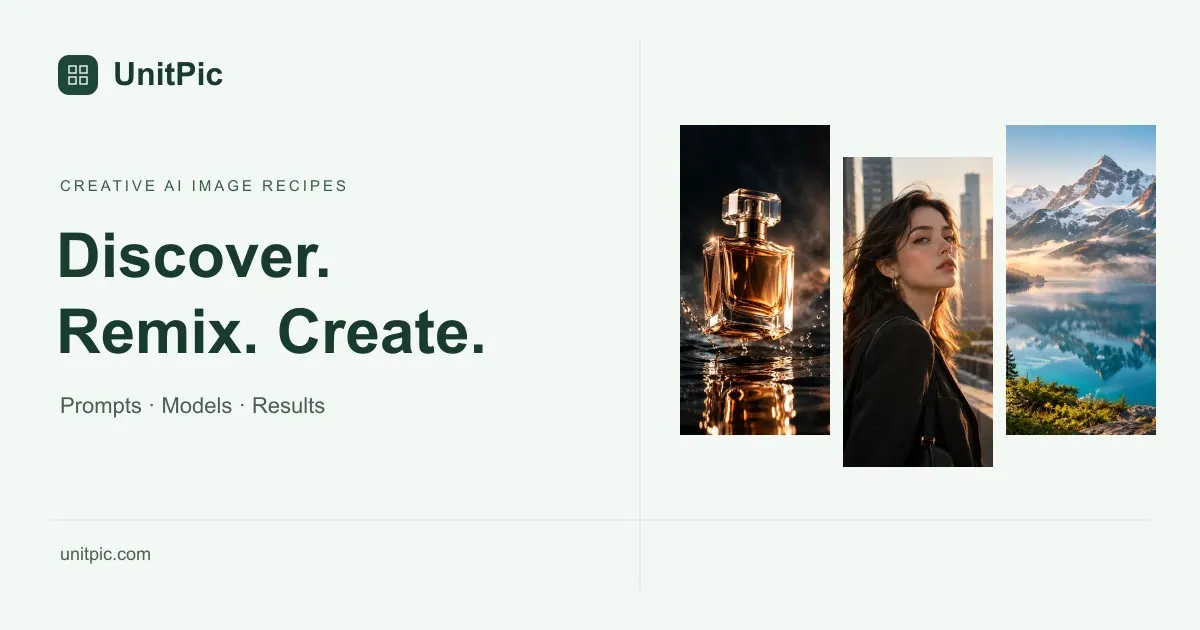
UnitPic helps you create and edit AI images by combining prompts, model choices, and results into reusable “recipes.” Instead of juggling multiple tools or accounts, you can open a recipe for inspiration or write your own prompt, then generate images with the models you want to try.
A core workflow is prompt + model + result: choose one or more models, generate, and view outputs side-by-side in a comparison grid. This makes it easier to iterate on the same concept—changing style, subject, or details—without re-entering everything from scratch. Recipes let you save prompt text, your selected models, and your resulting images so you can return to a starting point later.
UnitPic supports text-to-image and also offers reference-image support where available for the selected model. Before each generation run, you can check the credit cost based on the models and options you choose.
Generation uses a credit system where 1 credit is roughly equivalent to 1 image at 1K–2K, with model-specific pricing. Plans range from free 40 credits on signup up to Studio 2400 credits per month, and you can use the app to create, compare, and save work as a library of prompts and favorite generations.
What does UnitPic do?
UnitPic lets you generate and edit AI images using creative prompts and reusable recipes, then compare results from multiple models in a single workspace.
How does model comparison work on UnitPic?
You write a prompt, select one or more models, generate images, and view outputs side-by-side in a comparison grid so you can iterate quickly.
What is a “recipe” in UnitPic?
A recipe bundles your prompt, your model selection, and your resulting images so you can revisit and reuse the same starting point for future generations.
Can I use reference images with UnitPic?
Reference-image support varies by model. Sign in to upload references or generate images, then review the credit cost before running.
How do credits and pricing work?
UnitPic uses a credit system with model-specific pricing. Credit cost is based on the models and options you choose for each generation run, with plans ranging from free 40 credits on signup to Studio 2400 credits per month.
Do I need an account to generate images?
You can browse content, but you need to sign in to generate images or upload references and use credits.
This listing is claimed
Own UnitPic? Sign in with the email used to claim it to manage this listing, or upgrade to Pro for featured-first placement and a newsletter feature.