
tuberepeat
Verified
AI Optimization Tools
Paste any YouTube URL to set frame-precise A–B loop points, adjust speed, and track repetitions instantly in your browser.
- Category
- Optimize
- Listed
- Jun 12, 2026
- Updated
- Jun 14, 2026
What does tuberepeat do?
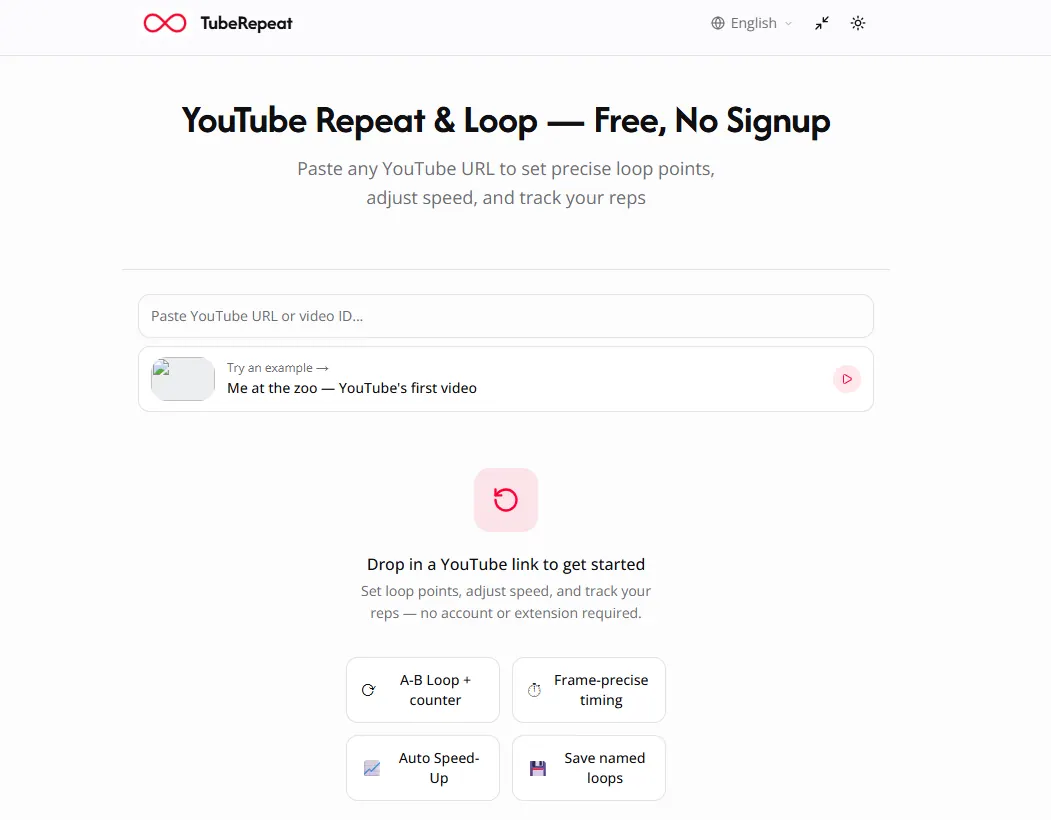
TubeRepeat is a free, web-based YouTube repeat and loop tool that lets you paste any YouTube link and start practicing right away—no account, extension, or downloads required.
Set an A (start) and B (end) point with second-level precision to isolate exactly the section you want. That selected region loops automatically so you can drill it hands-free while you refine timing, phrasing, and accuracy.
TubeRepeat also supports speed control for repeat practice, rep counting, and keyboard control (including S/E keys for setting loop points). You can save named loop sessions, generate a shareable link that restores the session, and progressively increase tempo loop by loop for continued training.
How do I loop a YouTube video on TubeRepeat?
Paste a YouTube URL into the page to load the video, then set your A (start) and B (end) points. The selected segment will repeat automatically.
How do I repeat only a specific section of a YouTube video?
Use A–B loop mode: mark the start (A) and end (B) of the exact moment you want. TubeRepeat repeats that region continuously at your chosen speed.
Is TubeRepeat free to use?
Yes—TubeRepeat is free to use. There’s no account required to create and run loops.
Do I need an extension or download anything?
No. TubeRepeat runs instantly in your browser without a browser extension or downloads.
Can I slow down YouTube for practice?
Yes. You can adjust playback speed from 25% up to 200% for repeat practice, and fine-tune in smaller increments for more precise control.
Can I save and share my loop points?
Yes. TubeRepeat saves named loop sessions and creates a shareable link that restores the same video, A point, B point, and speed on any device.
Is this your tool?
Upgrade tuberepeat to Pro for featured-first placement, a newsletter feature and ongoing listing management.