
Cleanup
AI Image Cleanup Tool
Cleanup by ClipDrop removes unwanted objects, defects, people, and text from photos in seconds using AI inpainting.
Promoted
 Sidrune AI85% off. Stable Claude API for agent developers. Pay as you go. Invoices & refunds available.
 Pixmax.aiPixmax.ai is an all-in-one AI workspace for videos, visual stories, and marketing content.
 RewindType any X/Twitter handle. Get their year back as a narrated video story. Then ask it anything.
 KurodyneSell the tools from your AI side projects. Listing is free.
 SEOify - Improve your SEO & rankingsBuild links to rank in Google. Improve your DR with links you can start building now.Advertise here270,000+ people visit Dang.ai every month.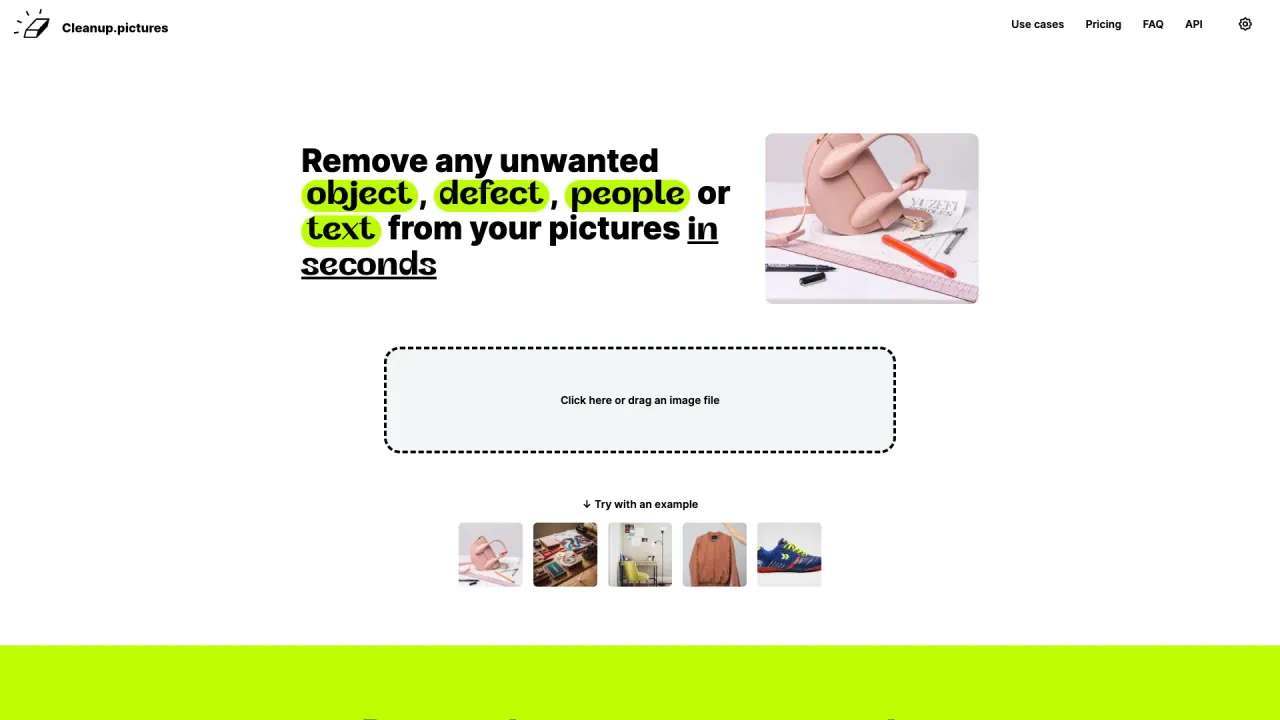
What does Cleanup do?
Cleanup (Cleanup.pictures) is a web-based AI retouching tool that lets you remove unwanted content from your images quickly and easily. It uses AI inpainting to reconstruct what should be behind the area you cover—so you can erase objects, depersonalize photos, and clean up visual imperfections.
To use Cleanup, upload an image (or drag and drop), then select the region you want removed using the brush. For best results, cover the unwanted element completely and consider overflowing slightly beyond the edges—especially if you’re removing shadows, text, or logos—so the algorithm can blend the result naturally. You can also remove people from a photo in just a few clicks.
Cleanup is designed for creatives and teams who want fast photo cleanup without complex software workflows. Photographers, agencies, and e-commerce teams can use it to remix images and speed up editing. If you’re a developer, Cleanup also offers a high-quality, usage-based inpainting API with documentation, a live demo, and samples.
Pricing: Cleanup offers a Free plan with unlimited images and exports limited to 720p. Pro offers unlimited images and unlimited resolution, and includes a high-quality refiner. For Pro, pricing is listed as $5 per month or $36 per year ($3 per month), and there’s a free trial to test HD quality.
What can I remove with Cleanup’s AI inpainting?
You can remove unwanted objects, defects, people, and text/logos from your photos by covering the area you want removed with the brush.
How do I remove a person from a photo?
Cover the person using a larger brush and extend the selection slightly beyond the target area, especially over shadows. Then run the inpainting to generate the cleaned result.
Will Cleanup remove text, logos, or watermarks?
Yes. Draw over the text or logo you want gone and run the cleanup. For best results, overflow a slightly larger area than the content you’re removing.
Can I remove watermarks with Cleanup?
Only remove watermarks if you have an explicit license for the image. Watermarks often indicate restrictive copyrights.
What are the export limits for Free vs Pro?
Free exports are limited to 720p. Pro has no size limit for processing and exporting, with unlimited resolution.
How does pricing work for the API?
The inpainting API uses usage-based pricing, and you can get started with API documentation, a live demo, and samples.
Is this your tool?
Claim Cleanup to manage this listing, or upgrade to Pro for featured-first placement and a newsletter feature.