
Transcript.im
Verified
Audio AI Tools
Generate clean, timestamped transcripts from YouTube, TikTok, and Instagram links or uploads—then translate, summarize, and export in TXT/SRT/VTT.
Promoted
 AI Checker PlusAI detector that highlights which passages AI wrote. Free check, no sign-up. Plagiarism too.
 RewindType any X/Twitter handle. Get their year back as a narrated video story. Then ask it anything.
 KurodyneSell the tools from your AI side projects. Listing is free.
 Sidrune AI85% off. Stable Claude API for agent developers. Pay as you go. Invoices & refunds available.
 Pixmax.aiPixmax.ai is an all-in-one AI workspace for videos, visual stories, and marketing content.
 SEOify - Improve your SEO & rankingsBuild links to rank in Google. Improve your DR with links you can start building now.Advertise here270,000+ people visit Dang.ai every month.
What does Transcript.im do?
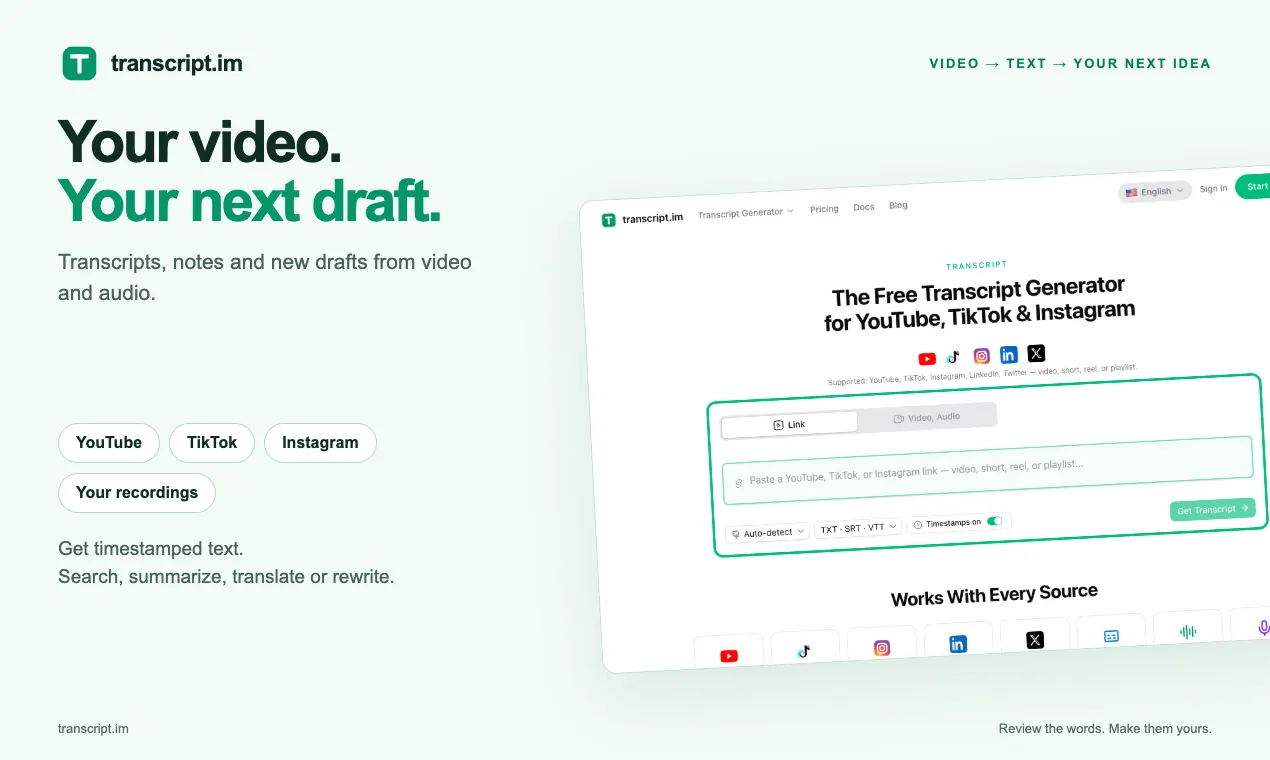
Transcript.im turns a YouTube, TikTok, or Instagram link (or an uploaded video/audio file) into clean, timestamped text you can work from. If captions already exist, it uses them; if not, AI transcribes the spoken audio with timing.
Once your transcript is ready, you can translate it, summarize it, create structured notes, or generate an outline and mind map. Every line stays timestamped, so you can jump back to the exact moment a quote or idea came from.
You can export results as TXT for plain reading, or as SRT/VTT for captions and subtitle workflows. It supports common sources like YouTube, TikTok, Instagram, LinkedIn, Twitter/X, and also accepts local audio/video files up to 5 GB.
What sources can I transcribe with Transcript.im?
You can paste links from YouTube, TikTok, Instagram, LinkedIn, and Twitter/X, or upload your own video/audio files.
What happens if the video already has captions?
When a clip already includes a caption track, Transcript.im uses that track. If captions aren’t available, AI transcribes the spoken audio with timestamps.
Can I export my transcript in subtitle formats?
Yes. You can download transcripts as TXT for notes, or as SRT and VTT for captions/subtitles workflows.
Can I translate a transcript while keeping timestamps aligned?
Yes—translation supports 7 languages and preserves timestamps so the subtitle timing stays aligned.
Is it possible to turn a transcript into a script or study notes?
Yes. You can rewrite or create a new script from the transcript, and you can also generate summaries, outlines, or mind maps for learning and review.
What file types can I upload?
You can upload video and audio files such as MP4, MOV, MP3, M4A, WAV, and FLAC (up to 5 GB).
This listing is claimed
Own Transcript.im? Sign in with the email used to claim it to manage this listing, or upgrade to Pro for featured-first placement and a newsletter feature.