
TotalMedia Clean
Verified
AI Optimization Tools
TotalMedia Clean uses AI inpainting to precisely remove watermarks and subtitles while reconstructing a natural-looking background.
Promoted
 KurodyneSell the tools from your AI side projects. Listing is free.
 Sidrune AI85% off. Stable Claude API for agent developers. Pay as you go. Invoices & refunds available.
 Pixmax.aiPixmax.ai is an all-in-one AI workspace for videos, visual stories, and marketing content.
 RewindType any X/Twitter handle. Get their year back as a narrated video story. Then ask it anything.
 SEOify - Improve your SEO & rankingsBuild links to rank in Google. Improve your DR with links you can start building now.Advertise here270,000+ people visit Dang.ai every month.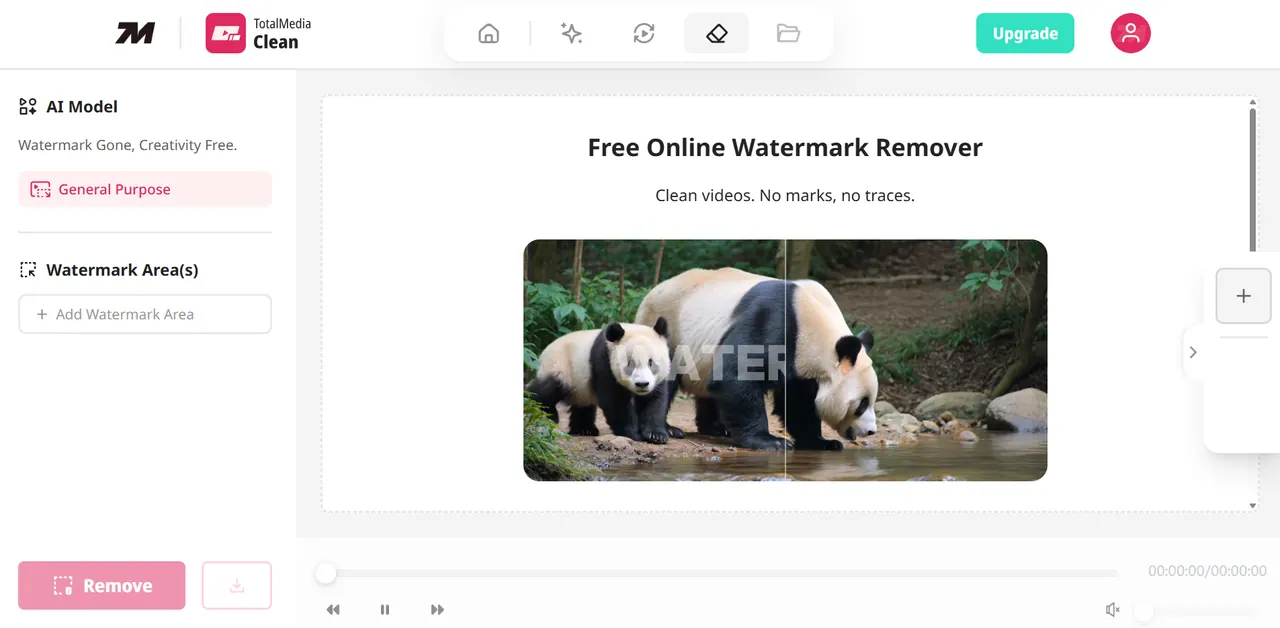
What does TotalMedia Clean do?
TotalMedia Clean is an AI-powered online video cleanup tool that precisely removes unwanted watermarks and subtitles. By using AI inpainting, it restores the surrounding area so your footage looks cleaner and more polished without complex editing.
You can remove watermarks and subtitles by selecting the area to clean—then let the AI handle the rest. The tool also includes smart detection and background reconstruction to help maintain a realistic look, along with options to better protect important on-screen text.
TotalMedia Clean supports batch processing so you can clean multiple videos at once, and it works with common formats like MP4, MOV, AVI, and WebM (and more). It’s browser-based and includes a free trial with limits, making it easy to test before upgrading.
What can TotalMedia Clean remove from videos?
It’s designed to remove video watermarks and subtitles. You choose the area, and the AI cleans it while reconstructing the background.
How does the AI cleanup work?
TotalMedia Clean uses AI inpainting to locate and erase unwanted elements and intelligently reconstruct the background. The goal is to preserve a natural-looking result with smooth, flicker-free transitions.
Will the processed video quality be degraded?
The AI inpainting approach is designed to preserve the original video’s resolution, bitrate, and details as much as possible for high-quality output.
What are the limits of the free trial?
Free trial users can process up to 1 video per day with a maximum file size of 200MB per file.
What are the processing limits for Premium?
Premium allows up to 10 videos per day, with each file up to 4GB, and includes priority processing.
How long does processing take?
Processing time depends on video length, resolution, complexity, and the current service queue. For a typical 1-minute 1080p video, processing is usually completed within 1–3 minutes, and the tool shows a real-time estimated wait time and progress.
This listing is claimed
Own TotalMedia Clean? Sign in with the email used to claim it to manage this listing, or upgrade to Pro for featured-first placement and a newsletter feature.