
TimedSubs
Audio AI Tools
Create script-first timed subtitles from your script and voiceover, then translate them into 109 languages while preserving timing.
- Pricing
- Free
- Category
- Audio
- Listed
- Aug 15, 2026
- Updated
- Aug 15, 2026
Promoted
 Pixmax.aiPixmax.ai is an all-in-one AI workspace for videos, visual stories, and marketing content.
 AI Checker PlusAI detector that highlights which passages AI wrote. Free check, no sign-up. Plagiarism too.
 RewindType any X/Twitter handle. Get their year back as a narrated video story. Then ask it anything.
 KurodyneSell the tools from your AI side projects. Listing is free.
 Sidrune AI85% off. Stable Claude API for agent developers. Pay as you go. Invoices & refunds available.
 SEOify - Improve your SEO & rankingsBuild links to rank in Google. Improve your DR with links you can start building now.Advertise here270,000+ people visit Dang.ai every month.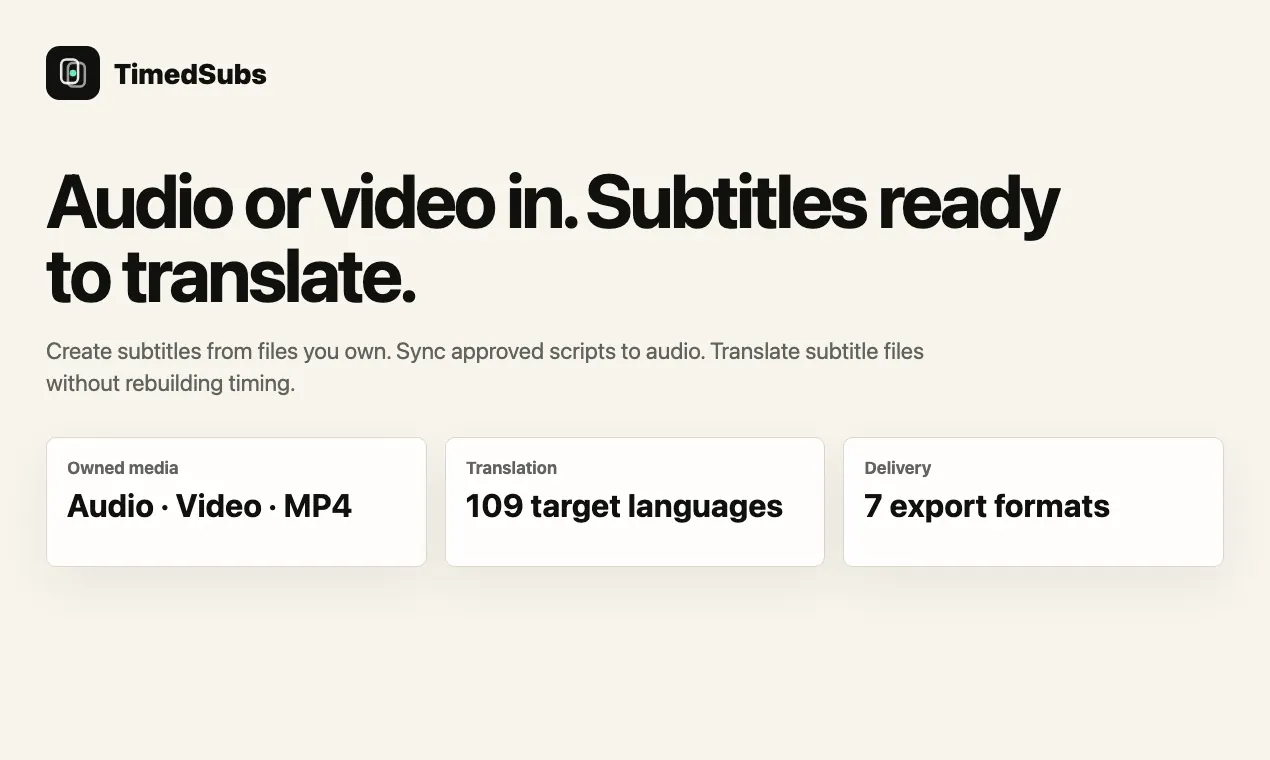
What does TimedSubs do?
TimedSubs is a script-first subtitle workflow for creators, editors, and localization teams. Upload your approved script and its matching audio to align subtitle lines to the voiceover without changing your wording.
You can also translate existing subtitle files (SRT, VTT, or ASS) while preserving the original timestamps. Keep names, numbers, and approved phrasing steady, then check timing and potential delivery-breaking issues before downloading ready-to-use subtitle outputs.
TimedSubs supports subtitle translation workflows designed for delivery: export formats include SRT, VTT, SBV, ASS, timecoded TXT, JSON, and ZIP. Start with a free anonymous timing test, then choose the right one-time pack or subscription based on how much timing or translation capacity you need.
Can TimedSubs match my approved script to the voiceover timing?
Yes—upload the final script and matching audio, and TimedSubs aligns subtitle timing to the submitted wording while keeping your wording intact.
Will TimedSubs rewrite my script or change my wording?
No. The workflow is built to keep approved wording and subtitle structure as written, focusing on adding or preserving timing.
Which subtitle formats can I translate and preserve timestamps for?
You can translate SRT, VTT, and ASS subtitle files while preserving their timestamps.
If I already have an SRT/VTT, does TimedSubs change timing during translation?
No—subtitle translation is done with timing preserved, so timestamps remain unchanged.
What subtitle export formats are available?
Exports include SRT, VTT, SBV, ASS, timecoded TXT, JSON, and ZIP.
What do I get when quality checks find timing problems?
TimedSubs makes quality issues visible before download so you can review names, timing, and potential upload-breaking problems prior to exporting.
This listing is claimed
Own TimedSubs? Sign in with the email used to claim it to manage this listing, or upgrade to Pro for featured-first placement and a newsletter feature.