LanguageSubtitleTranslator
Verified
Subtitle Translation Service
Translate and subtitle with AI—convert, batch-process, and export multilingual subtitles across popular formats like SRT and VTT.
Promoted
 Sidrune AI85% off. Stable Claude API for agent developers. Pay as you go. Invoices & refunds available.
 Pixmax.aiPixmax.ai is an all-in-one AI workspace for videos, visual stories, and marketing content.
 SEOify - Improve your SEO & rankingsBuild links to rank in Google. Improve your DR with links you can start building now.Advertise here270,000+ people visit Dang.ai every month.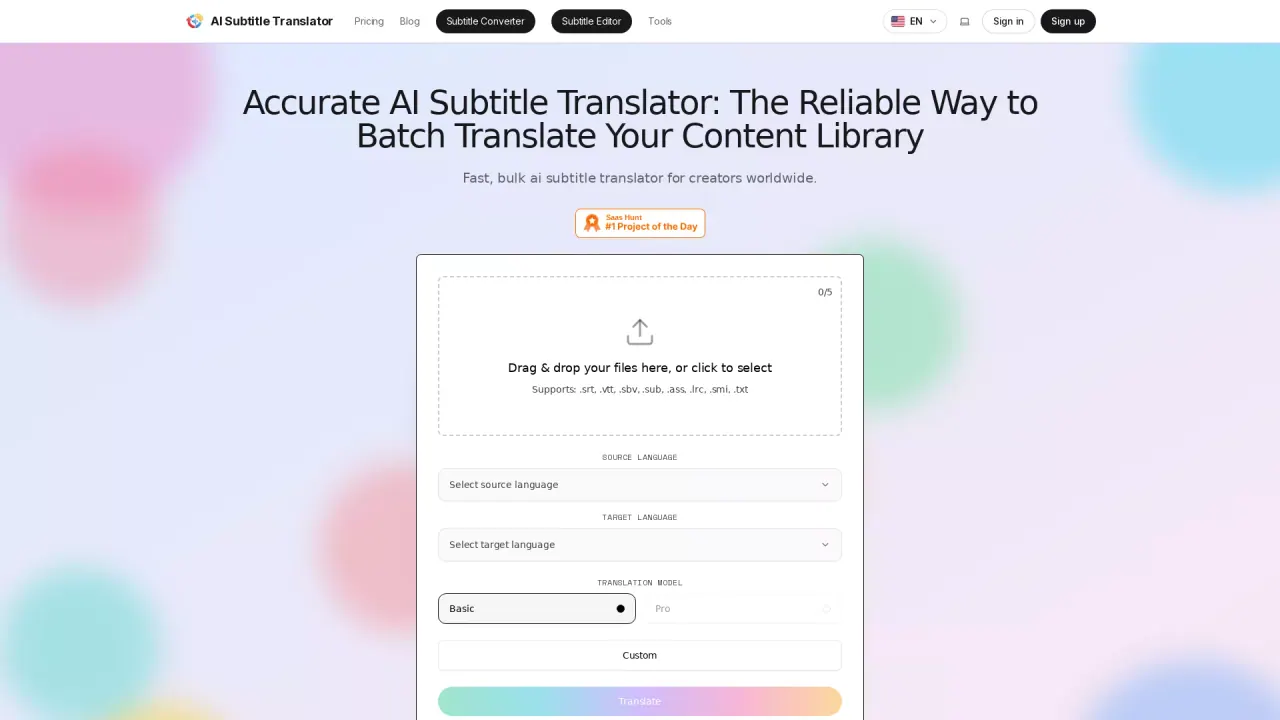
What does LanguageSubtitleTranslator do?
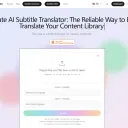
Language Subtitle Translator is an AI-powered subtitle conversion and translation workflow for making your captions accessible in multiple languages. Upload your subtitle file, choose source and target languages, and generate translations with batch support for faster localization.
The tool supports common subtitle formats including .srt, .vtt, .ass, .sub, .sbv, .lrc, .smi, and .txt. It can translate a single file into more than 100 languages, and single-file uploads can be translated into up to 5 target languages at once. Multiple files can be processed together, but output is limited to one language per batch.
After translation, you can preview results and refine them in the integrated subtitle editor. You can also convert subtitles into plain text when you want caption content for posts or other reuse.
What subtitle file formats can I upload and translate?
You can upload .srt, .vtt, .sbv, .sub, .ass, .lrc, .smi, and .txt.
How many languages can I translate a single subtitle file into?
A single file can be translated into more than 100 languages, with up to 5 target languages at once.
Can I batch-translate multiple files in one go?
Yes—multiple files can be translated together, but they can only be translated into one language per batch.
Do I get to edit captions after the AI translation?
Yes. Each translation can be opened in the subtitle editor so you can refine text and adjust timing.
Does the tool support converting formats (for example, ASS to SRT)?
Yes. It can convert complex formats like ASS into SRT, along with other supported subtitle formats.
How does output/download work after translation?
You can preview results after translation completes, then download your translated subtitles. The workflow also supports exporting subtitles to plain text.
This listing is claimed
Own LanguageSubtitleTranslator? Sign in with the email used to claim it to manage this listing, or upgrade to Pro for featured-first placement and a newsletter feature.