
SmartAutoFill
Automation AI Tools
SmartAutoFill is a review-first AI form filler Chrome extension that drafts values for compatible fields using your saved profile or page context.
- Pricing
- Free
- Category
- Automation
- Listed
- Oct 2, 2026
- Updated
- Oct 2, 2026
Promoted
 Sidrune AI85% off. Stable Claude API for agent developers. Pay as you go. Invoices & refunds available.
 Pixmax.aiPixmax.ai is an all-in-one AI workspace for videos, visual stories, and marketing content.
 SEOify - Improve your SEO & rankingsBuild links to rank in Google. Improve your DR with links you can start building now.Advertise here270,000+ people visit Dang.ai every month.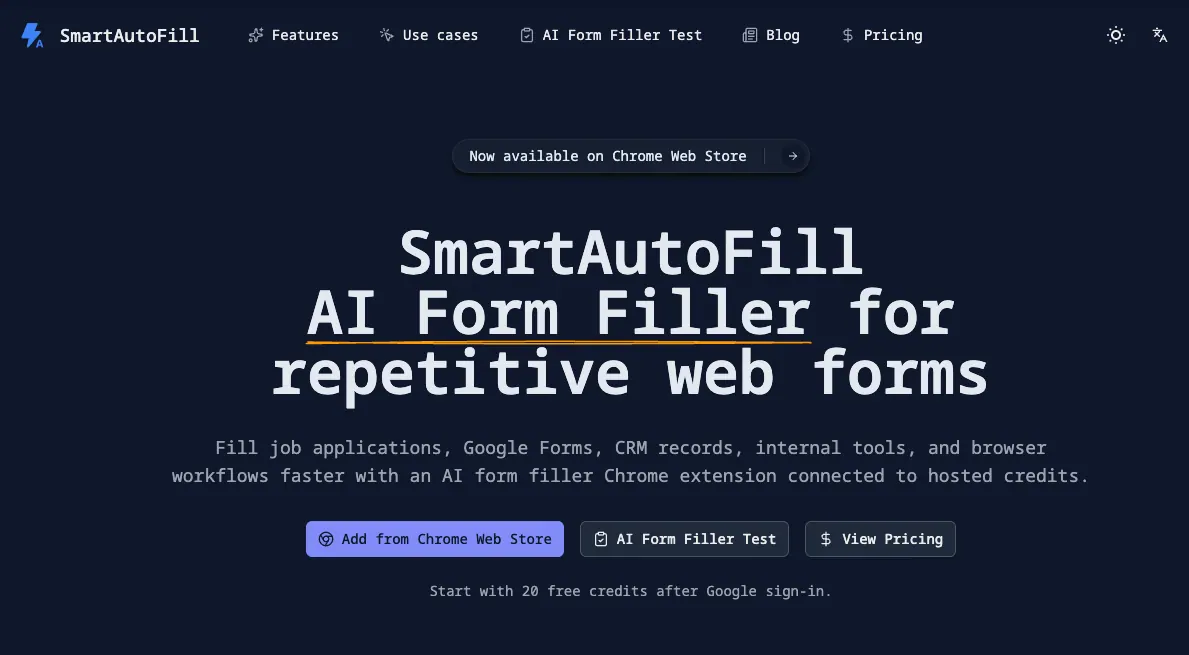
What does SmartAutoFill do?
SmartAutoFill is a review-first AI form filler Chrome extension built to speed up repetitive web forms. It drafts values for compatible fields using your saved profile data and the context on the page, then applies those drafts so you can review them before submitting.
Use it for common workflows like job applications, Google Forms, CRM and lead forms, support/ops forms, and other internal browser entries. It’s designed to recognize fields from visible context such as labels, placeholders, IDs, nearby text, and selectable options.
For safety, SmartAutoFill skips sensitive fields including passwords, CAPTCHA responses, payment card details, bank details, and identity-verification information. The hosted AI flow also uses account-based credits: new users receive free credits after Google sign-in, and paid credit packs can be added separately. The extension never auto-submits—final submission stays under your control.
What kinds of forms can SmartAutoFill help with?
It’s aimed at repetitive browser forms like job applications, Google Forms, CRM and lead records, and internal support or operations forms—anything with compatible, fillable fields.
Does SmartAutoFill submit forms automatically?
No. It applies draft values to compatible fields for you to review, and you submit manually after checking the entries.
How does SmartAutoFill generate the values it fills?
It uses your saved profile information and/or the context you’ve selected on the page to draft values, then applies those drafts to compatible fields.
Which fields does SmartAutoFill avoid filling?
Sensitive-field guardrails exclude passwords, CAPTCHA responses, payment card details, bank details, and identity-verification information.
Do I need to configure an AI API key to use SmartAutoFill?
No for the default hosted flow. You install the Chrome extension, sign in with Google, and use the provided credits without bringing your own model key.
How do credits work in SmartAutoFill?
New eligible accounts receive 20 free credits after Google sign-in. Credits are tied to your account, and additional paid credit packs are available separately when you need more.
This listing is claimed
Own SmartAutoFill? Sign in with the email used to claim it to manage this listing, or upgrade to Pro for featured-first placement and a newsletter feature.