
SilenceRemove
Audio AI Tools
SilenceRemove is a free browser tool that trims long pauses from audio or video and exports a cleaned WAV.
Promoted
 RewindType any X/Twitter handle. Get their year back as a narrated video story. Then ask it anything.
 KurodyneSell the tools from your AI side projects. Listing is free.
 Pixmax.aiPixmax.ai is an all-in-one AI workspace for videos, visual stories, and marketing content.
 AI Checker PlusAI detector that highlights which passages AI wrote. Free check, no sign-up. Plagiarism too.
 SEOify - Improve your SEO & rankingsBuild links to rank in Google. Improve your DR with links you can start building now.Advertise here330,000+ people visit Dang.ai every month.
What does SilenceRemove do?
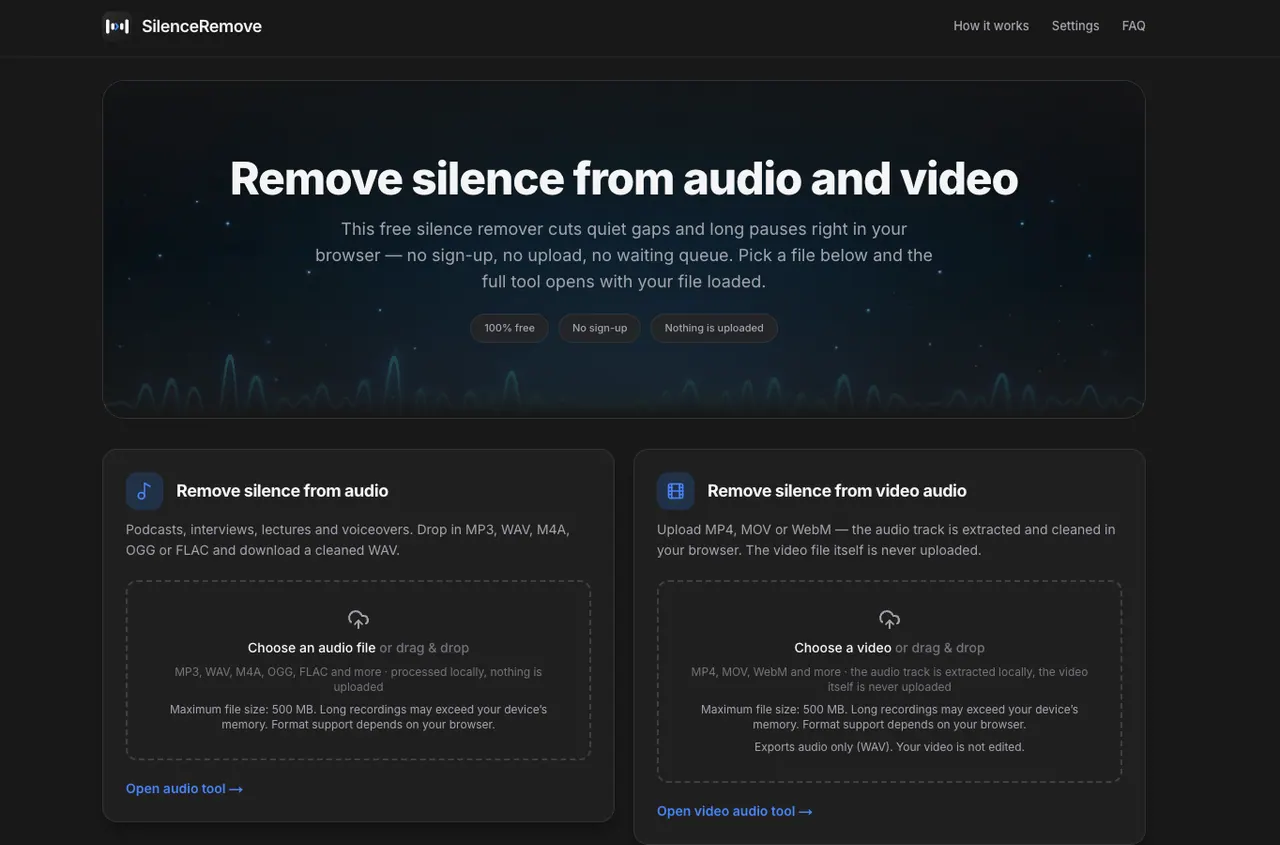
SilenceRemove removes quiet gaps and long pauses from audio and video directly in your browser—no sign-up and no upload. You can drop in an audio file (MP3, WAV, M4A, OGG, FLAC) or a video file (MP4, MOV, WebM). For videos, it extracts and cleans only the audio track, so your video itself isn’t edited.
The tool detects silence using Web Audio API processing on your own device. By default, it removes stretches of silence that are at least 100 ms, while keeping a small amount of natural pause around each cut (0.05 s on both sides) to help prevent words from running together. You can tune the silence threshold (dB), the minimum silence length (ms), and the pause kept on each side, then preview results with a before/after waveform comparison.
When you’re happy with the output, download the cleaned audio as a 16-bit WAV at 44.1 kHz. You can repeat the process with different settings if the cut isn’t perfect. Because processing happens locally, closing the tab erases the file—nothing is stored or sent to a server.
SilenceRemove is designed for podcasts, interviews, lectures, voiceovers, and dictation where trimming dead air can make recordings easier to listen to.
Is SilenceRemove actually free to use?
Yes—SilenceRemove is free, with no sign-up and no usage queue. Your file is processed locally in your browser.
Should I upload an audio file or a video file?
Choose audio if you already have an audio format like MP3, WAV, or FLAC. Choose video if you have MP4, MOV, or WebM and want the audio track cleaned—the video itself won’t be edited.
Will trimming silence change my voice speed or pitch?
SilenceRemove doesn’t intentionally change playback speed or pitch. Preview the cleaned result to confirm that quiet speech and word endings still sound natural.
How long can my file be?
The maximum file size is 500 MB. Processing uses your device’s memory, so very long recordings can still fail even under that limit—splitting long recordings into smaller parts can help.
What does the tool remove, and how does it avoid cutting too aggressively?
By default it removes quiet stretches that are at least 100 ms and keeps 0.05 seconds of natural pause on both sides of each cut. You can also adjust the silence threshold and minimum silence length in the settings.
What format do I get after cleaning?
Exports are audio-only as a WAV file. The download is a 16-bit WAV at 44.1 kHz, and for video inputs only the extracted audio is processed.
This listing is claimed
Own SilenceRemove? Sign in with the email used to claim it to manage this listing, or upgrade to Pro for featured-first placement and a newsletter feature.