
SignatureClear
AI Image Generators from Text Tools
SignatureClear uses AI to extract handwritten signatures from photos or scans and download clean transparent PNGs in seconds.
- Pricing
- Free
- Category
- Image
- Listed
- Aug 18, 2026
- Updated
- Aug 18, 2026
Promoted
 AI Checker PlusAI detector that highlights which passages AI wrote. Free check, no sign-up. Plagiarism too.
 RewindType any X/Twitter handle. Get their year back as a narrated video story. Then ask it anything.
 KurodyneSell the tools from your AI side projects. Listing is free.
 Sidrune AI85% off. Stable Claude API for agent developers. Pay as you go. Invoices & refunds available.
 Pixmax.aiPixmax.ai is an all-in-one AI workspace for videos, visual stories, and marketing content.
 SEOify - Improve your SEO & rankingsBuild links to rank in Google. Improve your DR with links you can start building now.Advertise here330,000+ people visit Dang.ai every month.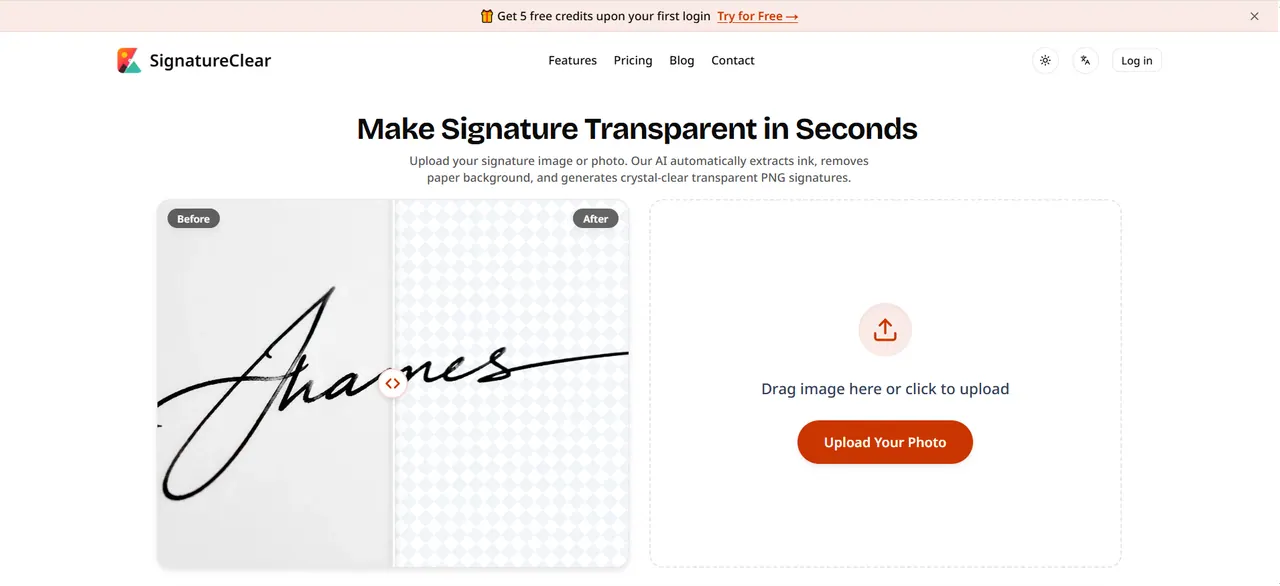
What does SignatureClear do?
SignatureClear is an AI signature background remover that turns a handwritten signature photo or scan into a crystal-clear transparent PNG. Upload an image, and the AI extracts the ink, removes the paper background and paper noise, and cleans up common photo artifacts.
You can use SignatureClear to preserve fine handwriting details—including natural pressure and thin pen lines—without rough edges. It’s also designed to help with phone photo issues like paper shadows, yellow tint, and dark spots.
Download your result and place it directly into documents such as Word or PDF contracts. The tool includes a free plan with sign-up credits and automatically deletes uploaded images within 2 days, with no AI training use of your data.
Is it free to make my signature transparent?
You can try SignatureClear for free using 5 sign-up credits when you first log in. After that, you can choose a paid plan for additional monthly credits.
Is my signature image safe, and will it be stored?
Uploaded images and generated signatures are automatically deleted within 2 days. They’re not stored or used for AI training.
How do I make my signature background transparent for a Word document?
Upload your signature photo or scan, then download the transparent PNG result. Insert the PNG into Word as a transparent image over your document background.
Can I remove the background from a signature I photographed with my phone?
Yes. SignatureClear is built to remove paper shadows, yellow tint, and dark spots from casual phone photos while extracting the pen strokes.
What format should a transparent signature be—PNG or JPG?
SignatureClear downloads transparent signatures as PNG files, which preserve transparency for easy placement into documents.
How does processing history and image deletion work?
Your uploaded images are deleted automatically within 2 days. Depending on your plan, you may have up to 2-day processing history available as well.
This listing is claimed
Own SignatureClear? Sign in with the email used to claim it to manage this listing, or upgrade to Pro for featured-first placement and a newsletter feature.