
SEO for SaaS
AI SEO Tools
SEO for SaaS researches, writes, cites, and publishes SEO blog articles for your SaaS—then rewrites underperformers to improve Google clicks.
Promoted
 MuzieCreate professional AI music videos starring you. Bring a song or make one, done in minutes.
 AI Checker PlusAI detector that highlights which passages AI wrote. Free check, no sign-up. Plagiarism too.
 Pixmax.aiPixmax.ai is an all-in-one AI workspace for videos, visual stories, and marketing content.
 AdsfieldPro ads from one product photo — $40/year
 SEOify - Improve your SEO & rankingsBuild links to rank in Google. Improve your DR with links you can start building now.Advertise here330,000+ people visit Dang.ai every month.
What does SEO for SaaS do?
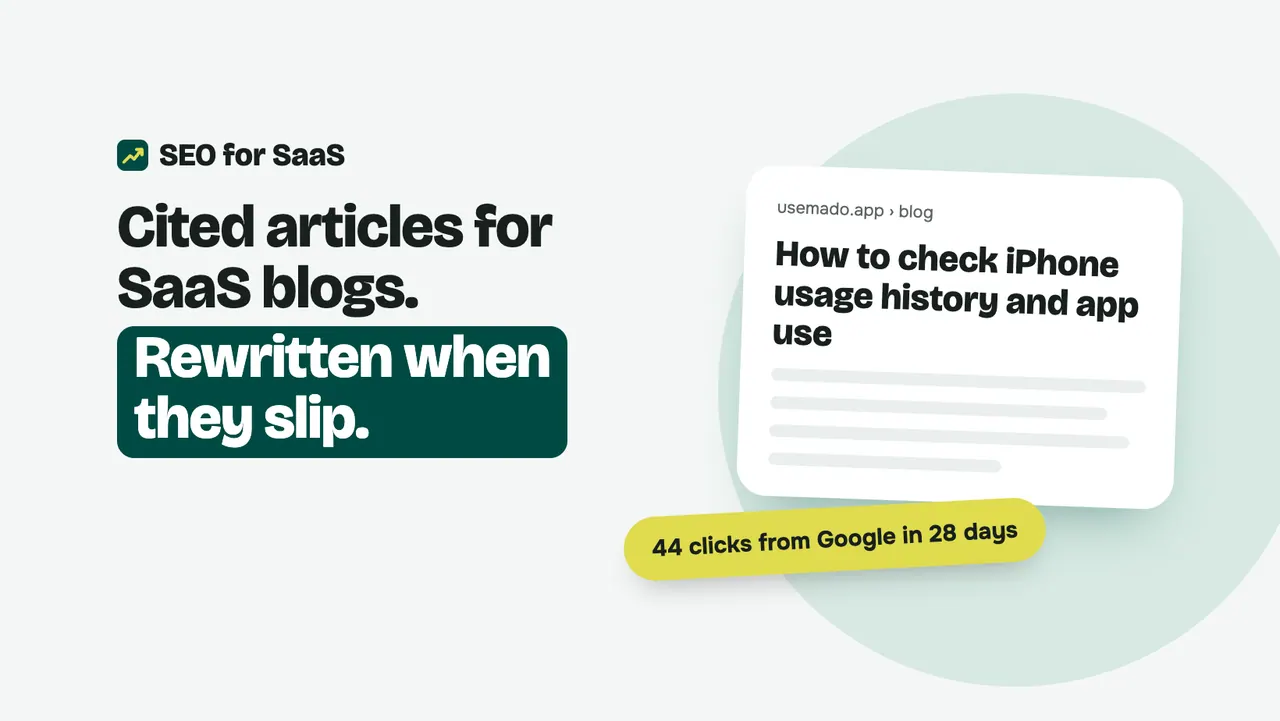
SEO for SaaS helps SaaS and app founders turn search intent into real blog traffic. It identifies topics your audience is actively searching for, then produces cited articles designed to earn clicks from Google. Each article includes sources for factual claims, and content is fact-checked and edited before it goes live.
The workflow starts with your site and your existing coverage. You connect your website and (once set up) your blog plus Google Search Console, so topic selection can skip areas you already cover. Articles are generated into your templates and domain with schema and internal links, giving you control over how content appears. You can publish automatically or review each draft first.
After publishing, performance doesn’t stop at launch. With Search Console connected, SEO for SaaS monitors pages that are getting fewer clicks than expected. It then rewrites selected articles on the same URL—so you’re improving what Google already knows instead of starting fresh.
Pricing starts at $49 a month for 12 articles, and you can cancel anytime; published articles stay on your blog. New sites also get free first articles when Autopilot is on (in addition to your monthly ones). For developers, there’s a read-only API and a signed webhook, plus guides for Next.js and Astro.
How does SEO for SaaS choose what topics to write about for my SaaS blog?
You add your site, and it uses what you sell plus keyword data to select topics your buyers search for. It can skip areas you already cover so you don’t duplicate content.
Are the articles sourced and fact-checked?
Yes. Each fact-based claim is linked to a source, and the article is fact-checked and edited before it’s published, with a Sources list at the end.
Where do the articles get published?
They land on your blog using your templates and domain, including schema and internal links. You (or a developer) connect your blog once, then you can choose automatic publishing or draft review.
What does “rewritten when they slip” mean?
After you connect Search Console, the tool identifies articles that sit around positions 8 to 20 or receive fewer clicks than their position should bring. Selected pages are rewritten on the same URL.
What’s the pricing and can I cancel?
Plans start at $49 a month for 12 articles, and you can cancel anytime. Articles already published stay on your blog after you cancel.
Do I need a developer to set this up?
Not necessarily. You can set things up through your site connection and blog publishing workflow, and developers also get an API reference plus a signed webhook if you want programmatic integration.
This listing is claimed
Own SEO for SaaS? Sign in with the email used to claim it to manage this listing, or upgrade to Pro for featured-first placement and a newsletter feature.