
Retouchly
AI Image Enhancer Tools
Enhance, sharpen, and restore photos in your browser with clear before-and-after comparisons—no app install required.
Promoted
 Sidrune AI85% off. Stable Claude API for agent developers. Pay as you go. Invoices & refunds available.
 Pixmax.aiPixmax.ai is an all-in-one AI workspace for videos, visual stories, and marketing content.
 AI Checker PlusAI detector that highlights which passages AI wrote. Free check, no sign-up. Plagiarism too.
 RewindType any X/Twitter handle. Get their year back as a narrated video story. Then ask it anything.
 KurodyneSell the tools from your AI side projects. Listing is free.
 SEOify - Improve your SEO & rankingsBuild links to rank in Google. Improve your DR with links you can start building now.Advertise here270,000+ people visit Dang.ai every month.
What does Retouchly do?
Retouchly is a browser-based AI photo toolkit that improves photos quickly—whether you want clearer portraits, sharper details in everyday images, or restoration for faded scans.
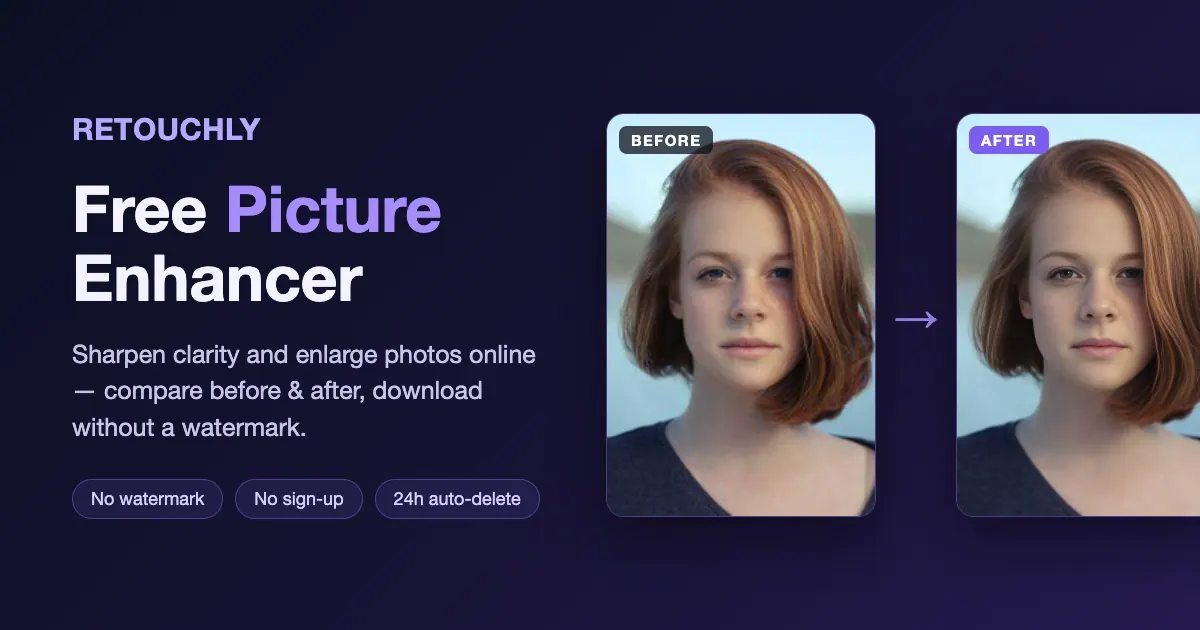
The Picture Enhancer is designed to rebuild visual detail so photos read as clearer. It focuses on improving portraits and day-to-day shots by reconstructing clarity with AI rather than only boosting contrast. As you wait, you’ll see task status, and before you download you can compare the enhanced output to your original using a before-and-after slider.
Main capabilities include uploading a single image, previewing the output limits and processing conditions for your run, and downloading a watermark-free enhanced result. The tool supports JPEG, PNG, or WebP uploads up to 10 MB.
You can try it without signing up using a daily free allowance (3 free runs left today). Free Picture Enhancer runs produce output up to 2048 px on the long edge. Input and result images are deleted within 24 hours after the task finishes, and your images are not used to train models.
Do I need to install an app to use Retouchly Picture Enhancer?
No. Retouchly runs in your browser, so you can upload and enhance photos without installing anything.
Which image formats and sizes can I upload?
You can upload JPEG, PNG, or WebP files up to 10 MB each.
How many free runs do I get, and do I need an account for them?
Free Picture Enhancer runs are available without signing up, with 3 free runs per day shown before you start processing.
Will my enhanced download include a watermark?
No. Results are downloaded without a watermark on both free and credit-paid outcomes.
How long are my images kept after processing?
Your input and result images are deleted within 24 hours after the task finishes. Download your output before it expires.
Can AI enhancement exactly preserve text or numbers in my photo?
Enhancement reconstructs detail, but it doesn’t guarantee exact fidelity for readable text or numbers. Always compare the enhanced result to your original before sharing or printing.
This listing is claimed
Own Retouchly? Sign in with the email used to claim it to manage this listing, or upgrade to Pro for featured-first placement and a newsletter feature.