
ReSnapHome
AI Interior Design Generator Tools
ReSnapHome uses AI to edit real estate photos with virtual staging, decluttering, renovation previews, day-to-dusk, and upscale plus photo-to-video.
- Pricing
- Freemium
- Category
- Interior design
- Listed
- Nov 27, 2026
- Updated
- Nov 27, 2026
Promoted
 MuzieCreate professional AI music videos starring you. Bring a song or make one, done in minutes.
 AI Checker PlusAI detector that highlights which passages AI wrote. Free check, no sign-up. Plagiarism too.
 Pixmax.aiPixmax.ai is an all-in-one AI workspace for videos, visual stories, and marketing content.
 SEOify - Improve your SEO & rankingsBuild links to rank in Google. Improve your DR with links you can start building now.Advertise here330,000+ people visit Dang.ai every month.
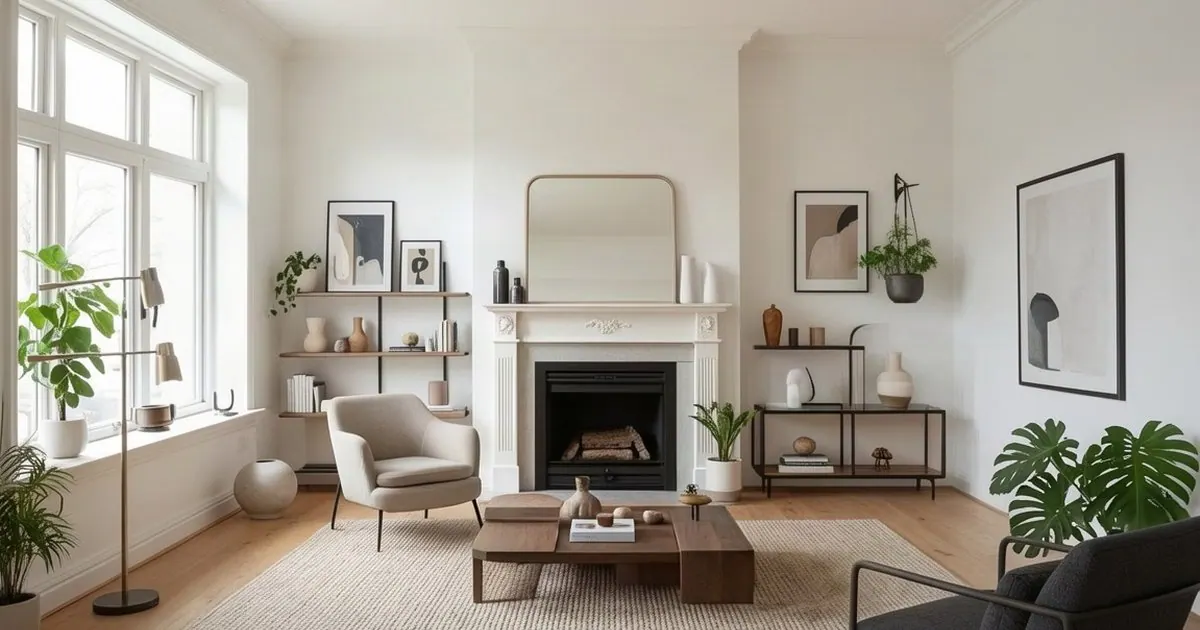
What does ReSnapHome do?
ReSnapHome is an AI real estate photo editing toolkit built for making listing-ready images. It helps buyers better picture a space by staging vacant rooms, removing clutter or furniture, previewing renovations, restyling a furnished room from one photo, and converting daytime exteriors into dusk (“blue hour”) shots.
Choose an edit, upload a photo, and review the result side-by-side with the original using a before-and-after comparison slider. You can also upscale images for higher-impact listing photos (2×, 3×, or 4×), and generate a free photo-to-video from one photo or by combining up to eight photos.
ReSnapHome is designed for real estate agents and brokers who want to turn existing photos into more compelling marketing images quickly, as well as real estate photographers looking to offer staging, twilight, cleanup, and enhancement as add-ons. It’s also useful for homeowners, flippers, contractors, and designers who want to preview how finishes or a remodel could look before committing to materials or work.
Pricing uses one-time credit packs: standard edits cost one credit per result, and new variations also use credits. New users can sign in to receive 3 welcome credits once per account, valid for 7 days, which cover three standard photo edits. Photo-to-video is free without an account.
Is ReSnapHome free to use?
Sign in to receive 3 welcome credits once per account, valid for 7 days, covering three standard photo edits. Photo-to-video is free without an account, and browsing samples or choosing a style doesn’t use credits.
How do I get an edited photo—what’s the workflow?
Pick the edit you want, upload one photo, sign in to generate, then review the result against the original with the before-and-after slider before downloading.
Can the AI change walls, windows, or floors in my photo?
You review before anything goes live. Check walls, doors, windows, and fixtures for unintended changes using the side-by-side comparison.
Do I need to disclose that a photo is virtually staged?
A disclosure line is included for the copy/paste text. Review it and check your local MLS rules before publishing.
What can I do with Photo to Video?
Create a free video from one photo, or combine up to eight photos to generate a video. It’s designed as a listing add-on rather than a live walkthrough.
Can I process multiple photos in one batch?
ReSnapHome generates from one uploaded photo for an edit. If you need more images edited, you’ll typically run each photo through the chosen edit.
This listing is claimed
Own ReSnapHome? Sign in with the email used to claim it to manage this listing, or upgrade to Pro for featured-first placement and a newsletter feature.