
RemoveVideoNoise
Audio AI Tools
RemoveVideoNoise cleans wind, traffic, crowds, hum, and more from video audio in your browser while keeping the original picture and letting you set the strength.
Promoted
 Pixmax.aiPixmax.ai is an all-in-one AI workspace for videos, visual stories, and marketing content.
 AI Checker PlusAI detector that highlights which passages AI wrote. Free check, no sign-up. Plagiarism too.
 RewindType any X/Twitter handle. Get their year back as a narrated video story. Then ask it anything.
 KurodyneSell the tools from your AI side projects. Listing is free.
 Sidrune AI85% off. Stable Claude API for agent developers. Pay as you go. Invoices & refunds available.
 SEOify - Improve your SEO & rankingsBuild links to rank in Google. Improve your DR with links you can start building now.Advertise here270,000+ people visit Dang.ai every month.
What does RemoveVideoNoise do?
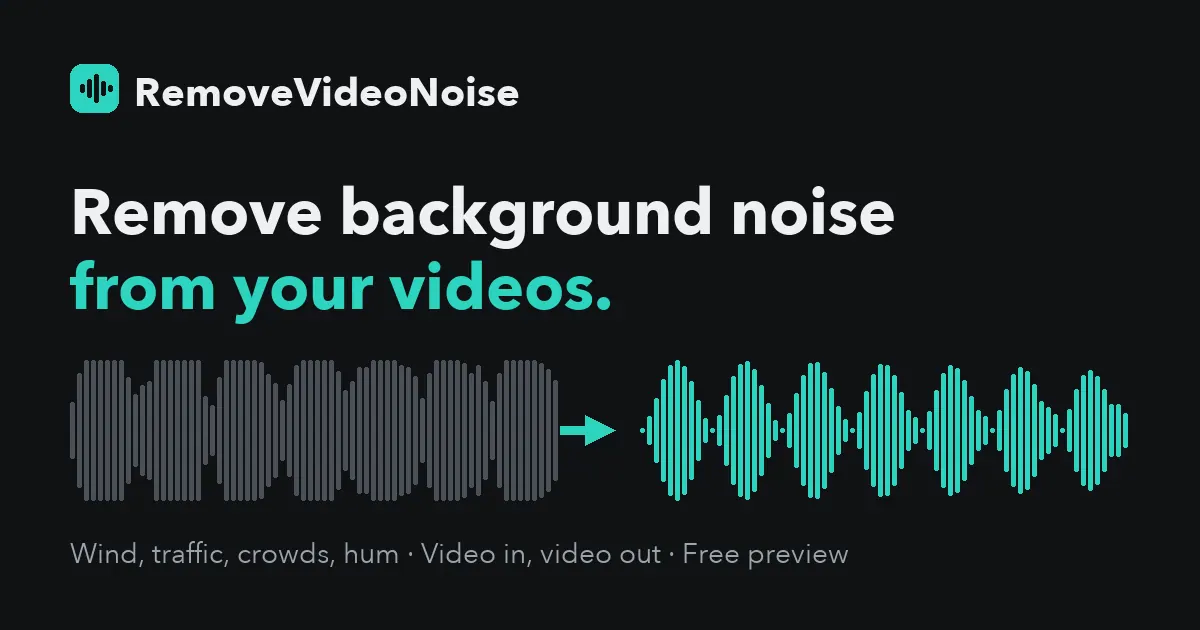
RemoveVideoNoise is an in-browser audio cleanup tool that removes background noise from videos and audio files without changing the video picture. Upload a file, listen to the Original and Cleaned versions side by side, and use the strength control to choose how much ambience to keep.
It’s built for real-world recordings where unwanted sound competes with speech—like wind noise on outdoor vlogs, street and traffic noise, crowd chatter, and steady AC or fan hum. It can also help reduce keyboard and desk clicks that show up during calls or meetings, plus hum and hiss from phone and mic recordings, including electrical buzz.
For preview and iteration, you can flip between Original and Cleaned while the file plays and adjust the strength level so the voice stays natural. The workflow is video in → video out, with the picture not re-encoded.
Supported files include MP4, MOV, MP3, WAV, and M4A, up to 60 minutes and 2 GB. You can try a free 30-second clip download, then unlock the full download pay-once per file: $2.99 for up to 10 minutes or $4.99 for up to 60 minutes. Multi-file credit packs are also available, and uploads stay in “My files” for 7 days before auto-deleting and are never used for training.
What does RemoveVideoNoise remove from my video audio?
It targets background noise such as wind, street/traffic and crowd chatter, steady fan or AC hum, keyboard and desk clicks, and hum/hiss or electrical buzz from phone and mic recordings.
Will my video’s picture be changed or re-encoded?
No. The tool returns the same video with the picture untouched and focuses only on cleaning the audio.
How do I preview the result and choose the right cleanup strength?
Upload a file, flip between Original and Cleaned playback, and adjust the strength control until the voice sounds clear without over-processing.
What file types and limits are supported?
MP4, MOV, MP3, WAV, and M4A are supported, up to 60 minutes and 2 GB per file.
How does pricing work?
You can download a free 30-second clip to try it, then pay once to unlock the full download: $2.99 for up to 10 minutes or $4.99 for up to 60 minutes. Credit packs are available for multiple files.
What happens to my uploaded files after processing?
Files stay in “My files” for 7 days on this device and then auto-delete (or you can delete right away). They’re never used for training.
This listing is claimed
Own RemoveVideoNoise? Sign in with the email used to claim it to manage this listing, or upgrade to Pro for featured-first placement and a newsletter feature.