
RemoveCaptions
AI Productivity Tools
Remove subtitles from video online with an AI subtitle remover.
- Pricing
- Freemium
- Category
- Productivity
- Listed
- Nov 24, 2026
- Updated
- Nov 24, 2026
Promoted
 Pixmax.aiPixmax.ai is an all-in-one AI workspace for videos, visual stories, and marketing content.
 AI Checker PlusAI detector that highlights which passages AI wrote. Free check, no sign-up. Plagiarism too.
 SEOify - Improve your SEO & rankingsBuild links to rank in Google. Improve your DR with links you can start building now.Advertise here330,000+ people visit Dang.ai every month.
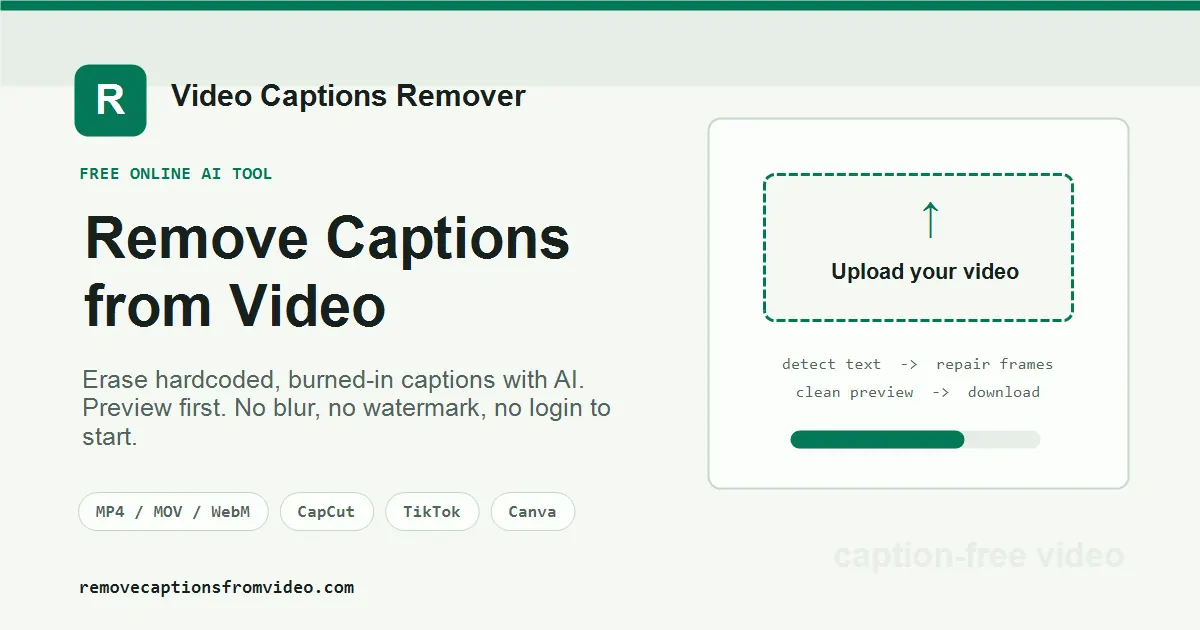
What does RemoveCaptions do?
Remove burned-in captions from video while keeping the original audio, framing, and timing. Preview the repair before downloading the clean result.
Stable captions over a clean background are usually the clearest repair case.
Keep the video you still need. Remove the captions without rebuilding the entire edit.
Keep the original framing instead of cutting away the caption area.
Repair the area behind burned-in captions instead of hiding it with a cover-up.
Inspect the repaired result before downloading or processing a longer clip.
Practical controls for identifying, repairing, and reviewing hardcoded captions in exported video.
Use automatic detection for common caption positions, or adjust the area manually when the text moves or sits somewhere unusual.
This listing is claimed
Own RemoveCaptions? Sign in with the email used to claim it to manage this listing, or upgrade to Pro for featured-first placement and a newsletter feature.