
ReelToScript
AI Transcription Software Tools
Paste a Reel, TikTok, or video link to get a timestamped transcript you can copy or download in TXT, SRT, or VTT.
- Pricing
- Freemium
- Category
- Transcription
- Listed
- Nov 27, 2026
- Updated
- Nov 27, 2026
Promoted
 MuzieCreate professional AI music videos starring you. Bring a song or make one, done in minutes.
 AI Checker PlusAI detector that highlights which passages AI wrote. Free check, no sign-up. Plagiarism too.
 Pixmax.aiPixmax.ai is an all-in-one AI workspace for videos, visual stories, and marketing content.
 SEOify - Improve your SEO & rankingsBuild links to rank in Google. Improve your DR with links you can start building now.Advertise here330,000+ people visit Dang.ai every month.
What does ReelToScript do?
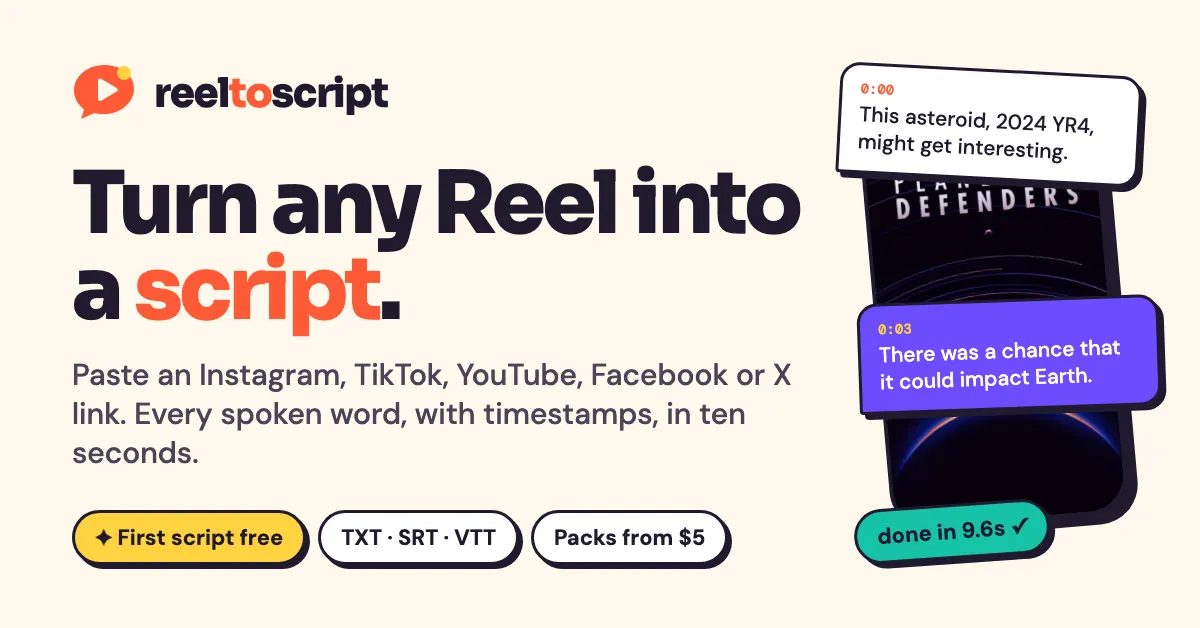
ReelToScript turns short-video links into an unedited transcript with timestamps, so you can focus on the words—not the work. Paste an Instagram Reel or TikTok link (and YouTube Shorts, Facebook, and X video links work too) and get every spoken word as text in seconds.
You can copy the transcript directly or download it as TXT (plain text) or as subtitle formats like SRT and VTT. The transcript can be viewed with timestamps when you need to reference specific moments, then switched back to the plain script for easier reading or reuse.
ReelToScript is designed for quick analysis, content repurposing, and accessibility tasks. Use transcripts to study why a Reel performed well, extract structure for rewriting your own ideas, draft captions or thread starters from your own videos, or create subtitle files you can import into editors. For viewers who watch on mute, SRT subtitles preserve timing so they can follow along.
Pricing starts with a free transcript: first use is free and no account is required for your first script. A free account also allows 3 transcripts per day. For ongoing use, credit-based plans are available: Pro is $9/month for 300 transcripts, and Agency is $24/month for 1,500 transcripts with bulk link pasting and ZIP/CSV downloads. One-time starter packs are also offered (30 transcripts for $5, or 100 transcripts for $12).
Which links can I paste into ReelToScript?
You can paste Instagram Reels and TikTok links. You can also use YouTube (including Shorts), Facebook, and X video links.
Is ReelToScript free to try?
Yes—your first transcript is free and doesn’t require an account. With a free account, you can also run 3 transcripts per day.
Does ReelToScript work for TikTok videos?
Yes. Paste a TikTok link to get a TikTok transcript with timestamps, formatted line-by-line for easy pasting.
What happens if the transcript fails?
Failed transcripts cost nothing. Private, deleted, or silent videos don’t use credits, either.
Do you keep a copy of the video?
Only the video is used to generate the transcript. The video isn’t stored or posted anywhere.
What’s the difference between TXT and SRT downloads?
TXT is plain text without subtitle formatting. SRT is a subtitle file that includes timing ranges per text block, so you can import it into editors.
This listing is claimed
Own ReelToScript? Sign in with the email used to claim it to manage this listing, or upgrade to Pro for featured-first placement and a newsletter feature.