
PromptDrive
Prompt Management Tool For AI Prompts
Unleash the power of efficient prompt management with PromptDrive.ai. The ultimate prompt management tool for AI prompts.
What does PromptDrive do?
What is PromptDrive used for?
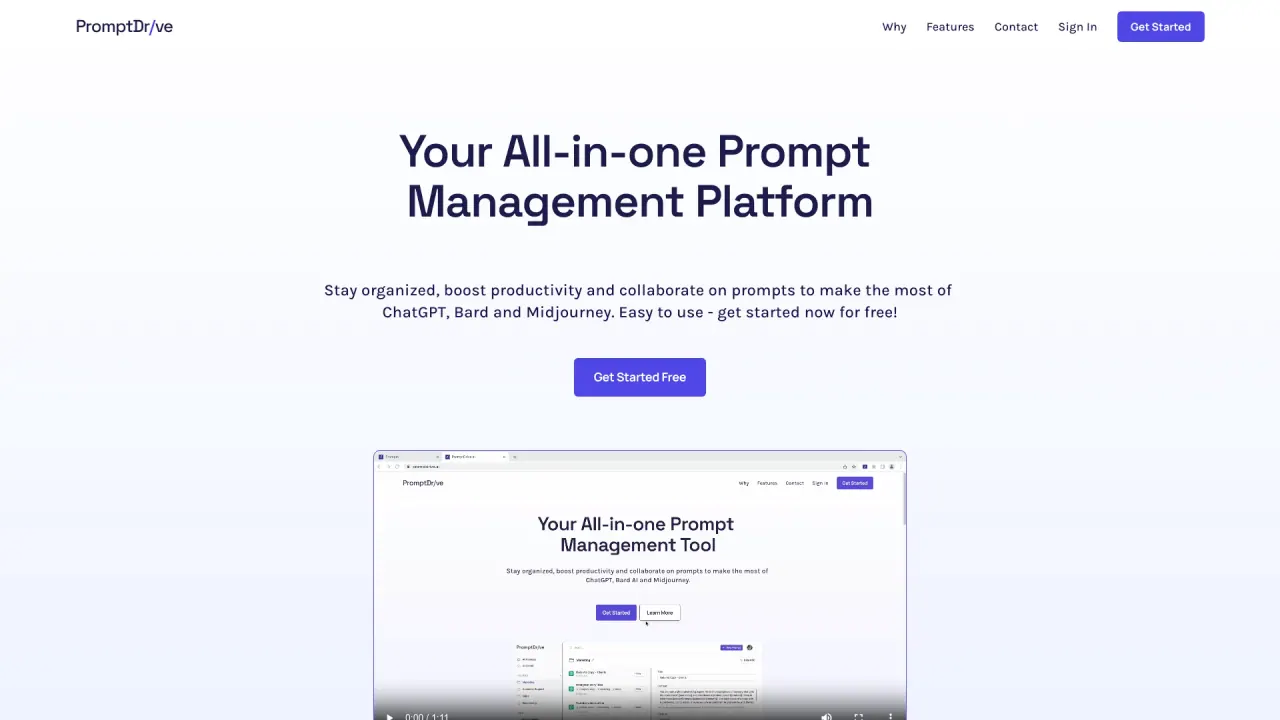
PromptDrive is a single workspace to organize, share, and collaborate on AI prompts. You can run prompts with ChatGPT, Claude, and Gemini by adding your API keys and selecting the model, all within PromptDrive.
How does PromptDrive facilitate team collaboration on Chat AI prompts and chats?
PromptDrive centralizes prompts, chats, and teammates in one workspace. You can create prompts in the web app, link them to platforms, choose a folder, and add notes for context. Team members can leave comments to help iterate and improve responses, enabling private sharing and collaborative refinement.
Can I organize and manage prompts effectively in PromptDrive?
Yes. Use folders, tags, and permissions to structure your workspace. The prompt management tool includes a built-in search to easily find, copy, and execute prompts.
Is the Chrome extension free to use?
Yes. The Chrome extension is free and lets you quickly find and use prompts while you’re in external AI apps like ChatGPT, Gemini, Claude, or Midjourney.
Which AI models can I use inside PromptDrive?
PromptDrive supports running and collaborating with ChatGPT, Claude, and Gemini. You can connect your API keys and select the model you want to use in the workspace.
Do I need a ChatGPT subscription to use PromptDrive?
No. You can use PromptDrive by adding your own API keys and choosing your model, without requiring a ChatGPT subscription.
How do I get an API key?
Obtain an API key from your AI service provider (for example, OpenAI) and add it to PromptDrive to enable prompting with your chosen models.
What does "+ API costs" mean?
API usage costs (such as OpenAI API usage) are billed separately on top of PromptDrive’s own pricing. Your prompts may incur external API charges in addition to PromptDrive fees.
Is there a free plan to get started?
Yes. Get Started (free) indicates there is a free starting tier to begin using PromptDrive.
Can I share prompts publicly or privately?
Yes. Each folder and prompt has a unique URL that allows you to share your work publicly or keep it private.
How do I organize prompts with folders, tags, and permissions?
Use folders to group prompts, tags to label and search, and permissions to control access. The prompt management tool also includes a robust search to locate prompts quickly.
Can I speed up prompting with variables?
Yes. Use variables to reuse prompts for different clients, products, or teams, which speeds up your workflow and ensures consistency.
What payment methods do you accept?
Payment methods are described on the Pricing page. Please refer to that page for the latest options.
Are there discounts for education or non-profits?
Not specified in the visible content. Please check the Pricing page or contact support for details.
Is this your tool?
Claim PromptDrive to manage this listing, or upgrade to Pro for featured-first placement and a newsletter feature.