
Piano to Sheet Music
Audio AI Tools
Upload a solo piano recording and get an engraved PDF score plus editable MIDI and MusicXML in minutes.
- Pricing
- Free
- Category
- Audio
- Listed
- Sep 20, 2026
- Updated
- Sep 21, 2026
Promoted
 Sidrune AI85% off. Stable Claude API for agent developers. Pay as you go. Invoices & refunds available.
 Pixmax.aiPixmax.ai is an all-in-one AI workspace for videos, visual stories, and marketing content.
 AI Checker PlusAI detector that highlights which passages AI wrote. Free check, no sign-up. Plagiarism too.
 RewindType any X/Twitter handle. Get their year back as a narrated video story. Then ask it anything.
 KurodyneSell the tools from your AI side projects. Listing is free.
 SEOify - Improve your SEO & rankingsBuild links to rank in Google. Improve your DR with links you can start building now.Advertise here270,000+ people visit Dang.ai every month.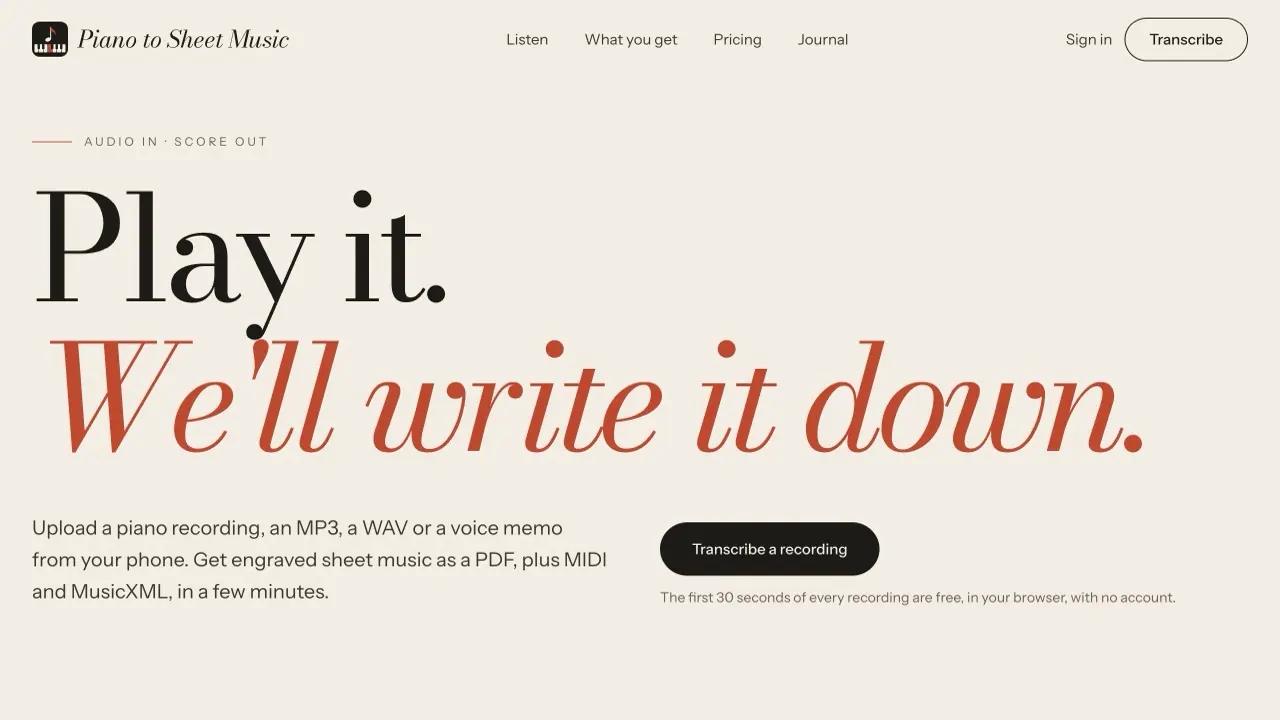
What does Piano to Sheet Music do?
Piano to Sheet Music turns a piano recording (MP3, WAV, or voice memo) into readable, engraved notation. Hit play to preview the note detection process, then download your sheet music as a PDF alongside MIDI and MusicXML.
The PDF score is a grand-staff transcription with the key and time signature, ready to print or view while you practice. The MIDI includes note timing and velocity for use in your DAW, and the MusicXML lets you refine the score in notation apps.
You can try every recording’s first 30 seconds free in your browser, with no account. For full pieces, choose either a one-piece option or an unlimited monthly plan. Uploaded recordings are deleted within 24 hours.
What audio formats can I upload to transcribe piano?
You can upload MP3, WAV, or a voice memo from your phone.
What do I get after transcription?
You’ll receive an engraved PDF score, plus MIDI and MusicXML files for the same recording.
Can I try it without paying?
Yes—each recording’s first 30 seconds are free to transcribe in your browser with no account.
How accurate is the transcription?
Accuracy depends on the recording. Solo piano recorded close to the instrument in a quiet room produces the cleanest results; denser passages, heavy reverb, and other instruments may need small corrections you can make using the MusicXML.
What should I do to get the cleanest score?
Use solo piano when possible, record close to the instrument (to reduce room echo), and keep the room quiet to avoid background audio being detected.
What happens to my uploaded recordings after I transcribe?
Uploads are deleted within 24 hours.
This listing is claimed
Own Piano to Sheet Music? Sign in with the email used to claim it to manage this listing, or upgrade to Pro for featured-first placement and a newsletter feature.