Photo Stretcher
AI Image Generators from Text Tools
Stretch photos to exact pixel dimensions with independent width and height controls, all running in your browser.
- Pricing
- Free
- Category
- Image
- Listed
- Oct 1, 2026
- Updated
- Oct 1, 2026
Promoted
 Sidrune AI85% off. Stable Claude API for agent developers. Pay as you go. Invoices & refunds available.
 Pixmax.aiPixmax.ai is an all-in-one AI workspace for videos, visual stories, and marketing content.
 SEOify - Improve your SEO & rankingsBuild links to rank in Google. Improve your DR with links you can start building now.Advertise here270,000+ people visit Dang.ai every month.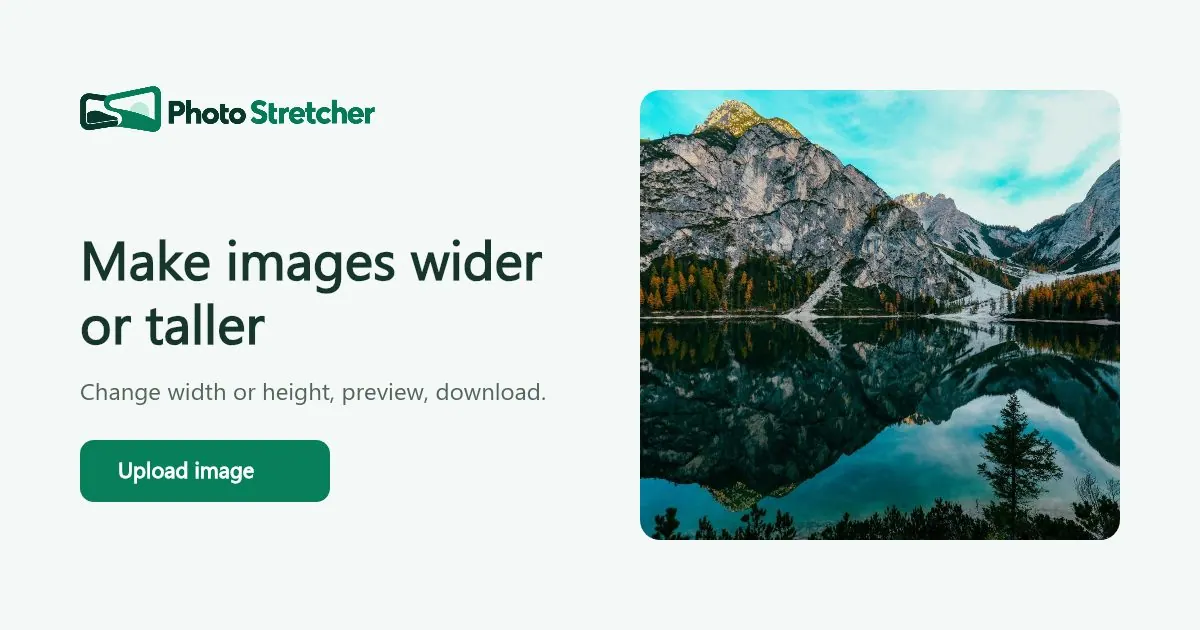
What does Photo Stretcher do?
Photo Stretcher is a free online image stretcher that lets you set width and height in pixels, preview the result, and download the edited image—without uploading it to a server.
Choose the Stretch mode to change dimensions independently (horizontal, vertical, or both). Because stretching can alter proportions, it’s useful when intentional distortion is acceptable and you need a specific output size.
If you want different behavior, Photo Stretcher also offers Resize (preserve aspect ratio), Fit (keep the whole image with padding to your canvas), and Crop (fill the canvas and trim what doesn’t fit). The preview helps you judge how the change affects faces, text, and straight edges before you save.
Supported file types include JPG, PNG, and WebP, and the editor works on phone and desktop in modern browsers—no installation or account required.
Is Photo Stretcher free to use?
Yes—Photo Stretcher is free to use, with no signup required.
Does Photo Stretcher upload my images to a server?
No. Image processing runs in your browser, and your selected photo is not uploaded to a server.
Can I stretch an image to an exact width and height?
Yes. Use Stretch, then enter the target width and height in pixels to match the exact dimensions you need.
Can I keep the original proportions instead of stretching?
Yes. Use Resize to keep the aspect ratio, or Fit to keep the full image visible inside your new canvas with padding.
If I use Fit or Crop, what’s the difference?
Fit keeps the whole photo visible by adding padding within the target canvas. Crop fills the canvas edge-to-edge and removes the parts that fall outside the frame.
What file types can I upload?
You can drop in or upload JPG, PNG, or WebP images.
This listing is claimed
Own Photo Stretcher? Sign in with the email used to claim it to manage this listing, or upgrade to Pro for featured-first placement and a newsletter feature.