
Photo AI
AI Image Generators from Text Tools
Generate photorealistic images and videos of people with AI, including AI photoshoots and AI model/video creation.
- Category
- Image
- Listed
- Oct 20, 2026
- Updated
- Oct 20, 2026
Promoted
 Sidrune AI85% off. Stable Claude API for agent developers. Pay as you go. Invoices & refunds available.
 Pixmax.aiPixmax.ai is an all-in-one AI workspace for videos, visual stories, and marketing content.
 SEOify - Improve your SEO & rankingsBuild links to rank in Google. Improve your DR with links you can start building now.Advertise here270,000+ people visit Dang.ai every month.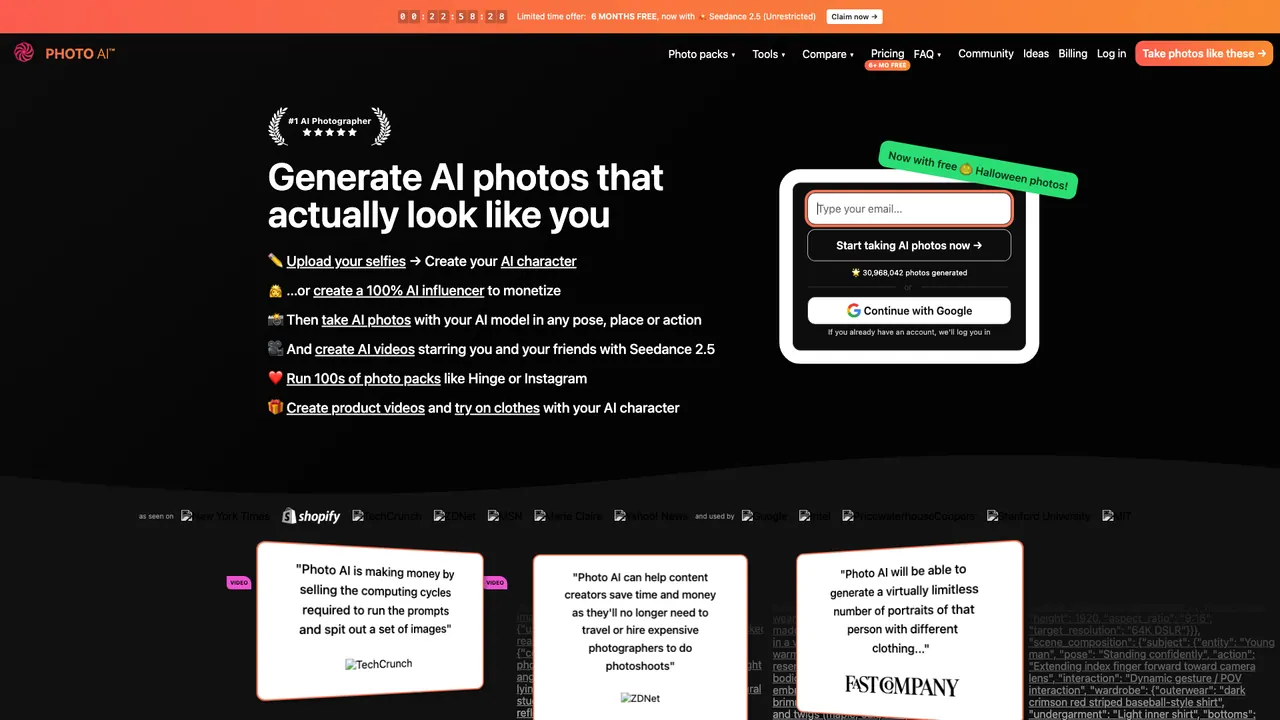
What does Photo AI do?
Photo AI is an AI photo and video generator built for realistic people content. Create an AI model by uploading selfies, then generate lifelike portraits in many styles—whether you want wide shots, extreme close-ups, or ultra-detailed looks. Once your model is trained, you can keep producing new photos quickly without starting over.
Core features include themed “photo packs” (pre-made sets of looks, lighting, and settings) and tools for refining your results. You can run photo packs like dating, social media, professional headshots, retro aesthetics, holidays, and more. After generating images, use options such as upscale, zoom out, background removal, resizing/cropping, restoration, and comparisons to improve and evaluate your outputs. For video, you can turn an AI photo into a short clip using “Make video,” and you can also create AI videos directly from prompts with your character.
Photo AI is for creators and e-commerce teams who want fast, repeatable content without traveling or hiring a full crew. It also supports product videos—upload a product and have your AI model present it—and try-on workflows for experimenting with outfits. If you want couple photos, you can train a couple model using photos where both people appear together in each training image.
Plans are subscription-based, and there’s a limited-time 6 months free offer mentioned in the product page. A credit system powers generations, with different features costing different credits per run. Your credits and extra credits are shown in the app, and you can also top up credits when needed.
How do I create an AI model of myself in Photo AI?
Sign up, go to Create new AI model, and upload a set of photos (aim for varied angles, lighting, backgrounds, and expressions). Training starts after you create the model, and you can then generate photos using your model.
What is a “photo pack” and how does it help?
Photo packs are themed collections of AI-generated photos featuring your AI model, designed to match specific aesthetics and settings. They save time by avoiding prompt-writing for every style and mood.
Can I turn my AI photos into videos?
Yes. Select an AI photo and use Make video (including “make video after” workflows) to generate a short video clip starring your model. Videos are generated with sound.
How do I create couple photos (me and my partner) in Photo AI?
Create a new AI model of type Couple, and upload training photos where both people are together in the same image. Avoid uploading separate photos of each person, since it can blend identities instead of teaching a couple look.
How do credits work for generating photos and videos?
Every membership includes a monthly amount of credits that renew on a monthly basis for annual subscribers as well. Each generation type costs a specific number of credits (for example, photo generations, upscale, zoom out, and video), and extra credits last longer and can be topped up.
Is there a refund if I change my mind?
Refund eligibility depends on whether you’ve created a model or generated many photos. You’re generally only eligible if you haven’t created a model yet and have generated fewer than 20 photos over your account lifetime; you can request a refund from the account billing area.
Is this your tool?
Claim Photo AI to manage this listing, or upgrade to Pro for featured-first placement and a newsletter feature.