
PhonicMind
Audio AI Tools
PhonicMind separates vocals from any track into creator-ready stems (vocals, drums, bass, and more) with instant online preview and downloadable exports.
- Pricing
- Free
- Category
- Audio
- Listed
- Jul 18, 2026
- Updated
- Oct 23, 2026
Promoted
 Sidrune AI85% off. Stable Claude API for agent developers. Pay as you go. Invoices & refunds available.
 Pixmax.aiPixmax.ai is an all-in-one AI workspace for videos, visual stories, and marketing content.
 AI Checker PlusAI detector that highlights which passages AI wrote. Free check, no sign-up. Plagiarism too.
 RewindType any X/Twitter handle. Get their year back as a narrated video story. Then ask it anything.
 KurodyneSell the tools from your AI side projects. Listing is free.
 SEOify - Improve your SEO & rankingsBuild links to rank in Google. Improve your DR with links you can start building now.Advertise here270,000+ people visit Dang.ai every month.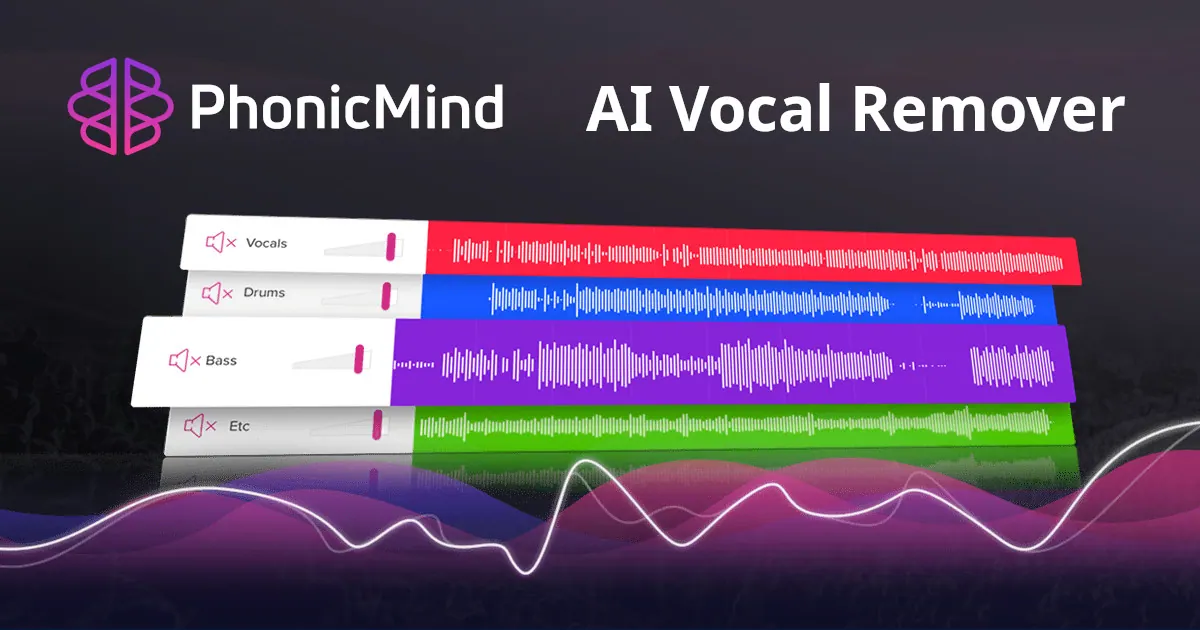
What does PhonicMind do?
PhonicMind is an online AI vocal remover that helps you split a full song into clean, music-ready stems. Upload an audio file or drag and drop it into the workspace, then preview the separation in seconds. The experience is built around full-track processing, so the parts stay coherent as they come apart.
PhonicMind V.2.0 removes vocals by analyzing the whole mix first. It detects vocal layers and instrument groups present in the arrangement, then separates the song in one complete pass—rather than asking you to choose what to extract one instrument at a time. The result can include lead vocals, backing vocals, drums, bass, and additional recognized musical categories, helping you move from listening to remixing with usable materials.
The output isn’t limited to a single “leftovers” track. Instead, the stems are designed to reconstruct the song naturally, so they add back up to the original mix in a coherent musical picture. Use it for creating instrumentals, minus-one tracks, clearer acapellas for remixes, karaoke-style practice, or studying arrangement layers.
PhonicMind runs instantly in your browser—no software setup. You can upload .mp3, .aac, .wma, .flac, .wav, or .aiff files up to 100Mb. Pricing and conversion tiers are available through the product’s pricing/login flow.
How does PhonicMind remove vocals from a song?
It analyzes the full track first, recognizes the vocal layers and instrument groups present, and then separates the song in a single complete AI pass.
Do I need to choose which instruments (or vocals) to separate?
No. Vocal layers and instrument groups are detected automatically before generating the stems, so you can keep the workflow simple.
What stems can I export from a track?
You can export vocals and instrument-related stems such as lead vocals, backing vocals, drums, bass, and other musical categories supported by your conversion tier.
Will the separated parts sound connected to the original song?
PhonicMind V.2.0 is designed so stems work as a coherent full-song result and can add back naturally to the original mix, rather than relying on a vague leftovers track.
Is PhonicMind useful for karaoke or acapella projects?
Yes. You can extract cleaner vocals for acapella-focused workflows and create instrumental/“minus-one” style results for karaoke and practice.
What audio formats and file sizes are supported?
Supported uploads include .mp3, .aac, .wma, .flac, .wav, and .aiff, with a maximum file size of 100Mb.
Is this your tool?
Claim PhonicMind to manage this listing, or upgrade to Pro for featured-first placement and a newsletter feature.