PDF to MD
AI Productivity Tools
Convert PDFs into editable Markdown locally in your browser, with optional cloud OCR for scanned or difficult documents.
- Pricing
- Free
- Category
- Productivity
- Listed
- Sep 15, 2026
- Updated
- Sep 16, 2026
Promoted
 Sidrune AI85% off. Stable Claude API for agent developers. Pay as you go. Invoices & refunds available.
 Pixmax.aiPixmax.ai is an all-in-one AI workspace for videos, visual stories, and marketing content.
 RewindType any X/Twitter handle. Get their year back as a narrated video story. Then ask it anything.
 KurodyneSell the tools from your AI side projects. Listing is free.
 SEOify - Improve your SEO & rankingsBuild links to rank in Google. Improve your DR with links you can start building now.Advertise here270,000+ people visit Dang.ai every month.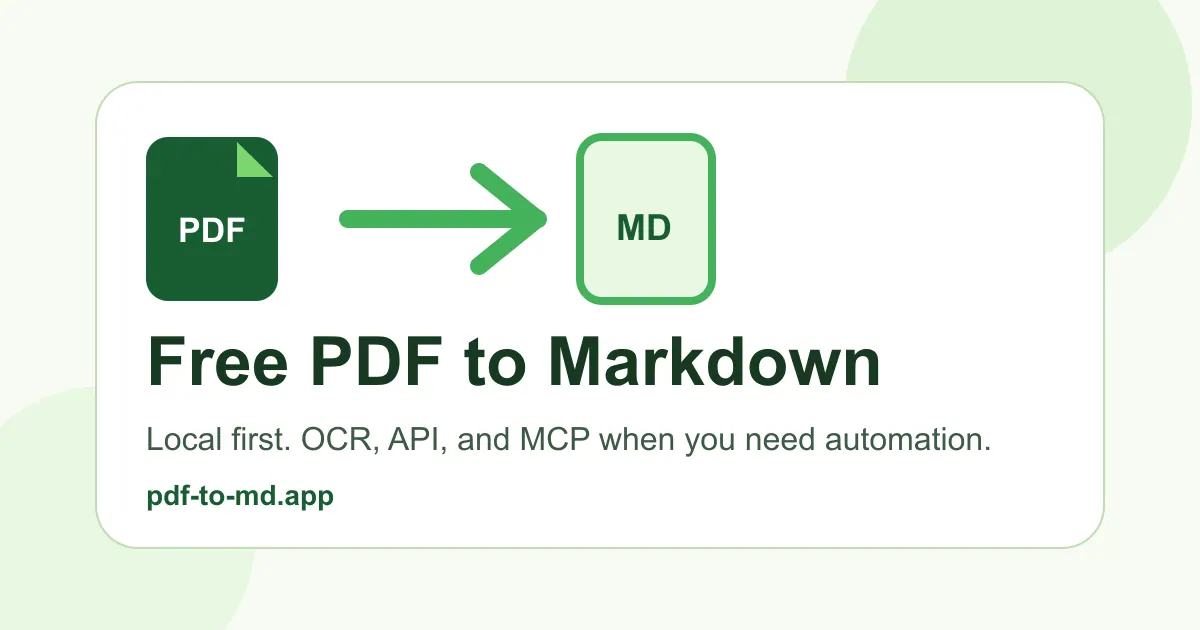
What does PDF to MD do?
PDF to MD turns PDFs into editable Markdown you can use for notes and documentation—especially when you want headings, paragraphs, and links to be easy to review and edit.
Local mode runs in your browser and keeps your files in your session. It’s a good fit for ordinary PDFs and documents that already contain selectable text, and you can copy, download, or bundle results as a ZIP.
When pages are scanned, photographic, or otherwise difficult (including complex tables, formulas, or multi-column layouts), you can switch to high-accuracy OCR. Cloud OCR runs as a separate job and requires uploading the file for processing.
Does PDF to MD upload my file in free local mode?
No—local mode parses ordinary PDFs in your browser and does not upload file contents. OCR and cloud-based export are separate jobs.
Will the tool rewrite or summarize my document?
No. Conversion keeps the document language and content, and OCR is used to read difficult pages (like scans or images).
When should I use high-accuracy OCR instead of local conversion?
Use high-accuracy OCR for scanned/photo or image-only PDFs, or when local extraction struggles with complex layouts such as multi-column pages, tables, or formulas.
What limits apply to local conversion?
Local mode supports up to 50 MB and PDFs up to 500 pages. If your PDF is 501 pages or more, you’ll need to split it first.
What limits apply to cloud OCR?
Cloud conversion accepts files up to 10 MB and PDFs up to 100 pages. Larger scans may need splitting before upload.
Do I need to review the Markdown output after conversion?
Yes. Conversions aim for usable Markdown, but inferred headings and table/formula formatting can require manual cleanup—especially for tables, merged cells, and difficult layouts.
This listing is claimed
Own PDF to MD? Sign in with the email used to claim it to manage this listing, or upgrade to Pro for featured-first placement and a newsletter feature.