PDF Studio
AI Productivity Tools
PDF Studio is a free online browser toolkit to compress, convert, merge, split, edit, protect, and sign PDFs—no installation or account needed.
- Pricing
- Free
- Category
- Productivity
- Listed
- Aug 26, 2026
- Updated
- Oct 17, 2026
Promoted
 Sidrune AI85% off. Stable Claude API for agent developers. Pay as you go. Invoices & refunds available.
 Pixmax.aiPixmax.ai is an all-in-one AI workspace for videos, visual stories, and marketing content.
 RewindType any X/Twitter handle. Get their year back as a narrated video story. Then ask it anything.
 KurodyneSell the tools from your AI side projects. Listing is free.
 SEOify - Improve your SEO & rankingsBuild links to rank in Google. Improve your DR with links you can start building now.Advertise here270,000+ people visit Dang.ai every month.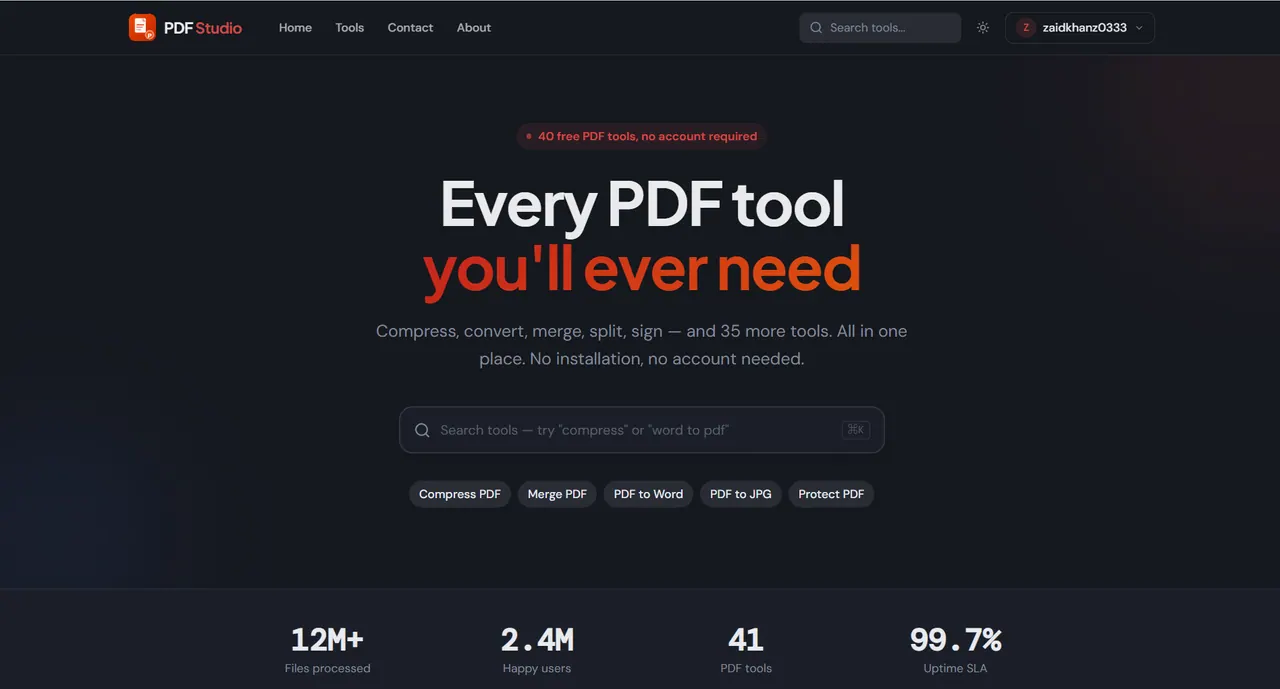
What does PDF Studio do?
PDF Studio is a free, browser-based PDF toolkit for everyday document work. Use it to compress PDFs, merge multiple files into one, split out specific page ranges, and organize page order—all from a page in your browser.
Beyond basic management, PDF Studio helps you convert PDFs to common formats like Word, Excel, PowerPoint, and images (JPG/PNG). You can also convert in the other direction, turning Word, Excel, PowerPoint, JPG/PNG, and HTML files into PDFs. For document cleanup and control, it includes editing and protection options such as redaction, unlocking/protecting PDFs, and adding digital signatures.
The tools are designed for speed and straightforward workflows, with most operations completing in under 10 seconds and no queues. It’s privacy-focused: your files are processed locally in your browser with no uploads, no storage, and no sharing.
PDF Studio is built to work on any device and any browser, so it’s useful for students, freelancers, and teams that need reliable PDF handling without installing desktop software. There are 40 free PDF tools available, and you don’t need an account to use them.
Do I need an account to use PDF Studio?
No—PDF Studio offers 40 free PDF tools with no account required.
Are my files uploaded when I use the tools?
No. Your files are processed locally in your browser, with no uploads, storage, or sharing.
How fast are PDF Studio operations?
Most operations complete in under 10 seconds, with no queues or waiting.
What kinds of PDF tasks can I do?
You can manage PDFs (compress, merge, split, organize), convert between PDF and formats like Word/Excel/PowerPoint and images, and apply features like edit, redact, protect, and sign.
Which conversions are supported?
Common conversions include PDF to Word/Excel/PowerPoint/JPG/PNG/HTML, and Word/Excel/PowerPoint/JPG/PNG/HTML to PDF.
Does PDF Studio require installing software?
No. Open the tool in your browser and start working on any device and any browser.
This listing is claimed
Own PDF Studio? Sign in with the email used to claim it to manage this listing, or upgrade to Pro for featured-first placement and a newsletter feature.