
Pally
Verified
AI Productivity Tools
Text Pally like a chief of staff—an AI assistant that organizes your inbox, calendar, tasks, and follow-ups across your favorite apps.
- Pricing
- Freemium
- Category
- Productivity
- Listed
- Sep 28, 2026
- Updated
- Sep 29, 2026
Promoted
 Sidrune AI85% off. Stable Claude API for agent developers. Pay as you go. Invoices & refunds available.
 Pixmax.aiPixmax.ai is an all-in-one AI workspace for videos, visual stories, and marketing content.
 SEOify - Improve your SEO & rankingsBuild links to rank in Google. Improve your DR with links you can start building now.Advertise here270,000+ people visit Dang.ai every month.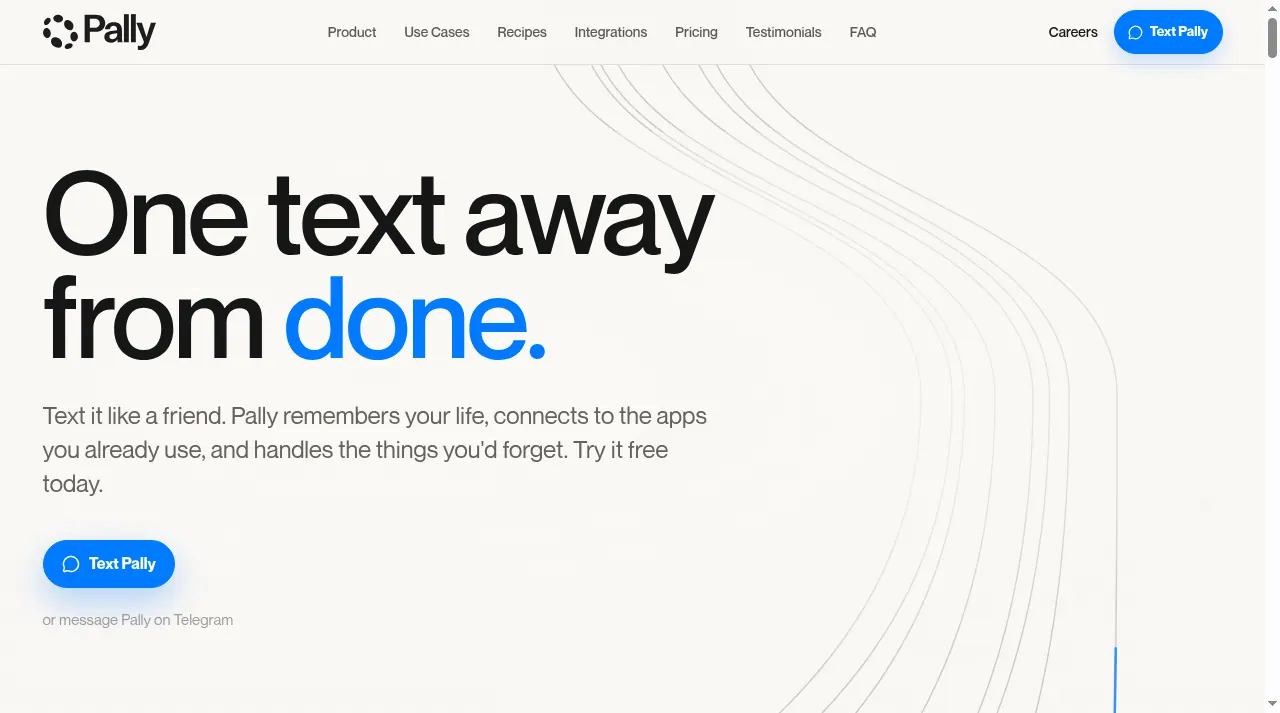
What does Pally do?
Pally is an AI personal assistant you text. It remembers your life, follows up at the right time, drafts replies, and helps you stay on top of the details you’d otherwise forget—without switching tools.
Connect Pally to the apps you already use (like iMessage, WhatsApp, Gmail, Outlook, Slack, Google Calendar, Drive, Notion, Linear, and more). In one simple conversation, Pally triages messages, turns threads into next steps, schedules plans, and keeps work and life moving.
Pally is available as a text-first experience, plus a Mac companion app for quick capture, daily briefings, and notifications. You can start free, then upgrade in chat for heavier use as your needs grow. An MCP server is available at agent.pally.com/mcp.
How do I use Pally?
Just text Pally what you need. It can sort messages, draft replies, and turn loose threads into tasks and reminders—so you can get to “done” from the same conversation.
Which apps can Pally connect to?
Pally can connect to tools including iMessage, WhatsApp, Gmail, Outlook, Slack, Google Calendar, Drive, Notion, Linear, and more. The free plan includes connecting 3 apps.
Can Pally help me respond to messages?
Yes. Pally triages what needs attention, drafts replies in your voice, and can suggest your next best action so you can review and move forward.
How does Pally handle scheduling and tasks?
Pally can schedule your day, create tasks and reminders from your messages, and send important alerts from your connected apps so key items don’t slip.
Can Pally book or make changes on my behalf?
Pally can complete bookings and purchases on the web and handle correspondence, but it works with your approval when taking actions.
Is Pally available beyond texting?
Yes. You can also use a Mac companion app for quick capture, daily briefings, and notifications, alongside messaging in tools you already use.
This listing is claimed
Own Pally? Sign in with the email used to claim it to manage this listing, or upgrade to Pro for featured-first placement and a newsletter feature.