
Online Whiteboard
Verified
Online Webinar
Create and share instant online whiteboards for real-time visual collaboration—free and ready to use on any device.
Promoted
 RewindType any X/Twitter handle. Get their year back as a narrated video story. Then ask it anything.
 KurodyneSell the tools from your AI side projects. Listing is free.
 Sidrune AI85% off. Stable Claude API for agent developers. Pay as you go. Invoices & refunds available.
 Pixmax.aiPixmax.ai is an all-in-one AI workspace for videos, visual stories, and marketing content.
 SEOify - Improve your SEO & rankingsBuild links to rank in Google. Improve your DR with links you can start building now.Advertise here270,000+ people visit Dang.ai every month.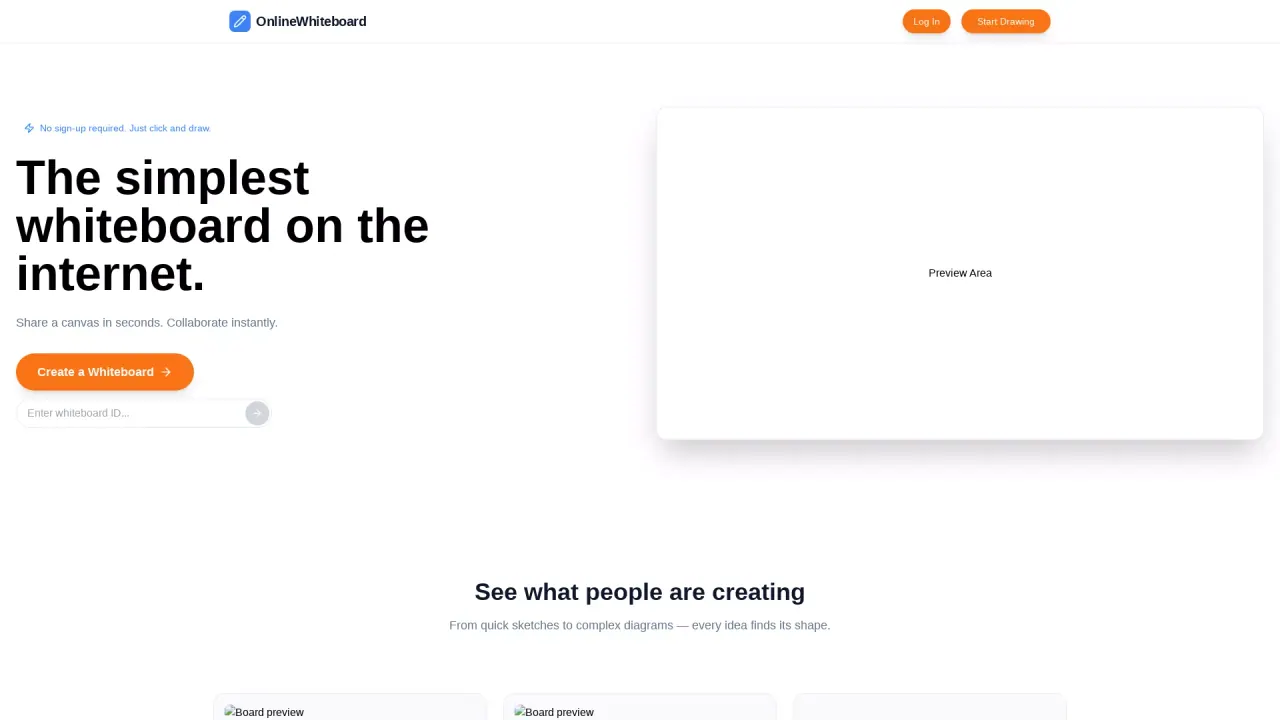
What does Online Whiteboard do?
Online Whiteboard is a simple web-based canvas for drawing, writing, and collaborating in real time. Create a fresh, private board with a single click, then share a unique link so others can join immediately—no setup delays or installations required.
The workflow is straightforward: generate a new online whiteboard link, copy the URL, and send it via chat, email, or any messaging platform. Once people open the link, they can start sketching and building ideas together right away. Collaboration updates in real time, making it easy to workshop concepts, teach live, or plan together with minimal friction.
It’s built for people who think visually, including teachers running interactive remote classes, remote teams discussing ideas and diagrams, and learners who want an easy way to practice or get support. Use it to solve math problems, diagram chemistry concepts, create architecture diagrams, sketch UI wireframes, or do quick brain dumps—directly from a laptop, tablet, or phone.
Online Whiteboard is completely free, with fast loading and mobile-friendly access.
How do I create an online whiteboard?
Click one button to generate a new, unique online whiteboard link instantly. The board is ready to use right away.
How do others join the whiteboard session?
Copy the board URL and share it through any chat app, email, or messaging platform. Anyone with the link can join instantly.
Can multiple people draw on the same board at the same time?
Yes. Real-time collaboration lets multiple users draw, write, and edit simultaneously so everyone can build ideas together.
Do I need to install software to use Online Whiteboard?
No. It runs in a web browser, so you can access it from a laptop, tablet, or phone without downloads or installs.
Is Online Whiteboard free to use?
Yes—Online Whiteboard is completely free, including the core ability to create, share, and collaborate on boards.
What can I use it for besides meetings?
Common uses include remote teaching, tutoring, brainstorming, planning, and creating diagrams like math solutions, chemistry diagrams, architecture sketches, and UI wireframes.
This listing is claimed
Own Online Whiteboard? Sign in with the email used to claim it to manage this listing, or upgrade to Pro for featured-first placement and a newsletter feature.