
Omni Flash
AI Marketing Tools
Generate AI videos in your browser with Omni Flash, using Google-powered text-to-video and image-to-video for ads, shorts, and demos.
- Pricing
- Free
- Category
- Marketing
- Listed
- Jun 7, 2026
- Updated
- Jun 8, 2026
Promoted
 Sidrune AI85% off. Stable Claude API for agent developers. Pay as you go. Invoices & refunds available.
 Pixmax.aiPixmax.ai is an all-in-one AI workspace for videos, visual stories, and marketing content.
 RewindType any X/Twitter handle. Get their year back as a narrated video story. Then ask it anything.
 KurodyneSell the tools from your AI side projects. Listing is free.
 SEOify - Improve your SEO & rankingsBuild links to rank in Google. Improve your DR with links you can start building now.Advertise here270,000+ people visit Dang.ai every month.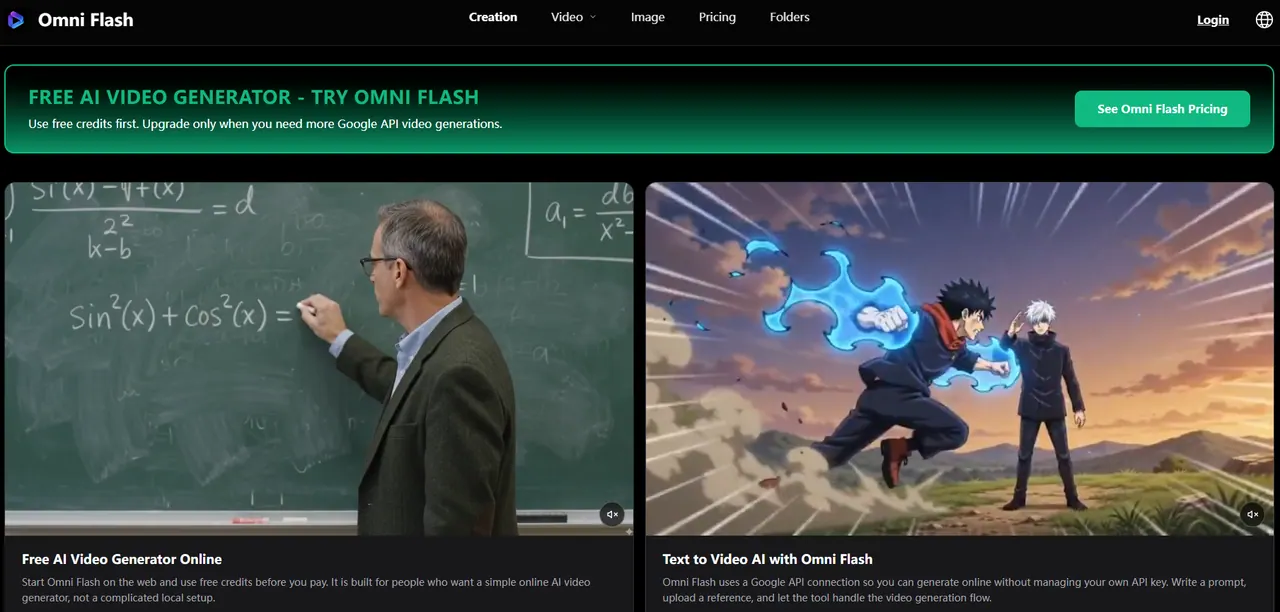
What does Omni Flash do?
Omni Flash is a free online AI video generator powered by a Google API connection. Create short videos without installing software: enter a plain prompt and generate video directly in your browser.
Use text-to-video for quick ideas like ads, product demos, shorts, tutorial snippets, or motivational messages. You can also add an image or reference clip to help the video follow your subject, style, and motion.
Omni Flash supports common vertical and horizontal formats (16:9 and 9:16) so you can draft content for landing pages, YouTube, TikTok, and Instagram. Start with free credits, then upgrade when you need more Google API generations.
What is Omni Flash?
Omni Flash is a free online AI video generator that turns text prompts and optional image or reference clips into short videos using a Google API connection.
Do I need to install anything to use Omni Flash?
No. Omni Flash runs in your browser, so you can sign in, generate, preview, and download without local software setup.
How do I make a video with Omni Flash—text-to-video or image-to-video?
Use text-to-video by writing a prompt, or use image-to-video by adding an image (and optionally a reference clip) to guide the subject and style. You can iterate by adjusting your prompt for different results.
What video sizes does Omni Flash support?
Omni Flash generates videos in 16:9 and 9:16, which are commonly used for widescreen content and vertical shorts.
How does free credit usage work?
New users can start with free credits to test generations. Upgrade only when you need more Google API video generations.
What kinds of videos is Omni Flash best for?
Omni Flash is geared toward everyday creator needs like ad drafts, product demos, social shorts, simple explainers, and quick video edits.
This listing is claimed
Own Omni Flash? Sign in with the email used to claim it to manage this listing, or upgrade to Pro for featured-first placement and a newsletter feature.